65 Mega-800 SCINCO
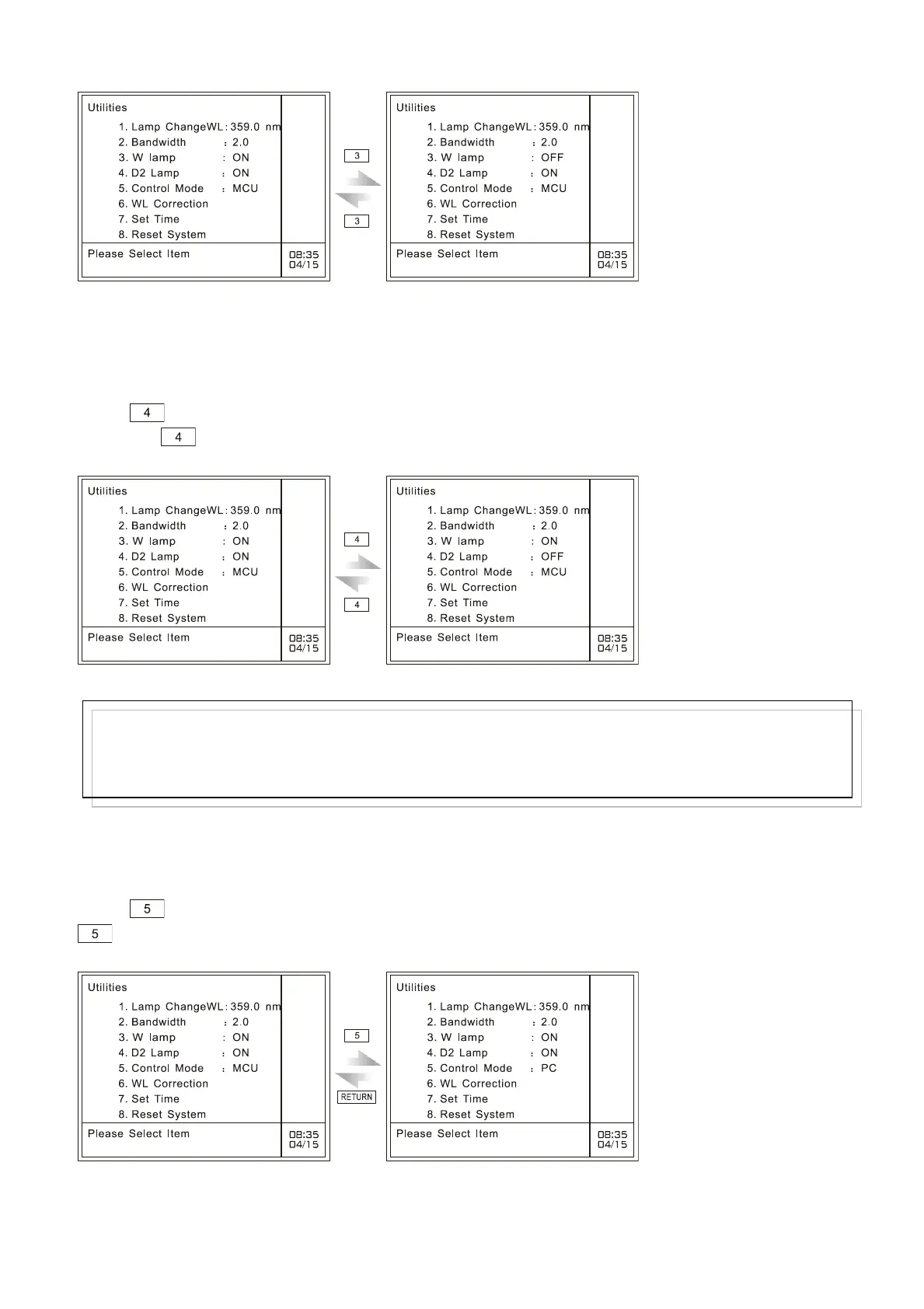
Fig. 7.4 Set tungsten lamp On/Off
7.5 Set deuterium lamp On/Off
Press key to gain access to deuterium lamp on/off setting page. On and Off can be changed in
turn when key is pressed each time, as shown in Fig. 7.5:
Fig. 7.5 Set deuterium lamp On/Off
7.6 Set control mode
Press key to change control mode between PC mode and MCU mode. Each time you press
, PC mode and MCU mode will change alternatively, as shown in Fig. 7.6:
Fig. 7.6 Set control mode
MCU means the instrument operating in MCU mode. When you choose PC mode, it will quit utilities
Note:
When the user turns on the deuterium lamp, the system will display “System busy”. When it prompts
the user with “Please select item”, the deuterium lamp has been ignited.



 To Next Page