32 Mega-800 SCINCO
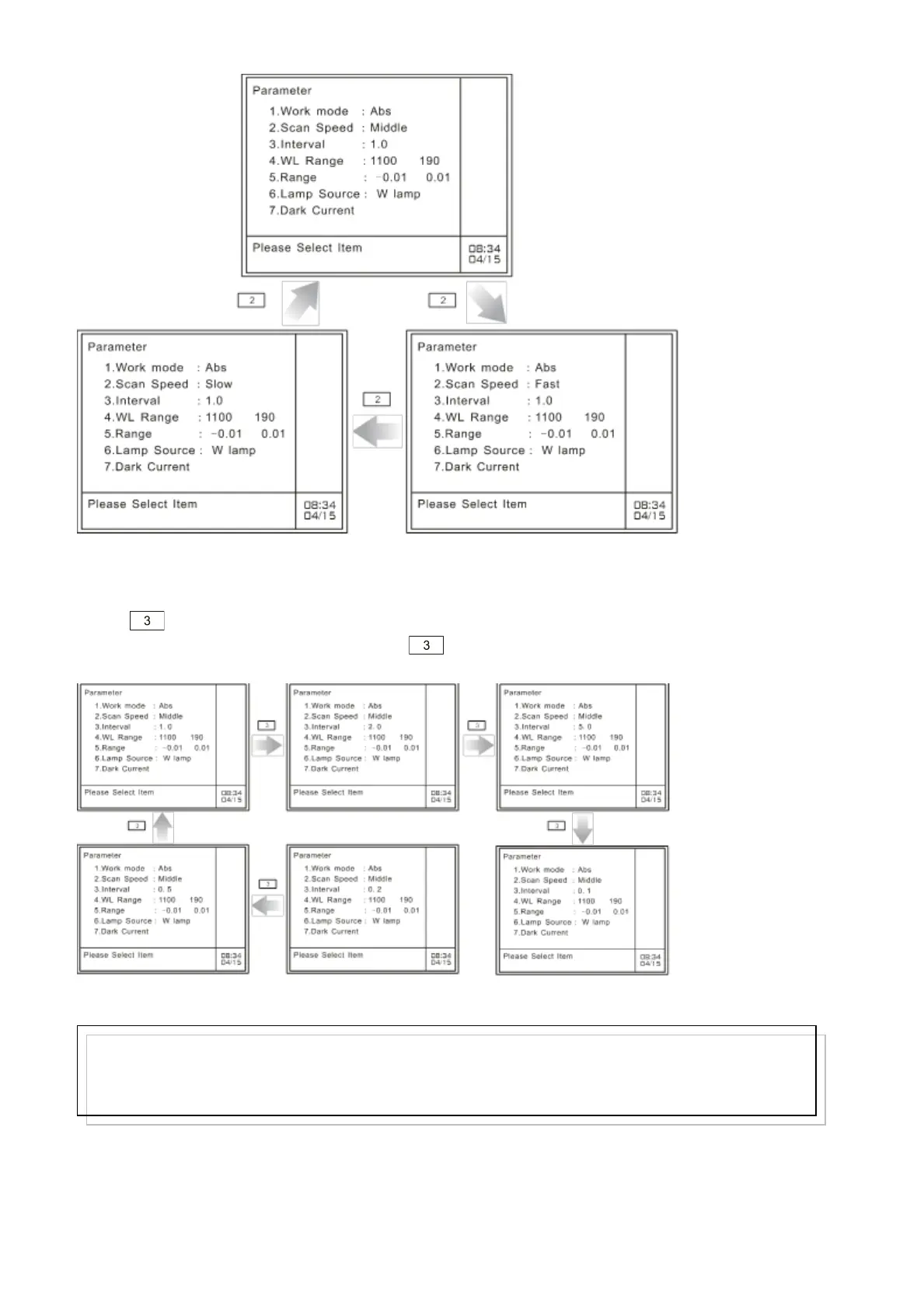
Fig. 4.5 Set scanning speed
4.2.3 Set scanning speed
Press key to set sampling interval. You have 6 choices: 0.1nm, 1nm, 2nm, 0.1nm, 0.2nm or
0.5nm, which can be selected in turn when key is pressed.
Fig. 4.6 Set sampling interval
4.2.4 Set wavelength range
Note:
A maximum of 910 points can be stored for one spectrum, so the product of sampling interval and
wavelength range should be less than 910. If exceeds, it will promopt the user with the information ―WL
range don’t match interval‖. You should then input sampling interval again.



 To Next Page