48 Mega-800 SCINCO
The user should perform blank correction before measuring standards absorbance. Put
the blank into the No. 1 cell, and then press key to perform autozero.
After autozero, press key in the parameters setting page to measure the
absorbance, as shown in Fig. 5.15. Put the standards into the No. 1 sample cell, and then
press key to measure the current standards absorbance. After measurement,
the result will be displayed and the system will prompt the user with the information
―Please Select Item‖.
④ Construct calibration curve
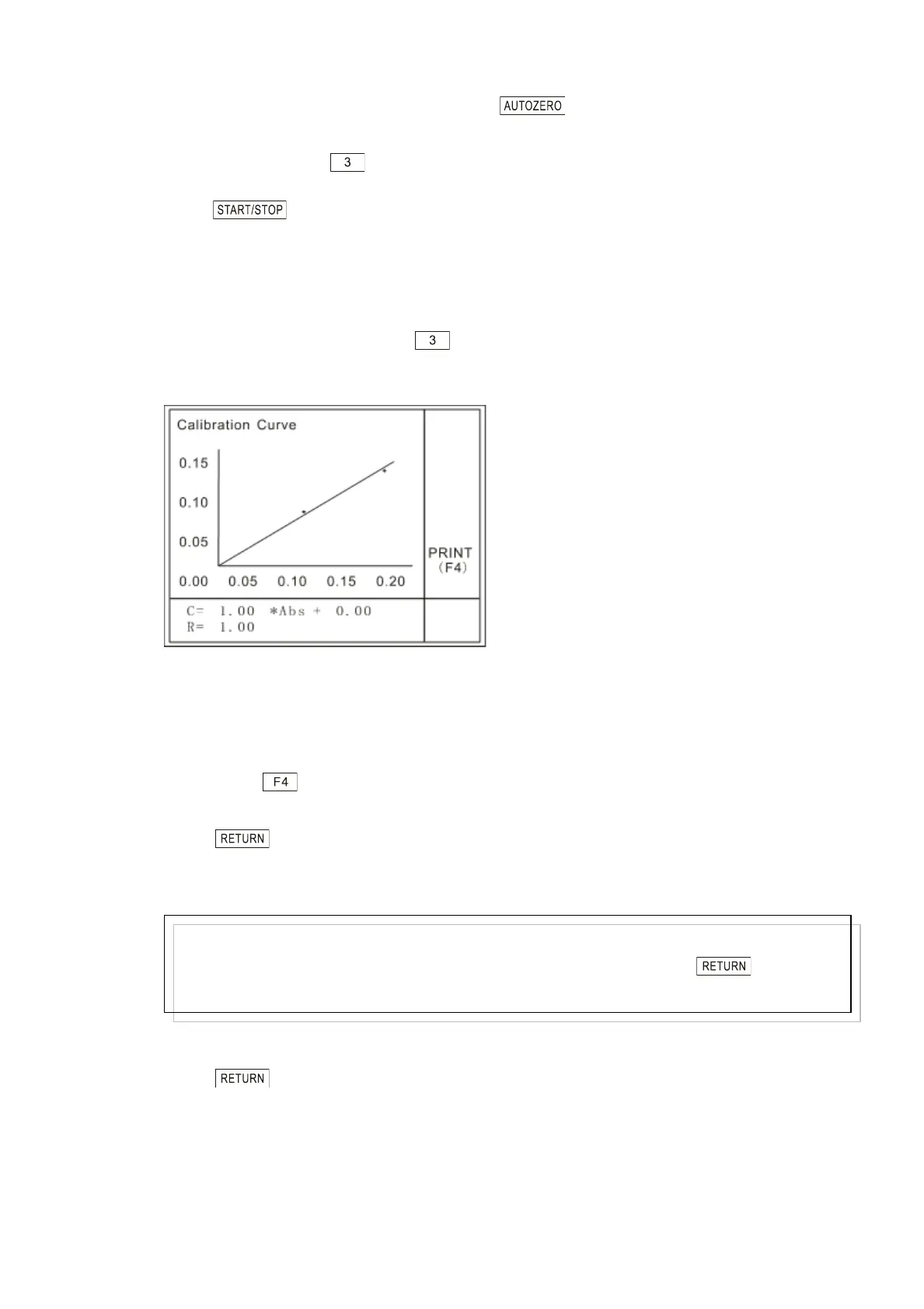
After the standards setup, press key on the parameters setting page of standards
method to construct the calibration curve, as shown in Fig. 5.16. Note: it will clear the
earlier calibration!
Fig. 5.16 Calibration curve display
The abscissa in the above figure is the absorbance value and the ordinate is the
concentration value. The calibration curve expression will be displayed at the bottom of the
page. Press key to printout (Please refer to 3.8 Printout).
Press key on the calibration curve display page to return to the parameters
setting page. And the calibration curve expression will be displayed under the ―Curve
Parameter‖.
⑤ Quit calibration curve parameters setting
Press key to quit calibration curve parameter setting, and return to parameter
setting page.
5.4 Sample control
Note:
If the standards setup does not meet the requirements of constructing a calibration curve,
the system will prompt the user with “ Data Range Error, Retry.” Press key then to
reset the parameters.



 To Next Page