29 Mega-800 SCINCO
Chapter 4 Spectrum scanning
This mode allows the user to measure the absorbance, transmittance, energy of the measured
sample (Es), and energy of reference (Er) in a certain wavelength range.
4.1 Gain access to spectrum mode
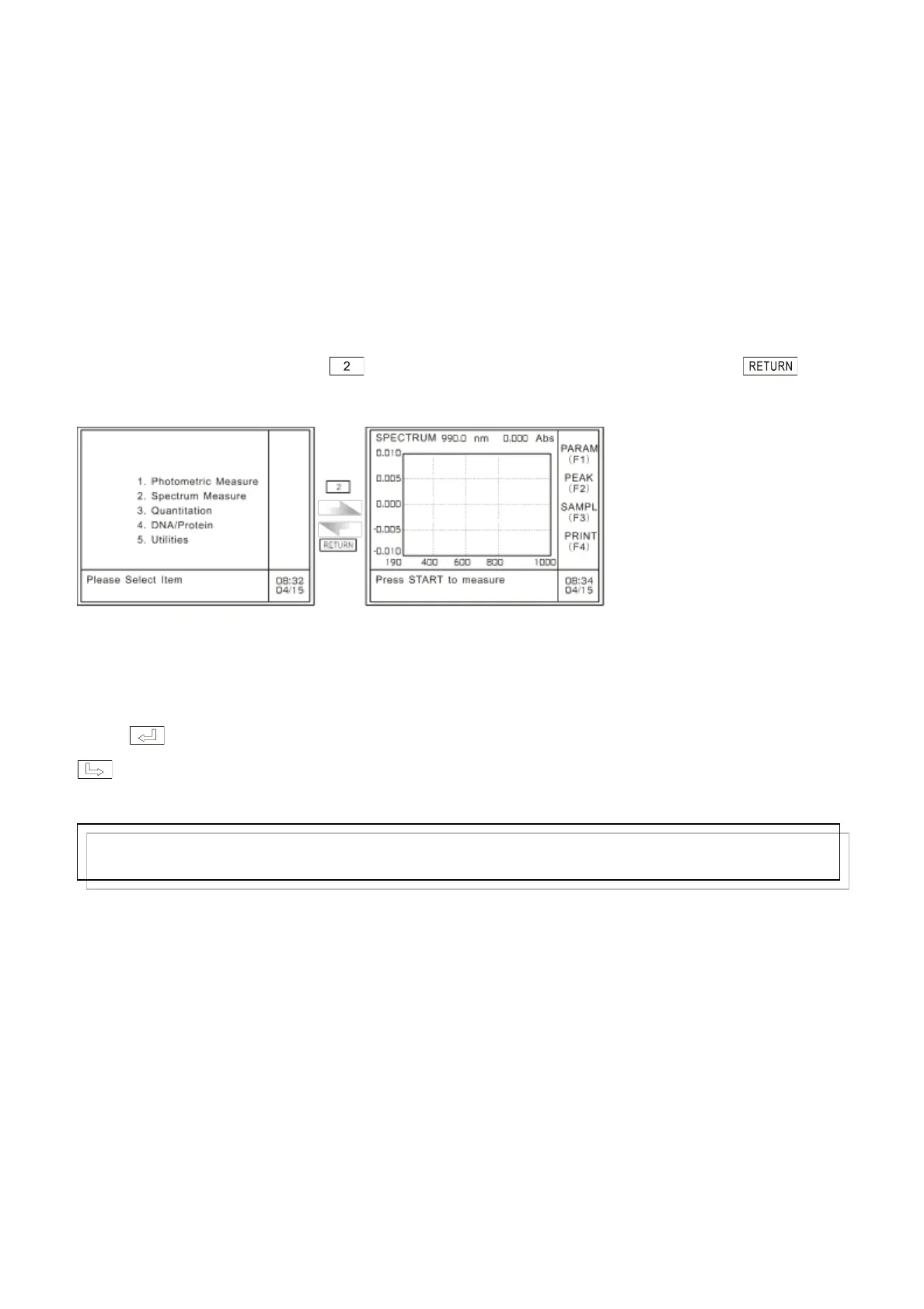
In the case of main menu, press key to gain access to the spectrum mode, press
to return to the main menu, as shown in Fig. 4.1:
A: Main menu B: Specturm mode
Fig. 4.1 Gain access to spectrum mode
When you exit the spectrum mode, the system will prompt the user with the information ―Delete
all the data? (YES: ENTER, NO: CE)‖.
Press ,it will return to the main menu and the measurement data will be lost. Press
,it will return to the photometric mode, and it will prompt ―presss START to measure‖, then
you can continue on spectrum measurement.
The following paragraphs introduce the main menu of spectrum mode:
Note:
Please print out the measurement data before returning to the main menu, otherwise, the data will be lost.



 To Next Page