69 Mega-800 SCINCO
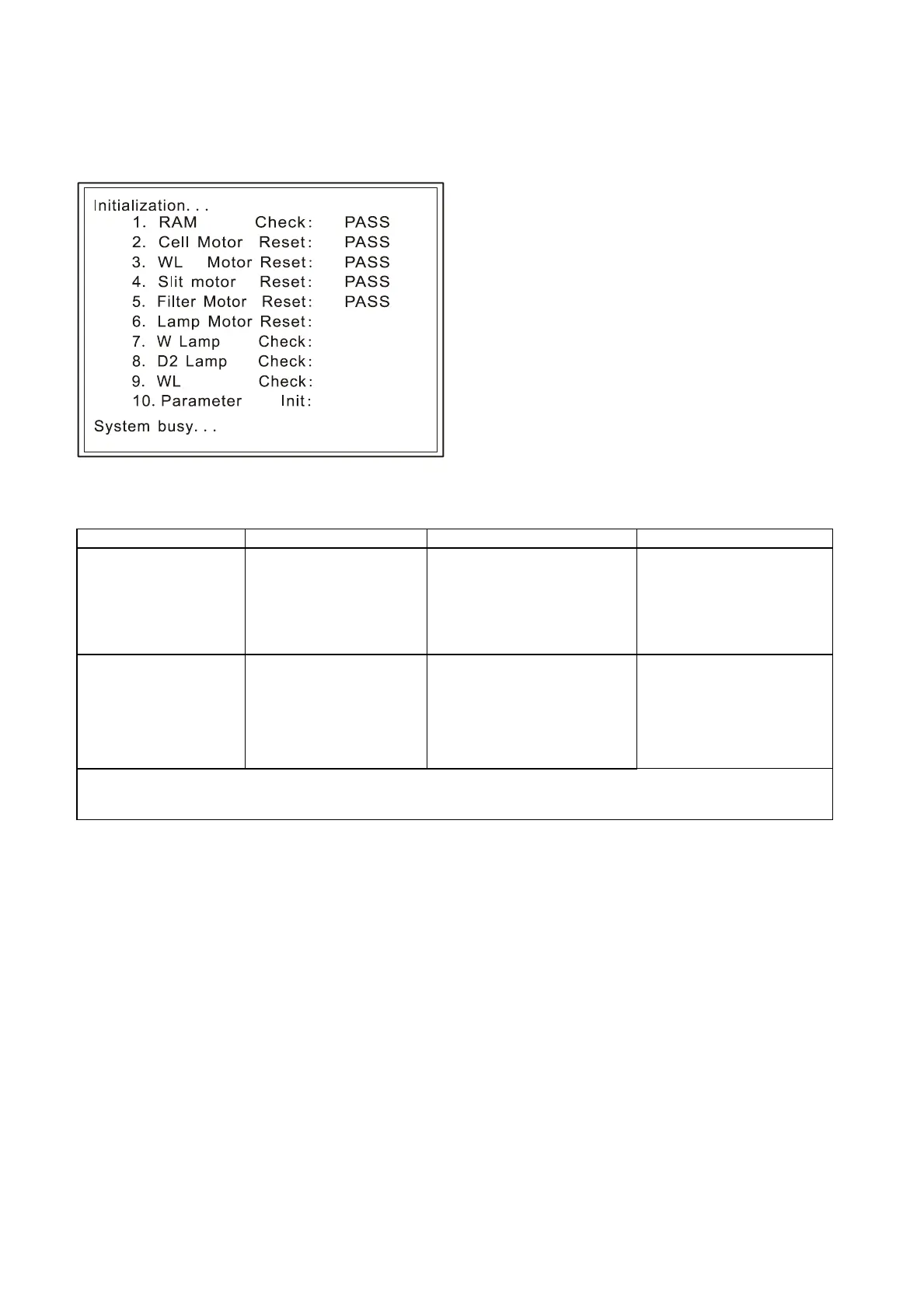
information after each operation has completed. If no abnormality is detected, it displays ―OK‖. If an
abnormality is detected, it displays ―Err‖ and asks whether the initialization continues or not. The user
can know the status of instrument after finishing the initialization.
Fig. 8.1 Initialization
Table 8-1
The instrument does
not operate at all,
after the power is
turned on.
Power cable is not
securely connected;
Fuse is blown;
Circuit failure.
Check the power cable;
Check the fuse;
Check the instrument.
Connect it securely;
Replace the fuse (2A);
Contact our service
personnel.
Spectrum cannot be
printed out.
Printer failure;
CPU failure.
The connection cable
loosen
Check printer;
Check CPU board.
Check the connection cable
A)-B): Contact our service
personnel.
C) Connect the
connection cable
securely;
Initialization abnormality:



 To Next Page