4. Perform the Learn Panel function on the panel GUI. Buzzer activation occurs when performing the Learn
Panel function.
Buzzer activation during the Autolearn Panel function is part of configuration process. Once Autolearn is
complete, the panel will initialize loop devices with the default settings.
5. Once device initialization is complete, address any outstanding troubles that may be reported.
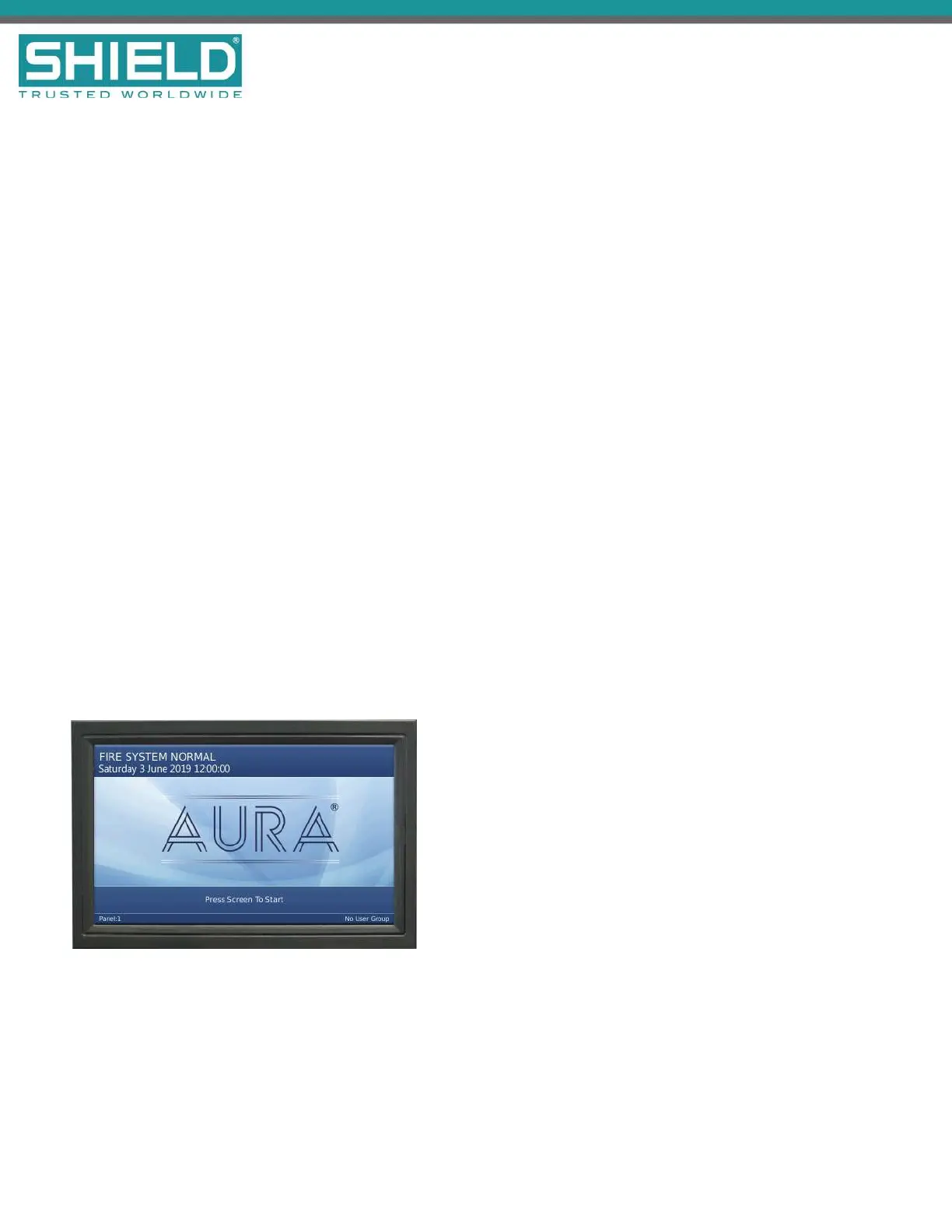
6. Confirm that the Fire System Normal condition is displayed following the booting cycle.
A “comms time-out” trouble occurs following the booting sequence when the Aura Fire Alarm
ControlPanel includes a network card. Reset the panel in Access Level 2 of the menu to obtain the Fire
System Normal condition when this trouble condition occurs.
7. Test and verify that all inputs and outputs operate as intended and in accordance with NFPA 72
guidelines.
Testing the Panel GUI
Perform the following tests to confirm proper operation of the buzzer, panel GUI, indicator lamps, and the fire
control panel system.
The Fire System Normal screen displays when the Aura Fire Alarm ControlPanel is operating properly and
indicates that the installation was successful. Determine that the Fire System Normal condition is visible on the
panel GUI before initiating the Panel Tests. Fire System Normal condition is displayed following the booting
cycle and occurs when trouble conditions are not reported.
Panel Tests
Panel Tests are provided through the No User Group of the panel GUI. No User Group contains a limited set
of operations and does not require password authorization to initiate. The No User Group menu is immediately
SHIELD Fire, Safety & Security Ltd
Aura Fire Alarm Control Panel Installation Manual
Version 1.00 |June 2019 |MAN-1431VS
Page 48
Installation



 To Next Page