GCMS-QP2010 Series Operation Guide 47
4.5 Printing Qualitative Analysis Reports
4
4.5.3
Outputting Reports
1
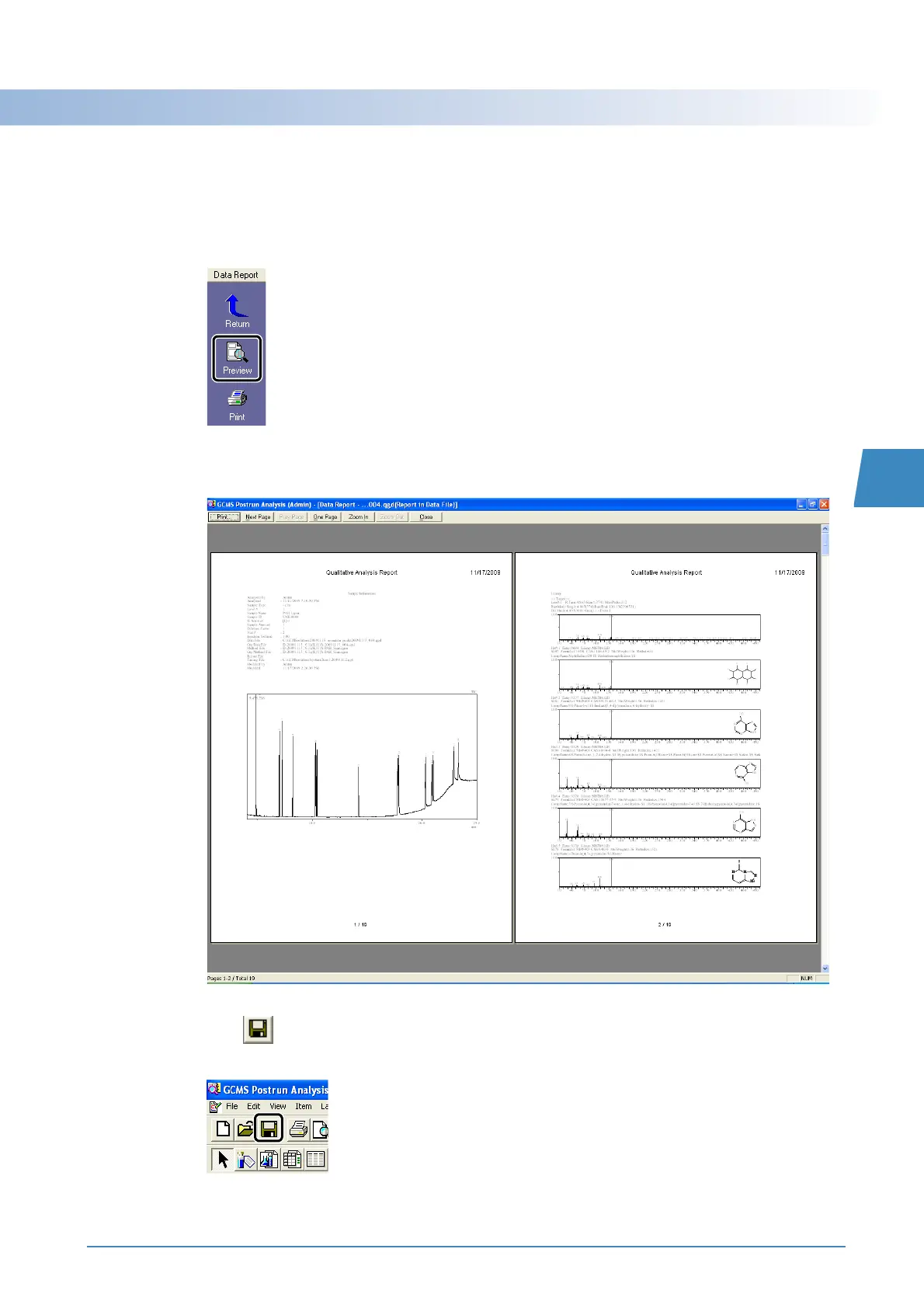
Click the [Preview] icon on the [Data Report] assistant bar.
The print preview window opens.
2
After checking the report content, click [Print] to print the report.
3
Click (Save) on the toolbar.
The report is saved as part of the data file.



 To Next Page
 Loading...







