CONFIGURATION 6
8027311 / V1-0/2022-04|SICK
Subject to change without notice
OPERATING INSTRUCTIONS|TDC-E (Telematic Data Collector)
6 Configuration
Only qualified personnel are permitted to commission and operate the TDC-E.
• Qualified persons have the specialist training, skills, experience and knowledge of the
relevant regulations and standards needed to be able to perform work assigned to
them and to identify and avoid any potential dangers independently.
• Electricians have the professional training, skills, experience and knowledge of the
relevant standards and provisions needed to work on electrical systems and to detect
and avoid any potential dangers independently.
6.1 Preparing for configuration
▸
Establish the voltage supply for the TDC-E.
The operating system and Docker containers start up.
• The device is ready for operation in the delivery state with five pre-installed applications
approx. 180 seconds after it is started up.
If additional containers have been created by the customer, the start-up time will
increase accordingly.
• During a reboot via the TDC-E Device Manager (see also section 7.2.1 System), all
applications are first shut down. The operating system and containers are then
restarted.
A reboot takes about 180 seconds.
▸
Check the operational status of the TDC-E using the status indicators.
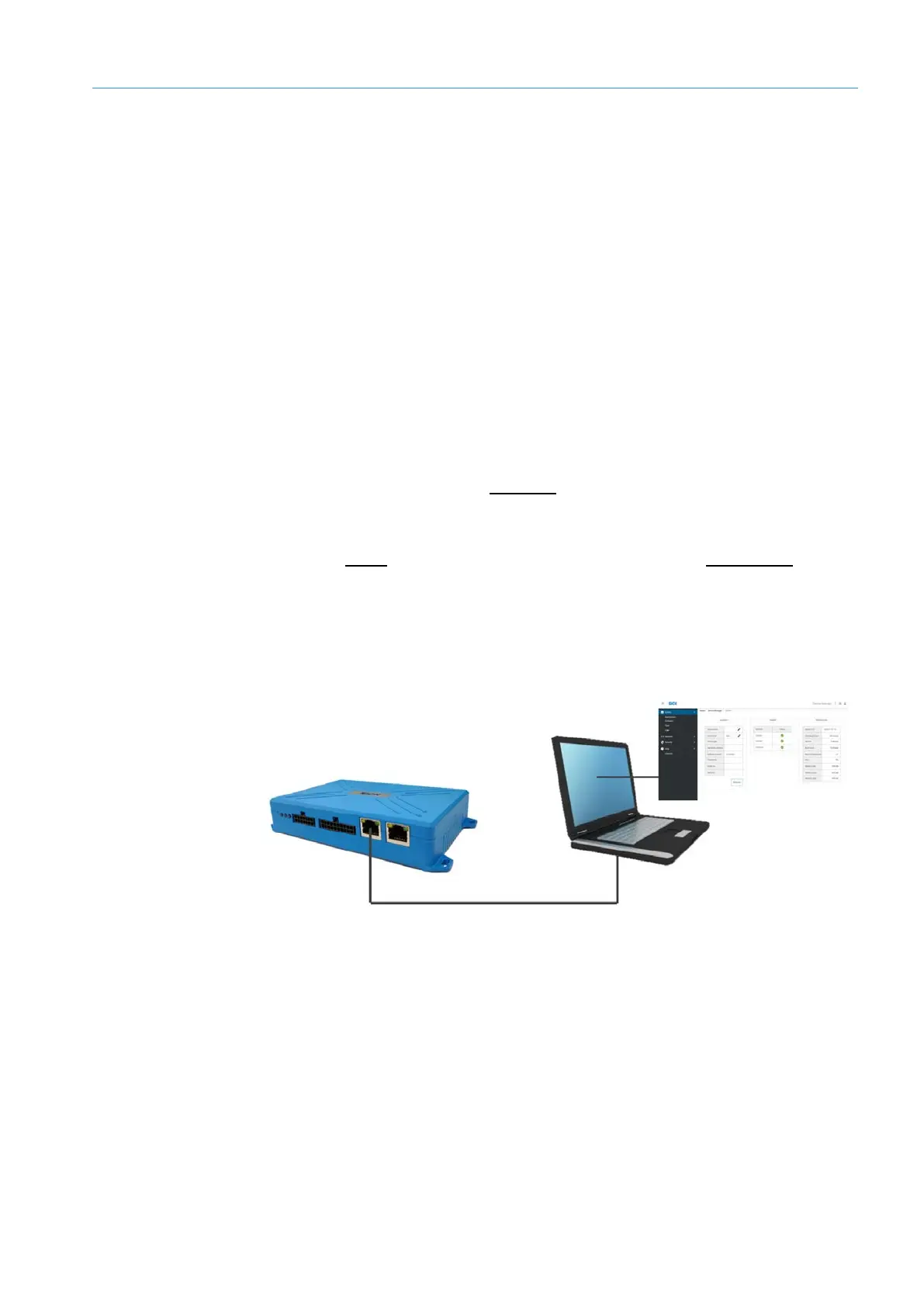
Fig. 22: Configuration via web browser
• The TDC-E is configured via a computer that has a web browser installed and is
connected to the TDC-E via Ethernet.
NOTE We recommend using Google Chrome.
Starting the TDC-E
Configuration via
web browser



 To Next Page