CONFIGURATION OF THE DEVICE SETTINGS 7
8027311 / V1-0/2022-04|SICK
Subject to change without notice
OPERATING INSTRUCTIONS|TDC-E (Telematic Data Collector)
▸
Click on Save. The user will be listed in the list of users. It does not have any
permissions yet.
7.5.2 Assigning user role
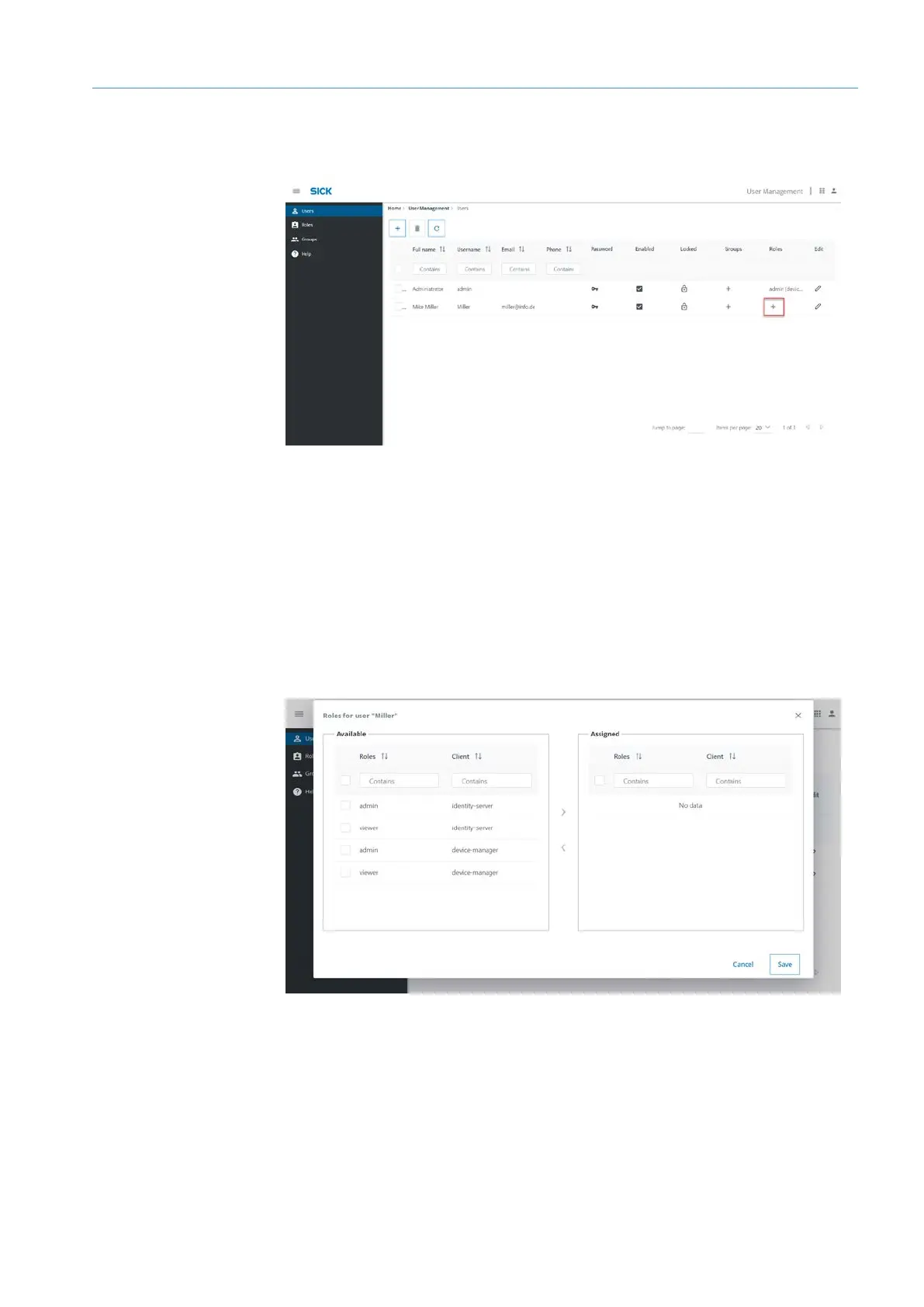
Theres is a difference between admin and viewer role types. The roles are assigned
separately for the Device Manager (client = device-manager) and the login server (client =
identity-server).
▸
Click on the plus sign in the user line.
▸
In the Roles for user... select one or more roles under Available and assign them with
the arrow key.
▸
Click on Save.
Two different roles are available, each of type admin and viewer. Users of type viewer
have read-only access.
• identity-server: Access to the user administration.
• device manager: Access to the Device Manager.
Making
assignment
Roles



 To Next Page