8 CONFIGURING THE CONNECTION SETTINGS
8027311 / V1-0/2022-04|SICK
OPERATING INSTRUCTIONS|TDC-E (Telematic Data Collector)
Subject to change without notice
8.2.2 Analog inputs
▸
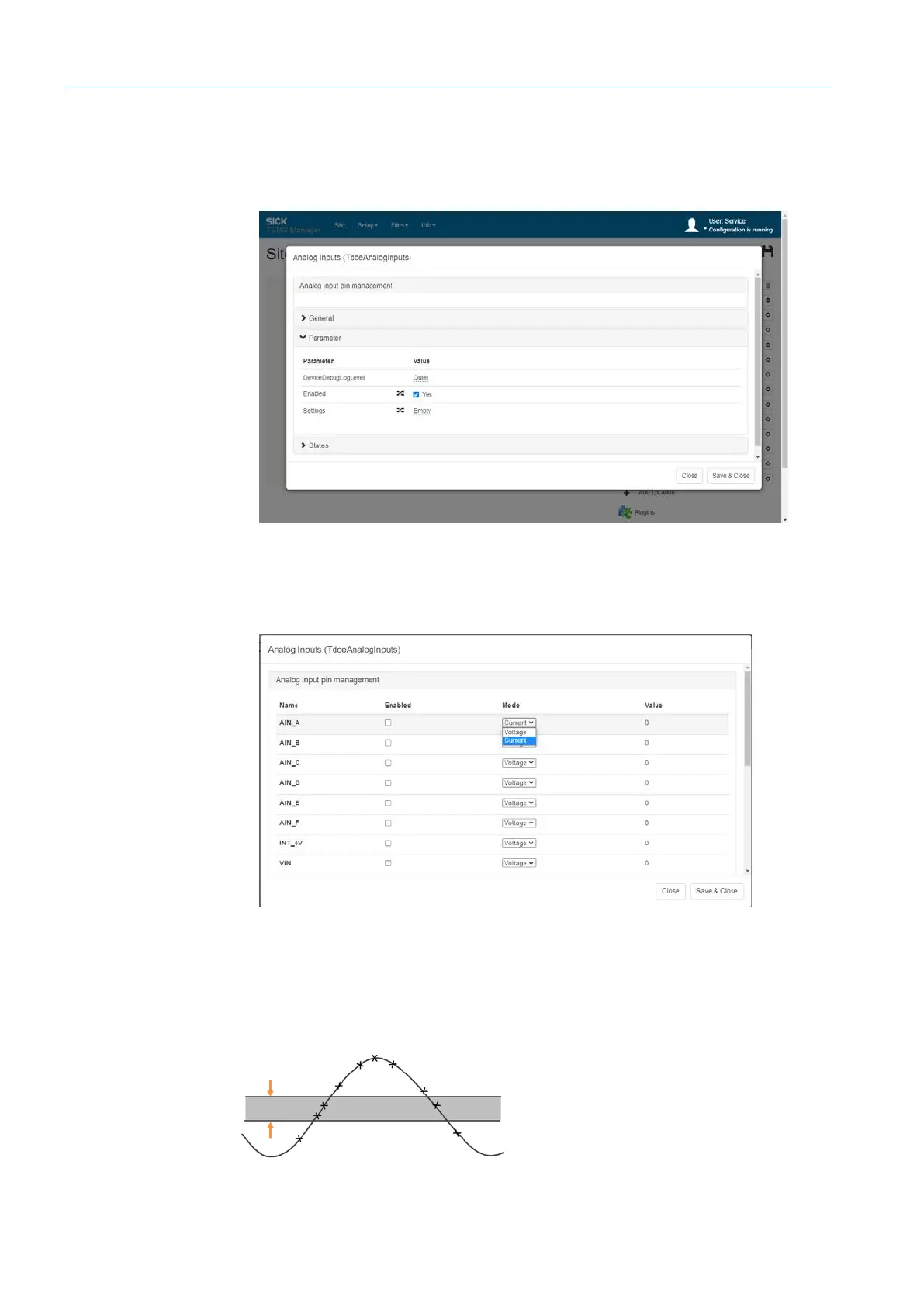
Open the Analog Inputs connection parameter via the gear icon.
▸
Activate inputs via the Enabled checkbox.
▸
Save activation and reopen parameters.
▸
Activate the desired inputs and define the signal type in the Mode field.
The analog signal can be supplied as a voltage (VOLTAGE entry) or as an electrical
current (CURRENT entry).
▸
Save configuration with Save & Close.
The currently applied voltage or currently supplied electrical current is displayed under
Value. Analog signals can have any values in a given range for which conditions can
be defined to transmit the signal. For example, it can be specified that the signal value
should only trigger an action if it is within a defined range.



 To Next Page