CONFIGURING THE CONNECTION SETTINGS 8
8027311 / V1-0/2022-04|SICK
Subject to change without notice
OPERATING INSTRUCTIONS|TDC-E (Telematic Data Collector)
8.4 Saving the configuration
The configuration of the interface parameters can be stored on the hard disk of
a computer. The computer must be connected to the TDC-E.
NOTE The site configuration can be saved during a running configuration.
▸
Click the Save the current site configuration icon in the toolbar.
The download dialog box of the browser opens right away.
▸
Specify location. The site configuration is saved in XML file format.
▸
Select Site work area.
▸
Click Load a configuration for starting or editing in the toolbar.
▸
Select configuration file and load configuration.
8.5 Downloading log files
▸
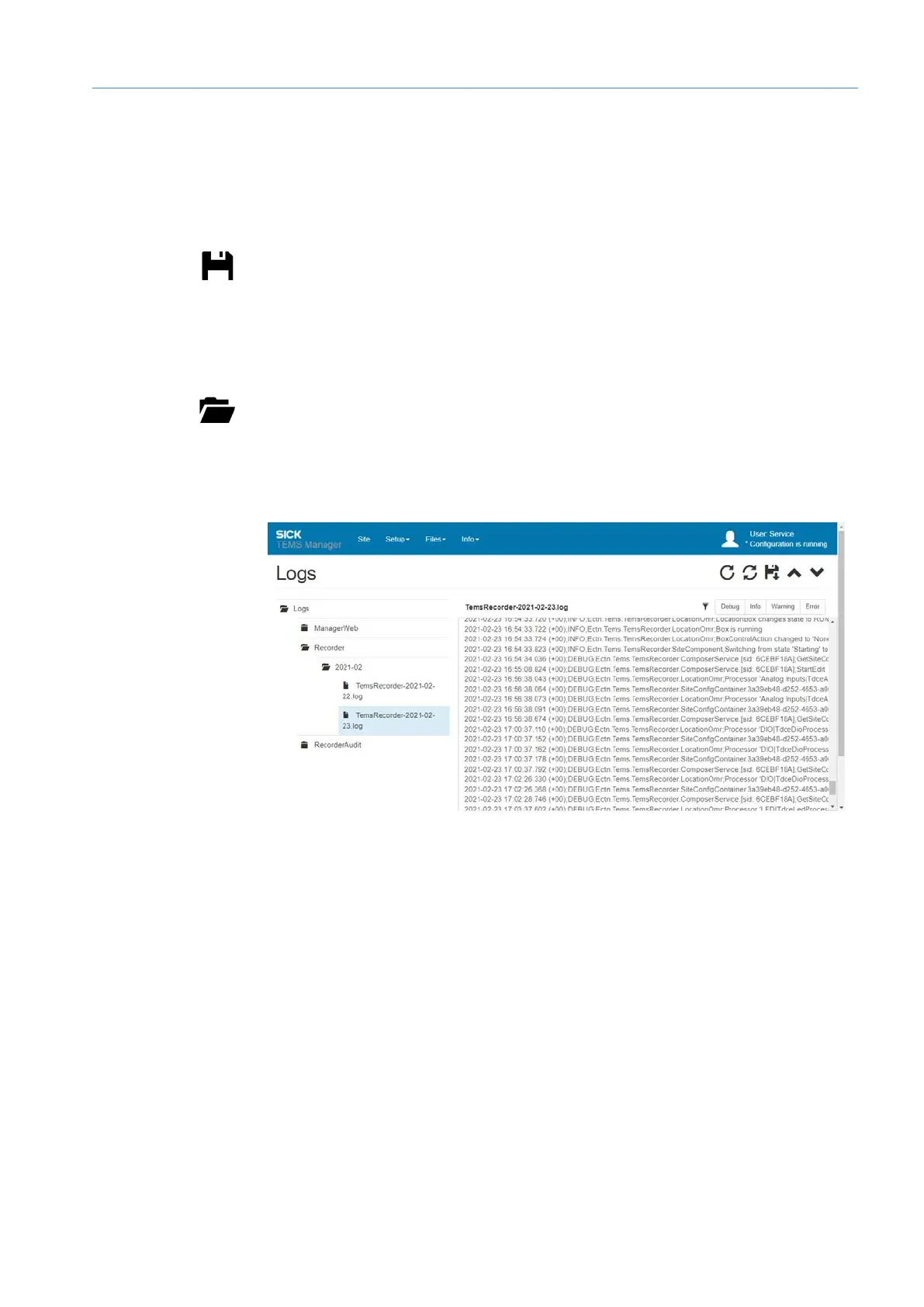
Select Files Logs from the menu bar. Both log types are listed in a tree structure.
▸
Display logs of the respective log types. The logs are sorted by month and date.
The right-hand side of the window shows an excerpt of each logged entry.
Loading
configuration file
Call-up



 To Next Page