8 CONFIGURING THE CONNECTION SETTINGS
8027311 / V1-0/2022-04|SICK
OPERATING INSTRUCTIONS|TDC-E (Telematic Data Collector)
Subject to change without notice
• System actions are documented with the Recorder log type. A separate log file is
created for each day.
• The RecorderAudit log type delivers a list of all login processes and changes to user
rights.
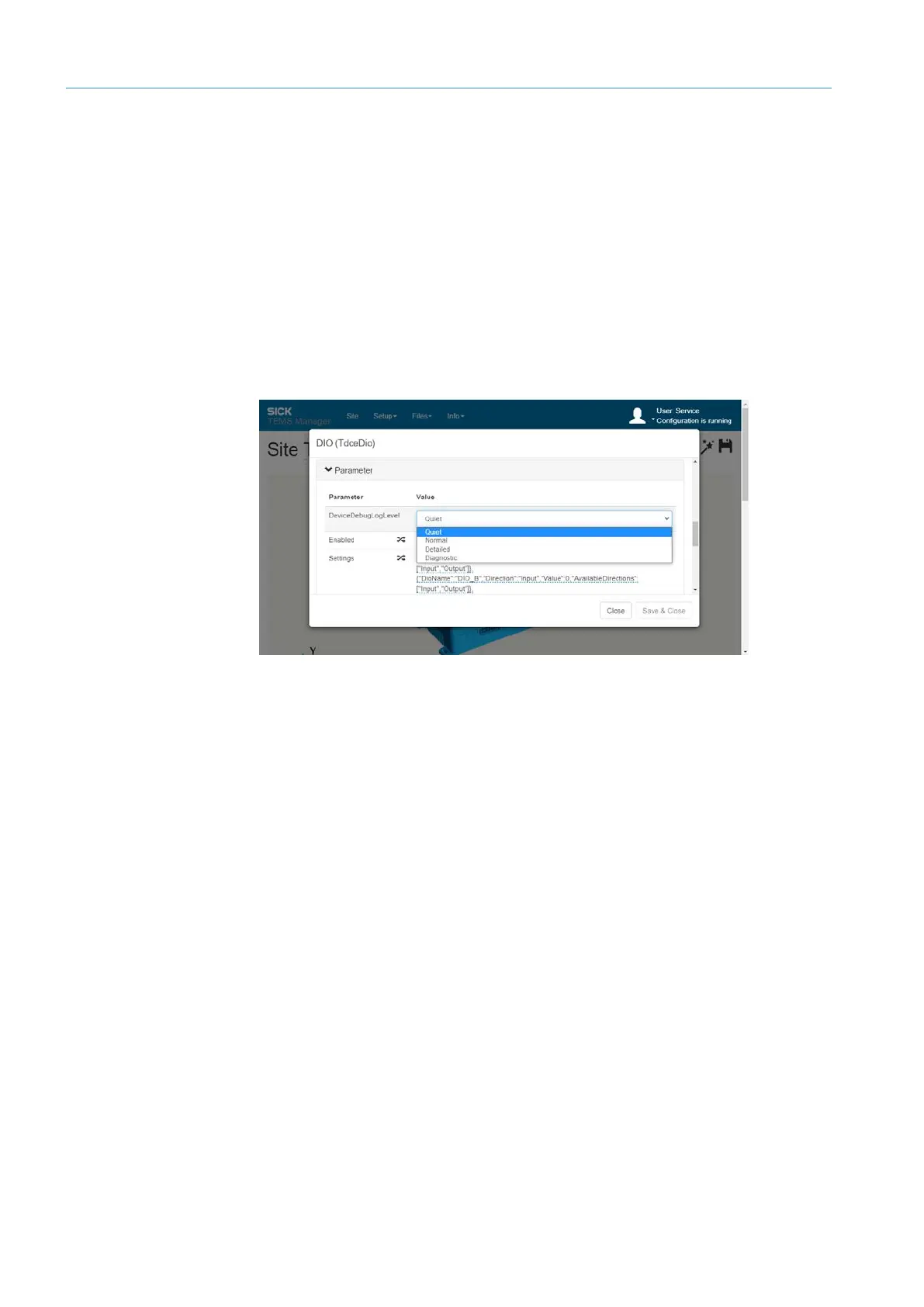
The log entries with the Recorder log type can be saved with a different level of detail.
Support will communicate what level of detail is needed to provide further assistance.
▸
Log in to the Interface Manager with Authorized client permission or higher.
▸
Switch to editing mode.
▸
Click on the gear icon in the navigation area at the interface level.
▸
Select the level of detail advised by Support in the DebugLogLevel parameter.
• All system actions are now written to the log file of the Recorder type with the set level
of detail.
Support will usually ask for the latest version of each log file or a log file containing the
reported fault.
▸
Mark log file of the corresponding log type in the list.
NOTE Reset the level of detail.
Log types
Level of detail of the
log entries
Sending log files



 To Next Page