9 DOCKER CONTAINER MANAGEMENT
8027311 / V1-0/2022-04|SICK
OPERATING INSTRUCTIONS|TDC-E (Telematic Data Collector)
Subject to change without notice
9 Docker container management
9.1 The Portainer
9.1.1 Starting Portainer
The Portainer provides a user interface for managing the TDC-E.
▸
Start the web browser on the configuration PC.
▸
Start configuration with http://192.168.0.100.
▸
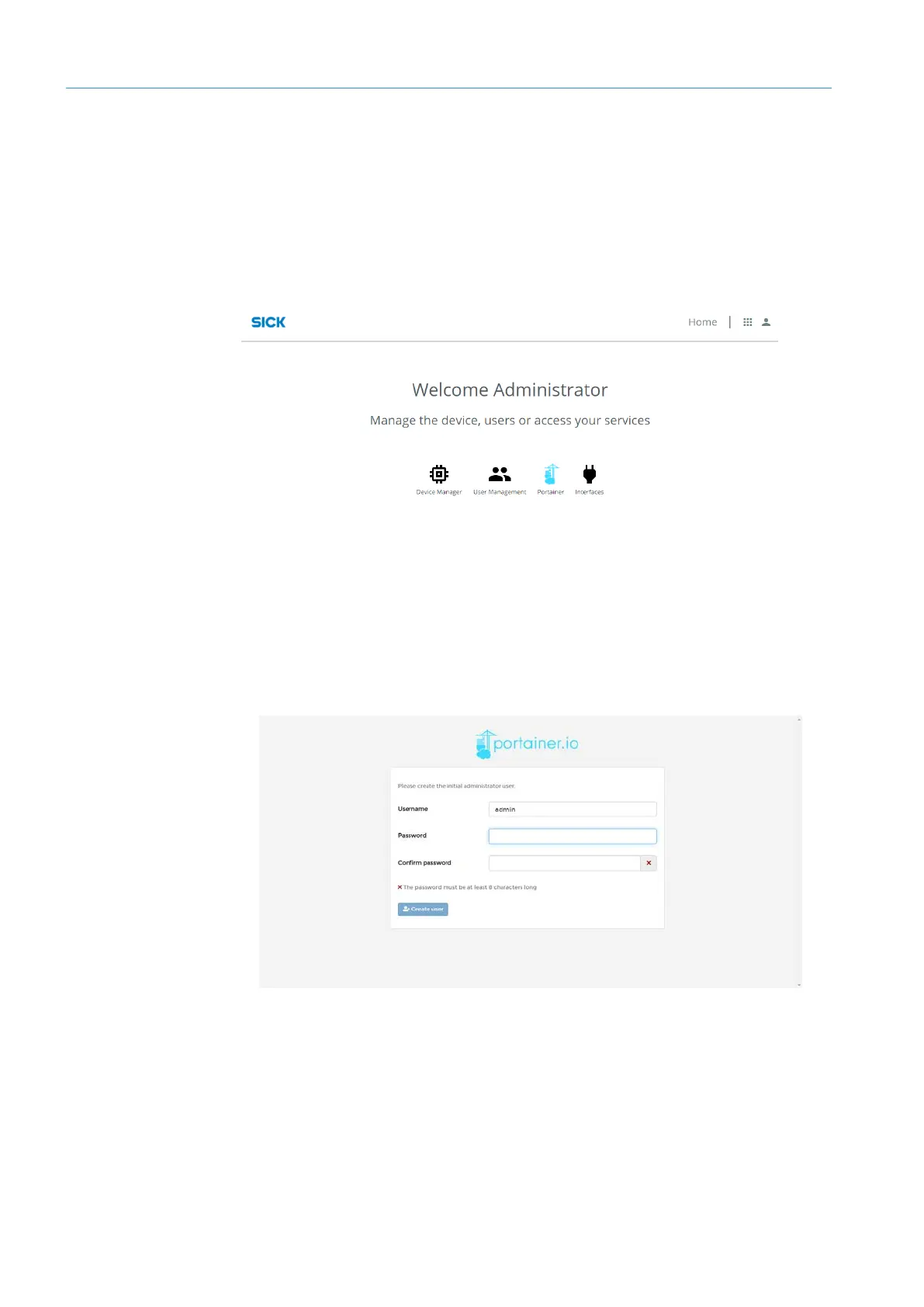
On the home page, click Portainer.
NOTE Alternatively, start Portainer with http://192.168.0.100:9000
9.1.2 Creating initial user
• Portainer has its own user administration.
• A user must be created when the program is called up for the first time.
▸
Enter login name and password.
▸
Click on Create User.
• The home page of the configuration interface is displayed.



 To Next Page