CONFIGURATION 6
8027311 / V1-0/2022-04|SICK
Subject to change without notice
OPERATING INSTRUCTIONS|TDC-E (Telematic Data Collector)
6.2.2 Performing registration
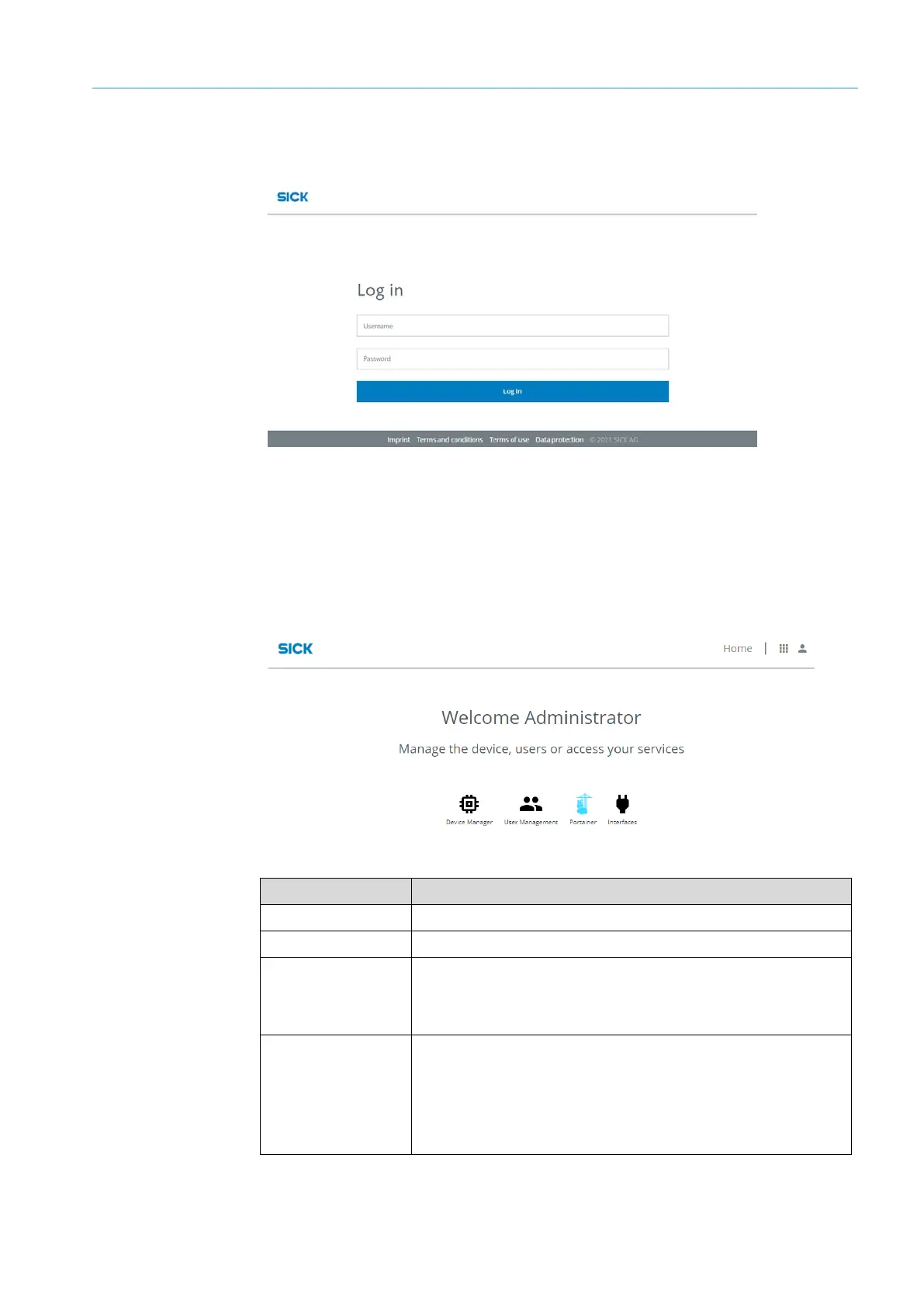
After confirming the security message, the login window is displayed.
▸
Enter the name and password of the initial user.
▸
Confirm input with Log in.
6.2.3 Home page
• The home page of the configuration interface opens.
• It allows calling up of configuration tools as well as the user administration of the
Device Manager.
Tool Function
Device Manager Opens the interface for configuring the device settings.
User Management Opens the user administration.
Portainer Opens the web-based interface for
• Management of Docker containers and
• Extension by customer-specific applications
Interface Manager Opens the web-based interface for
• Configuration of connection settings for incoming sensor data
and
• Configuration of the interface for data transmission via MQTT
or WebSocket



 To Next Page