CONFIGURING THE CONNECTION SETTINGS 8
8027311 / V1-0/2022-04|SICK
Subject to change without notice
OPERATING INSTRUCTIONS|TDC-E (Telematic Data Collector)
8.6 User management in the Interface Manager
The three Operator, Authorized Client and Service user levels are distinguished for work
in the Interface Manager.
The following authorizations are assigned to each user level:
User levels Log in Description
Operator
User name
Password
Operator
-
May view all settings and states of the
interfaces, but may not change anything.
Authorized client
User name
Password
Authorized client
Client
Has the following rights:
• Changing IP addresses
• Changing interface parameters
Service
User name
Password
Service
level
May change all settings and states of the
interface parameters.
Tab. 6: User levels and authorizations
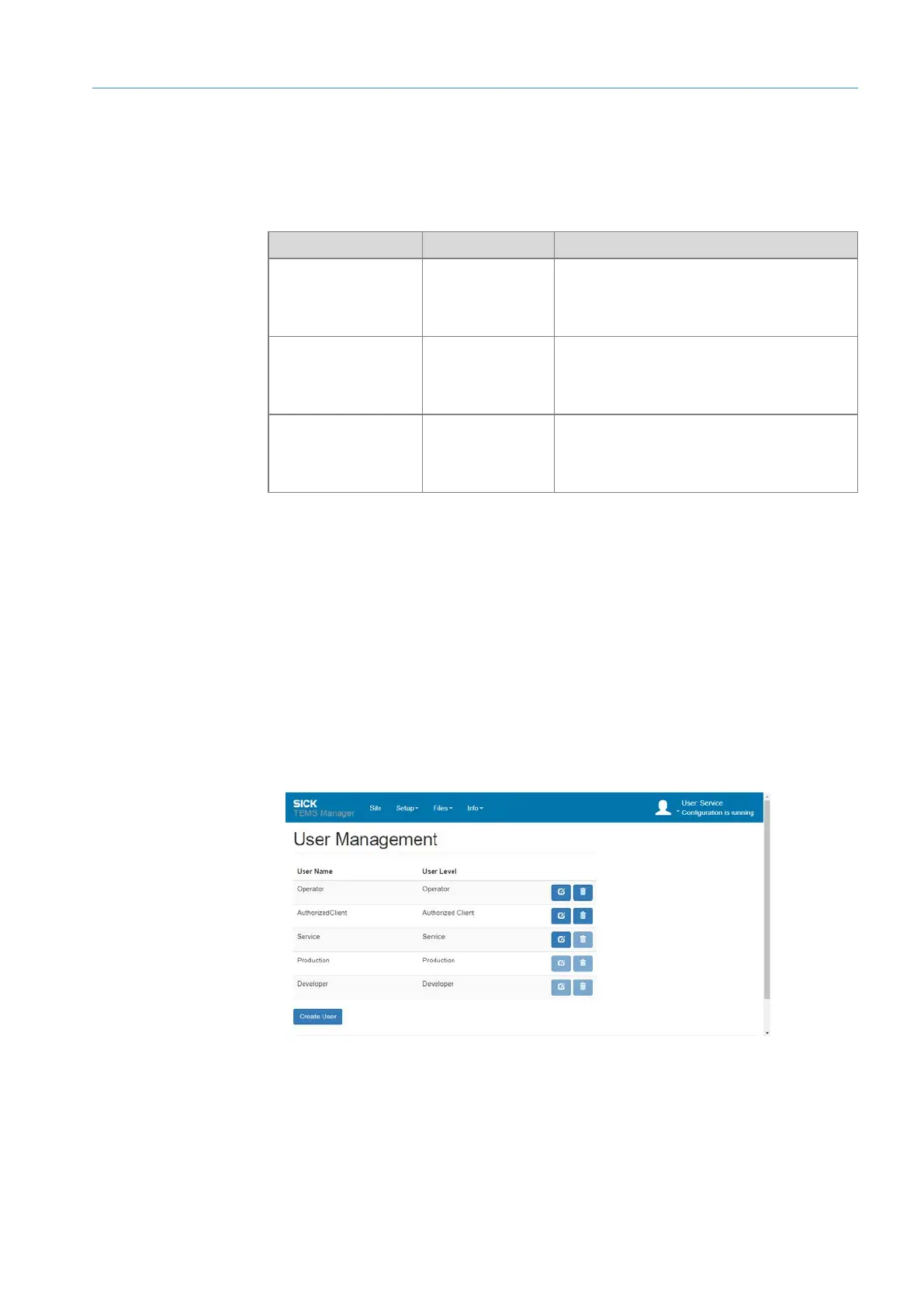
• Users with the Service authorization have access to all users. They can create new
users and delete existing users (except the logged-in user) and change user passwords.
• Users with Authorized Client or Operator privileges can only change their password in
user management. Other functions are not available.
8.6.1 Changing default passwords
▸
Register as a user with the Service authorization.
▸
Select Setup User Management from the menu bar.
Fig. 23: User administration
User administration
access



 To Next Page