CONFIGURING THE CONNECTION SETTINGS 8
8027311 / V1-0/2022-04|SICK
Subject to change without notice
OPERATING INSTRUCTIONS|TDC-E (Telematic Data Collector)
Logging in is done later with user name and password.
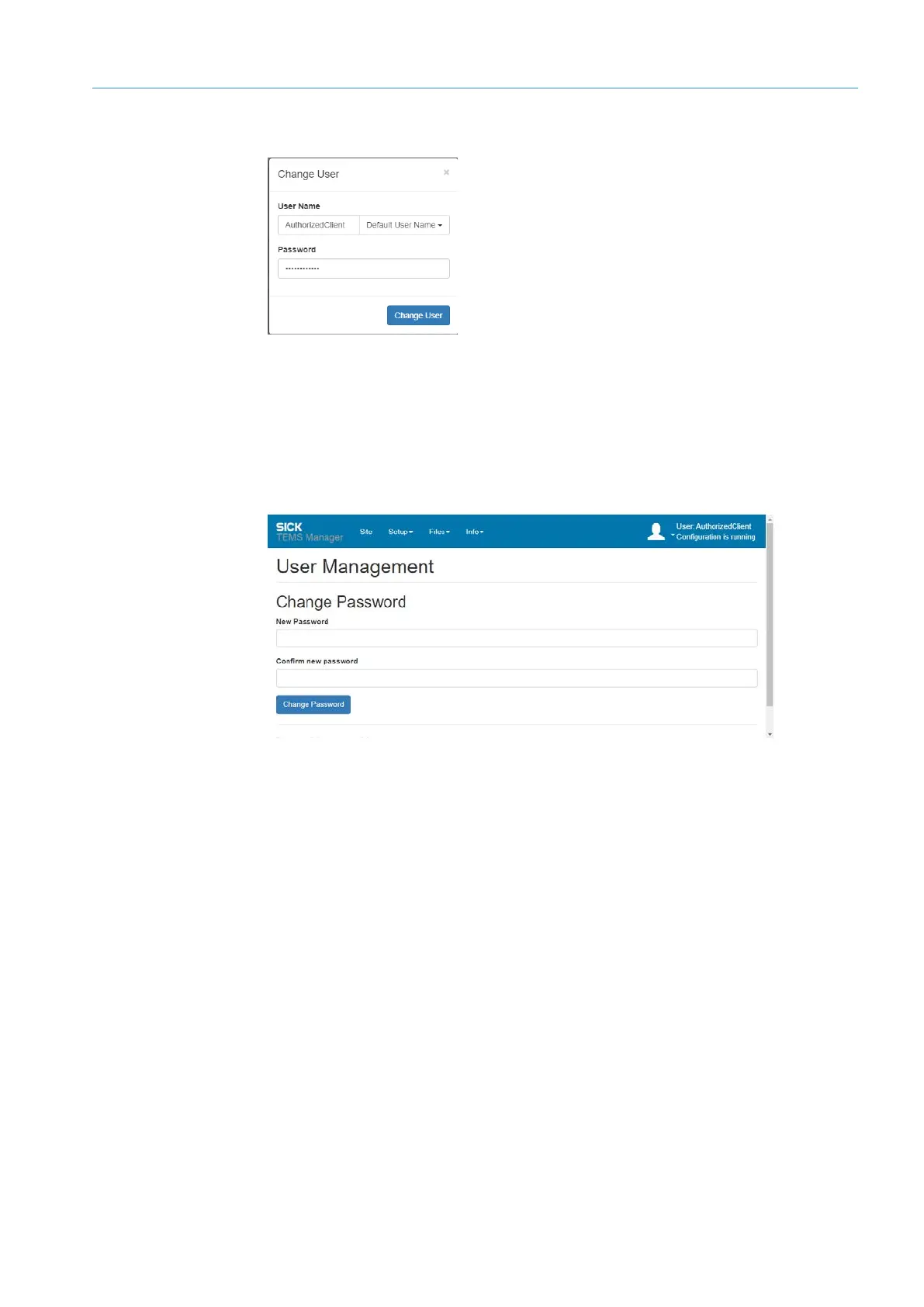
Fig. 25: Login
8.6.3 Changing user password
Users with Authorized Client and Operator authorization can only change their password
in user administration.
▸
Select Setup User Management from the menu bar.
Fig. 26: Changing password
Log in



 To Next Page