7 CONFIGURATION OF THE DEVICE SETTINGS
8027311 / V1-0/2022-04|SICK
OPERATING INSTRUCTIONS|TDC-E (Telematic Data Collector)
Subject to change without notice
▸
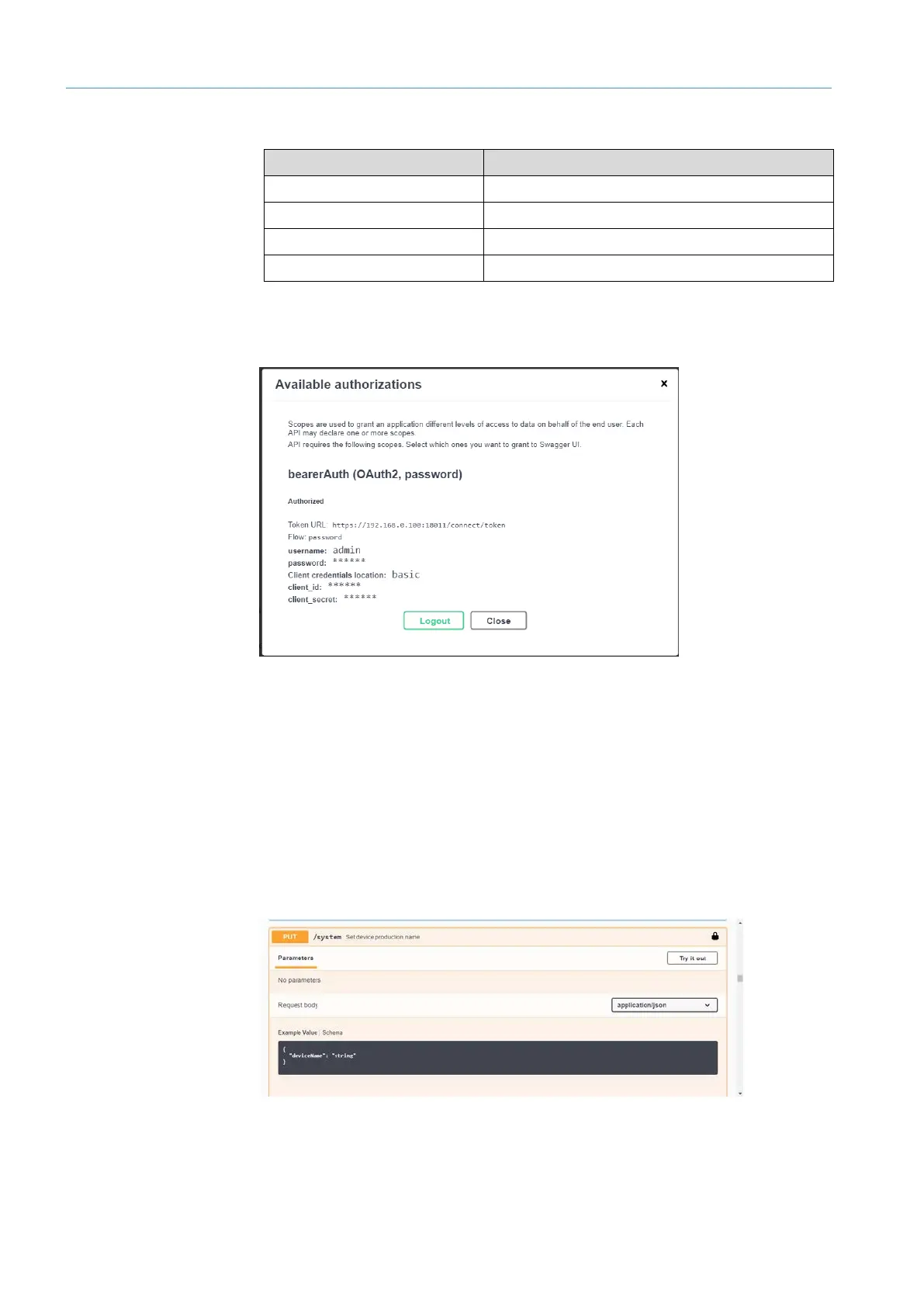
Enter the following login information:
Field Input
username Administrator login name
password Administrator password
Client credentials location device-manager
client_secret 1140b1c7-0644-49ee-8672-2d7bce196e7a
▸
Click Authorize.
• Successful authentication is confirmed with the following message.
▸
Confirm authentication with Close.
NOTE To log out, open the Available authorizations window and click Logout.
7.6.3 Generating request in Swagger
The following example shows the generation of a PUT request to configure the device
name.
▸
In the list under System, select the appropriate PUT method. To do this, click on PUT or
the explanatory text.
▸
Under Parameters, click on Try it out. The Request body area is activated for editing.



 To Next Page