8 CONFIGURING THE CONNECTION SETTINGS
8027311 / V1-0/2022-04|SICK
OPERATING INSTRUCTIONS|TDC-E (Telematic Data Collector)
Subject to change without notice
8.2.5 GPS
▸
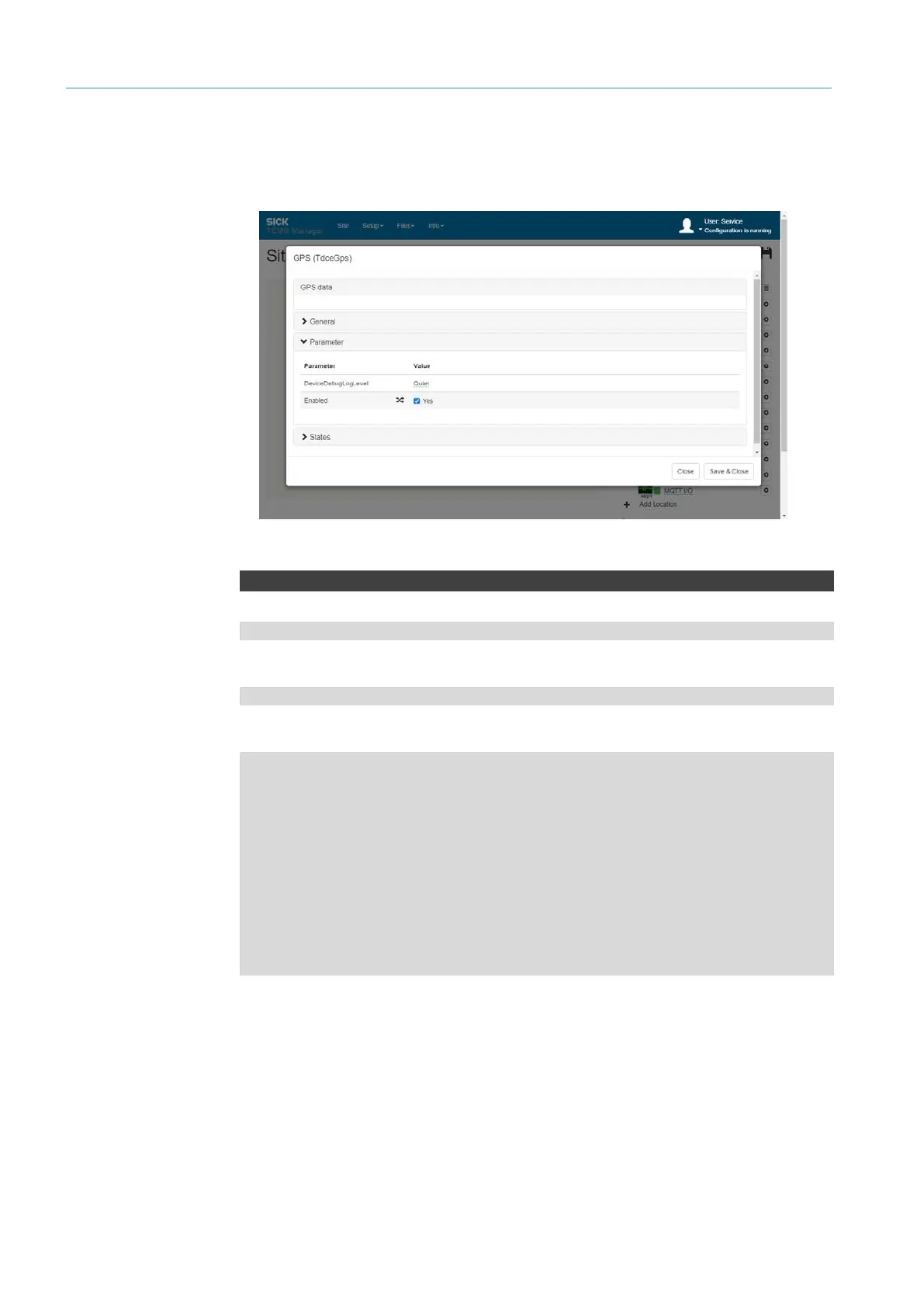
Open GPS connection parameters via the gear icon.
▸
Activate GPS sensor via the Enabled checkbox.
GpsDataUpdate
WebSocket server URL
ws://192.168.0.100:31768/ws/tdce/gps/data
MQTT subscription directory
tdce/gps
Results
{
"Latitude":0.0,
"Longitude":0.0,"Time":"0001-01-01T00:00:00+00:00",
"Altitude":0.0,
"SpeedKnots":0.0,
"SpeedMph":0.0,
"SpeedKmh":0.0,
"Course":null,
"Fix":0,"NumberOfSatellites":0,
"GpsFixAvailable":false,
"Hdop":0.0
}
API
GPS



 To Next Page