8 CONFIGURING THE CONNECTION SETTINGS
8027311 / V1-0/2022-04|SICK
OPERATING INSTRUCTIONS|TDC-E (Telematic Data Collector)
Subject to change without notice
8.1.3 Authenticating access to interface parameters
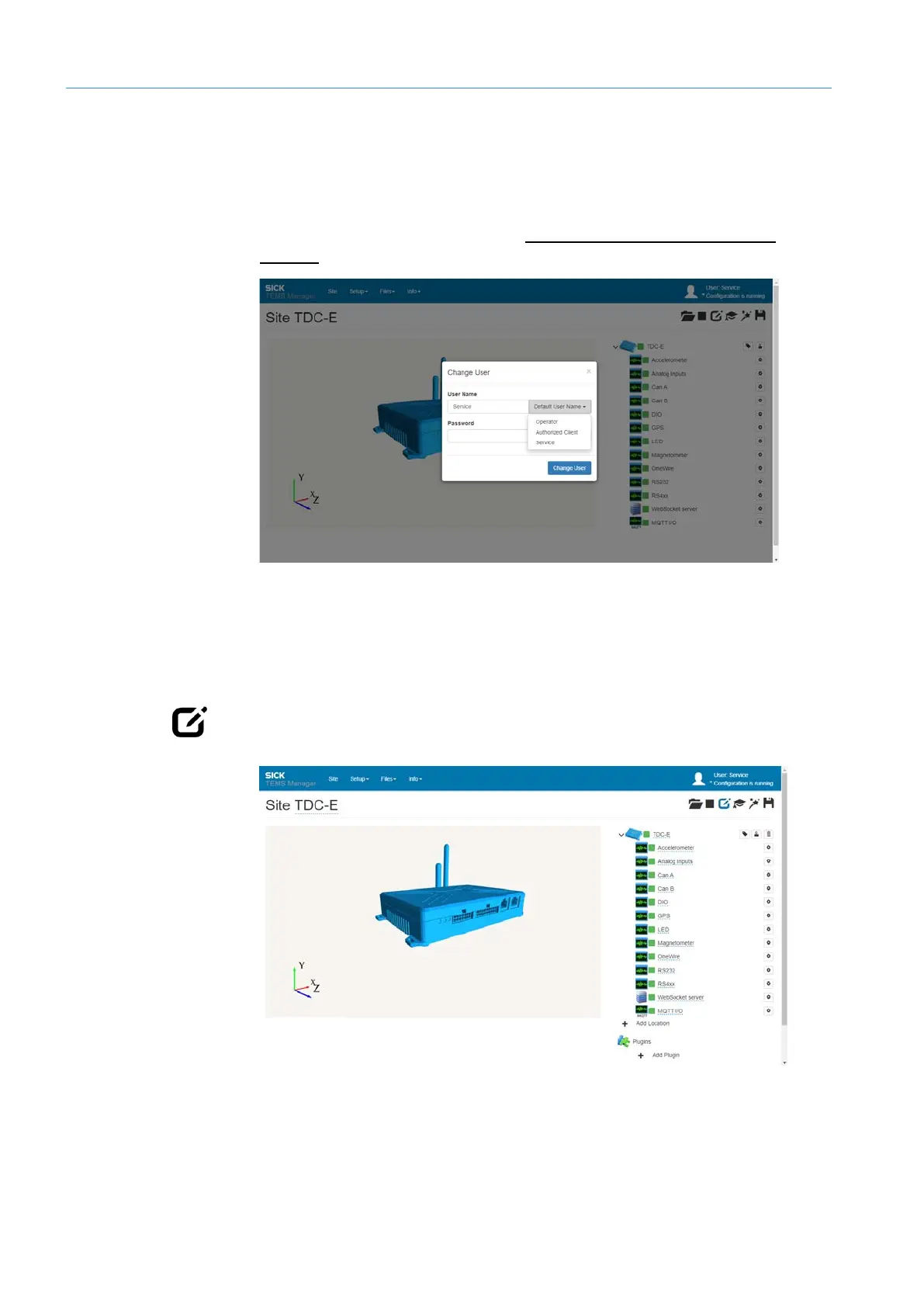
The Interface Manager has its own user management with predefined user roles.
▸
Click on the user icon.
▸
Log in as a user with the Authorized Client or Service permissions using the password
set up for this purpose (see also section 8.6 User management in the Interface
Manager).
8.1.4 Editing mode
The configuration of the connection parameters is done in editing mode.
NOTE Most parameters can be changed while the configuration is running.
▸
Click the Edit site configuration icon in the menu bar.
NOTE The configuration is not stopped.



 To Next Page