CONFIGURING THE CONNECTION SETTINGS 8
8027311 / V1-0/2022-04|SICK
Subject to change without notice
OPERATING INSTRUCTIONS|TDC-E (Telematic Data Collector)
Working range Meaning
Site Visualizes the TDC-E and allows the display and editing of the
interface parameters.
Setup Contains administrative functions. This allows changing user
passwords or updating the system, for example.
Files Contains, among other things, the log files of the system.
Info Provides information about the system.
▸
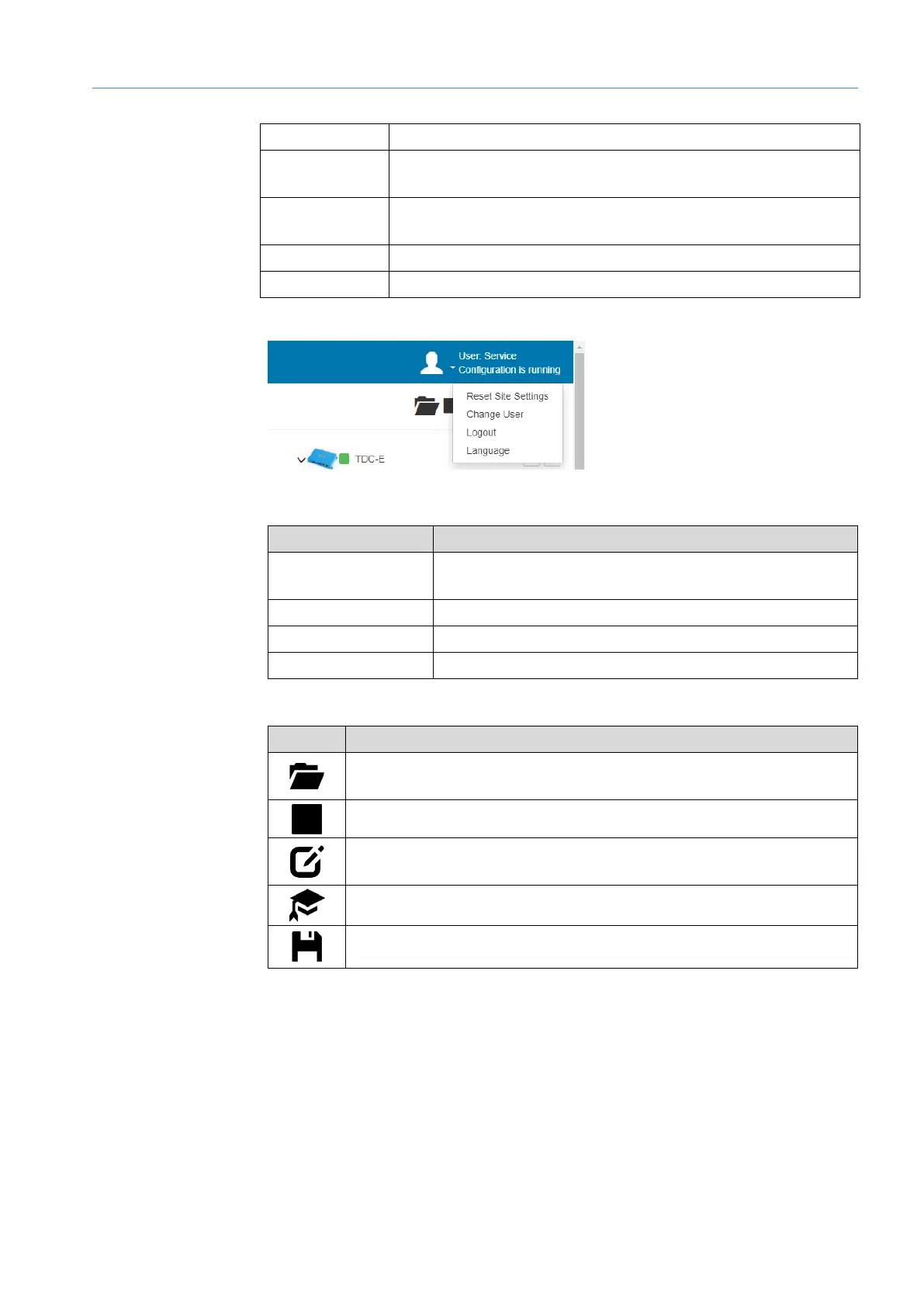
Display of the logged-in user and the operating status on the right side of the menu bar.
▸
The user icon opens a menu with the following functions:
Function Meaning
Reset Site Settings Sets all display settings (zoom, rotation in 3D displays,
table displays, etc.) back to their default values.
Change User Log out current user and log in another user.
Logout Log out current user.
Language Select user language.
Icon Meaning
Allows you to load a configuration file. You can either start the configuration
or open it in editing mode instead.
Stops the current configuration.
Changes to editing mode. The icon has a blue color when the editing mode
is activated.
Switches expert mode on or off.
Saves the current site configuration onto a data card.
Tab. 5: Live display icons
Work areas
Login information
Icons



 To Next Page