7 CONFIGURATION OF THE DEVICE SETTINGS
8027311 / V1-0/2022-04|SICK
OPERATING INSTRUCTIONS|TDC-E (Telematic Data Collector)
Subject to change without notice
PUT/networking/dhcp/{id}
{
"id": "string",
"enabled": true,
"segment": "string",
"gateway": "string",
"domainSearch": "string",
"domainNameServers": [
"string"
],
"range": {
"start": "string",
"stop": "string",
"leaseTime": 0
}
}
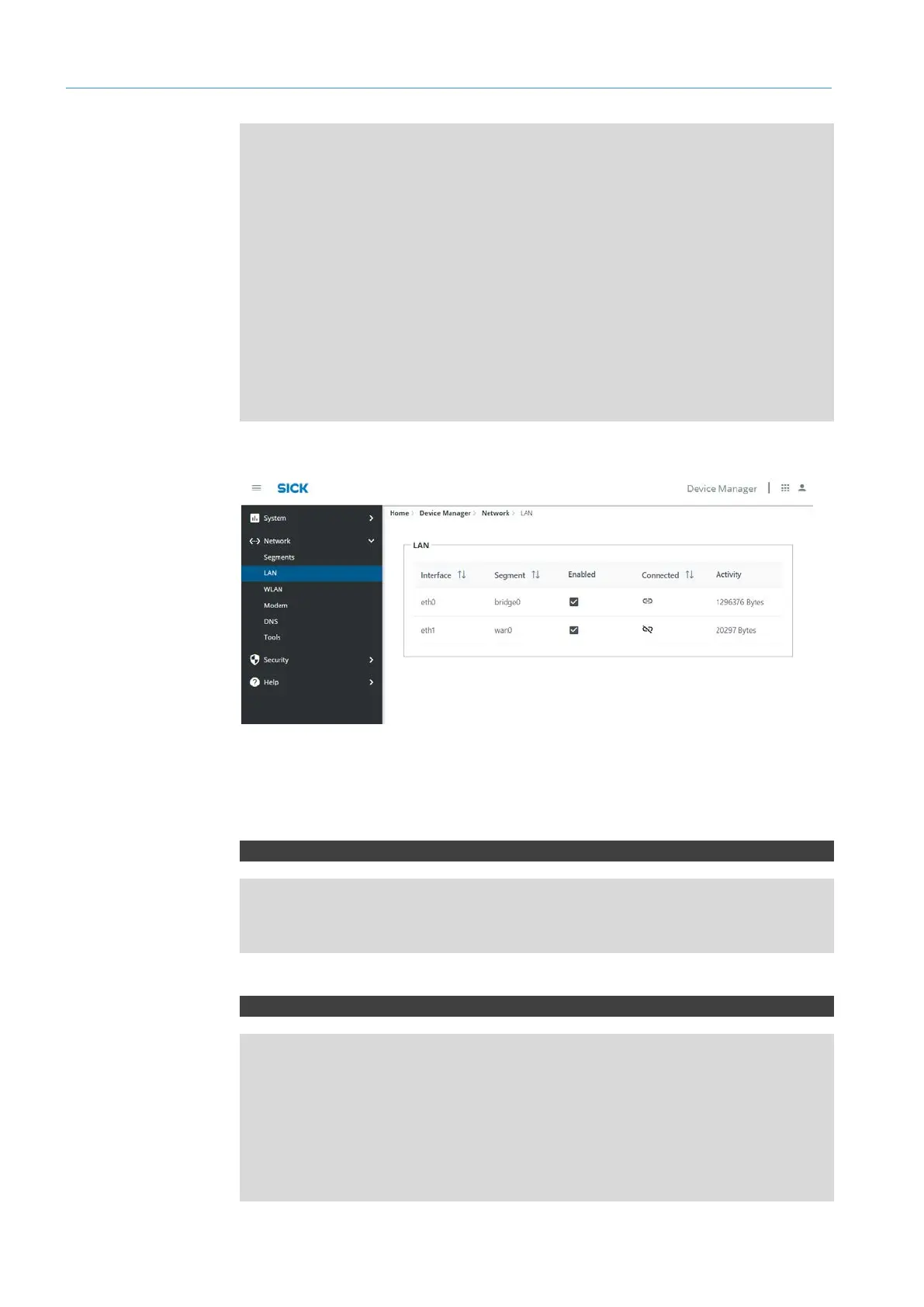
7.3.3 LAN
▸
Activate the corresponding port in the respective line under Device State.
NOTE Configure port at Network
Segments.
REST API – queries
GET/networking/lan
GET/networking/lan/{lan}
GET/networking/lan/{lan}/details
GET/networking/lan/{lan}/statistics
REST API – settings
PUT/networking/lan/{lan}
{
"segment": "string",
"segmentType": "wan",
"name": "string",
"type": "bridge",
"enabled": true,
"state": "connected"
}
Activating interface
REST API
LAN



 To Next Page