CONFIGURATION OF THE DEVICE SETTINGS 7
8027311 / V1-0/2022-04|SICK
Subject to change without notice
OPERATING INSTRUCTIONS|TDC-E (Telematic Data Collector)
7.3.4 WLAN
The TDC-E provides an interface to wireless networks. The interface can be configured in
client mode or via an access point.
▸
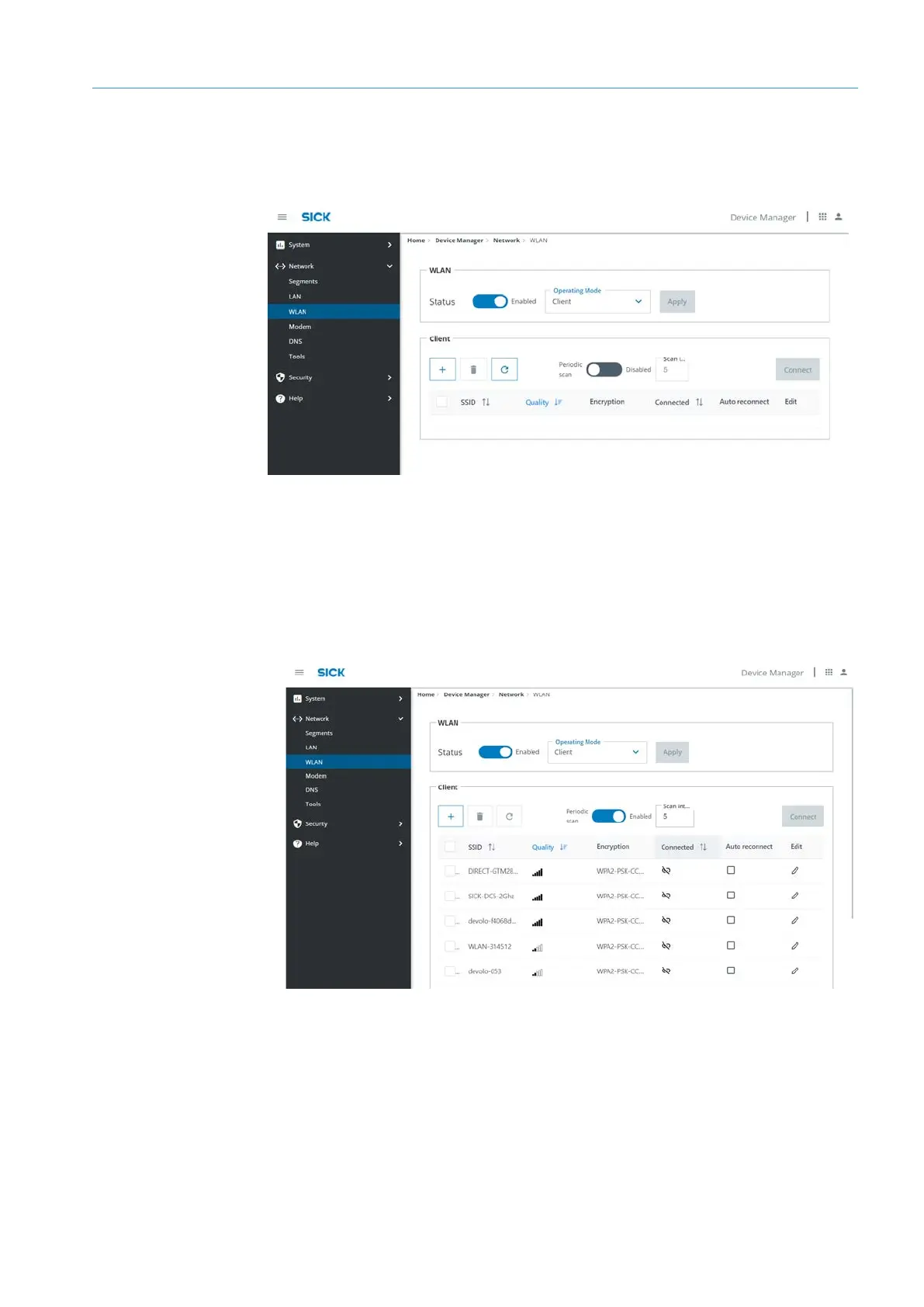
In the WLAN area, activate the WLAN interface.
▸
Select operating mode.
▸
In the Client area, under Periodic scan, activate the network scan. All available
networks are listed.
▸
Highlight the network in the list and click Connect.
Activating WLAN
Client mode



 To Next Page