CONFIGURING THE CONNECTION SETTINGS 8
8027311 / V1-0/2022-04|SICK
Subject to change without notice
OPERATING INSTRUCTIONS|TDC-E (Telematic Data Collector)
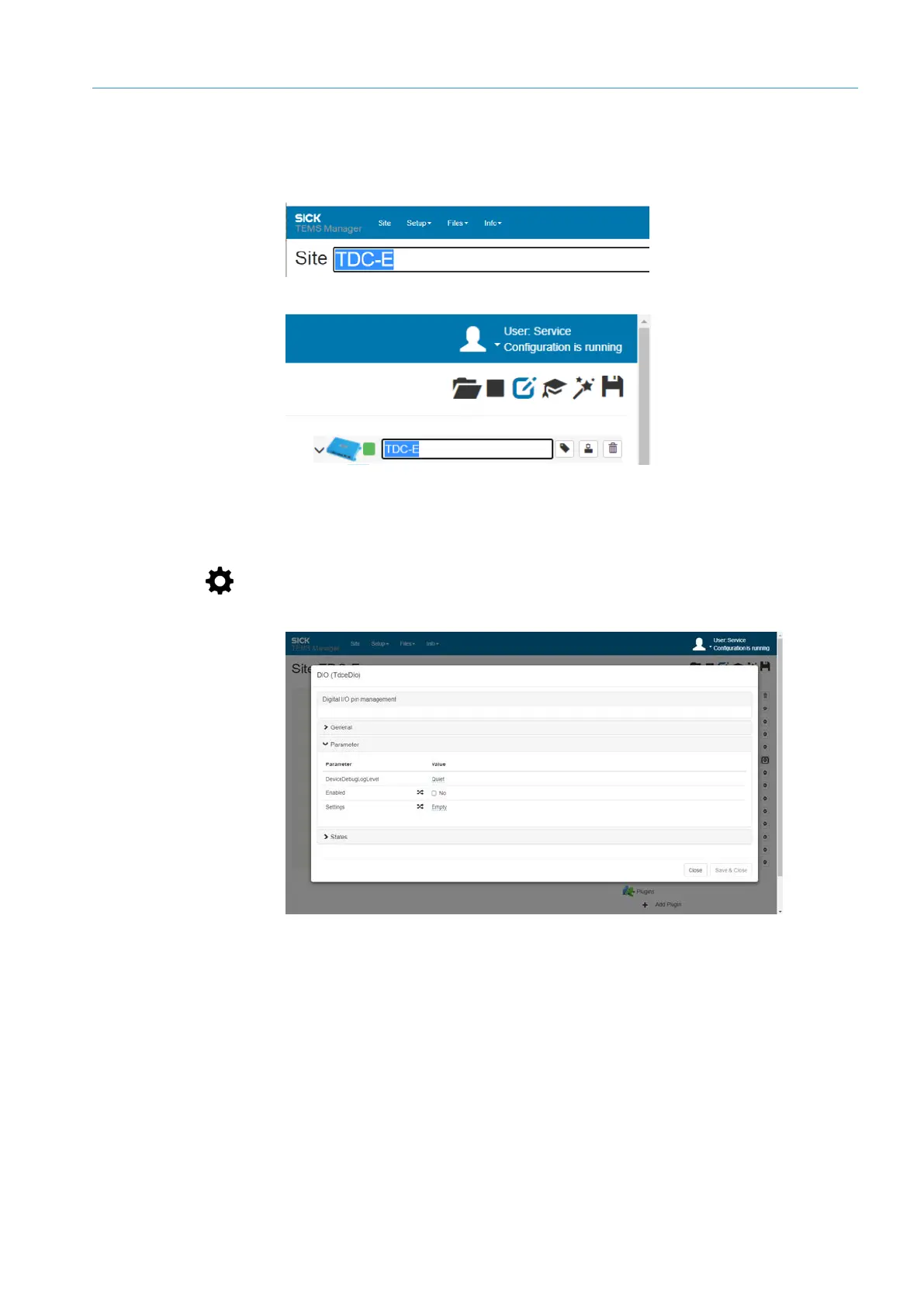
All the names underlined in blue can be changed by clicking the relevant name.
▸
In the header, click on the current name.
▸
Enter name and confirm with Enter.
▸
If necessary, change the name of the device in the navigation tree.
▸
Click on the gear icon of a connection type in the tree.
▸
Click on the Parameters link.
NOTE Parameters that can be changed in the current site configuration with immediate
effect are marked with a double arrow.
NOTE The Save & Close button is grayed out and deactivated if authorization is not
granted. When you close the window, you will be asked whether you want to save
changes. If the query is confirmed, the login window for changing the authorization is
displayed.
Details of the location
and the TDC-E
Displaying
parameters



 To Next Page