8 CONFIGURING THE CONNECTION SETTINGS
8027311 / V1-0/2022-04|SICK
OPERATING INSTRUCTIONS|TDC-E (Telematic Data Collector)
Subject to change without notice
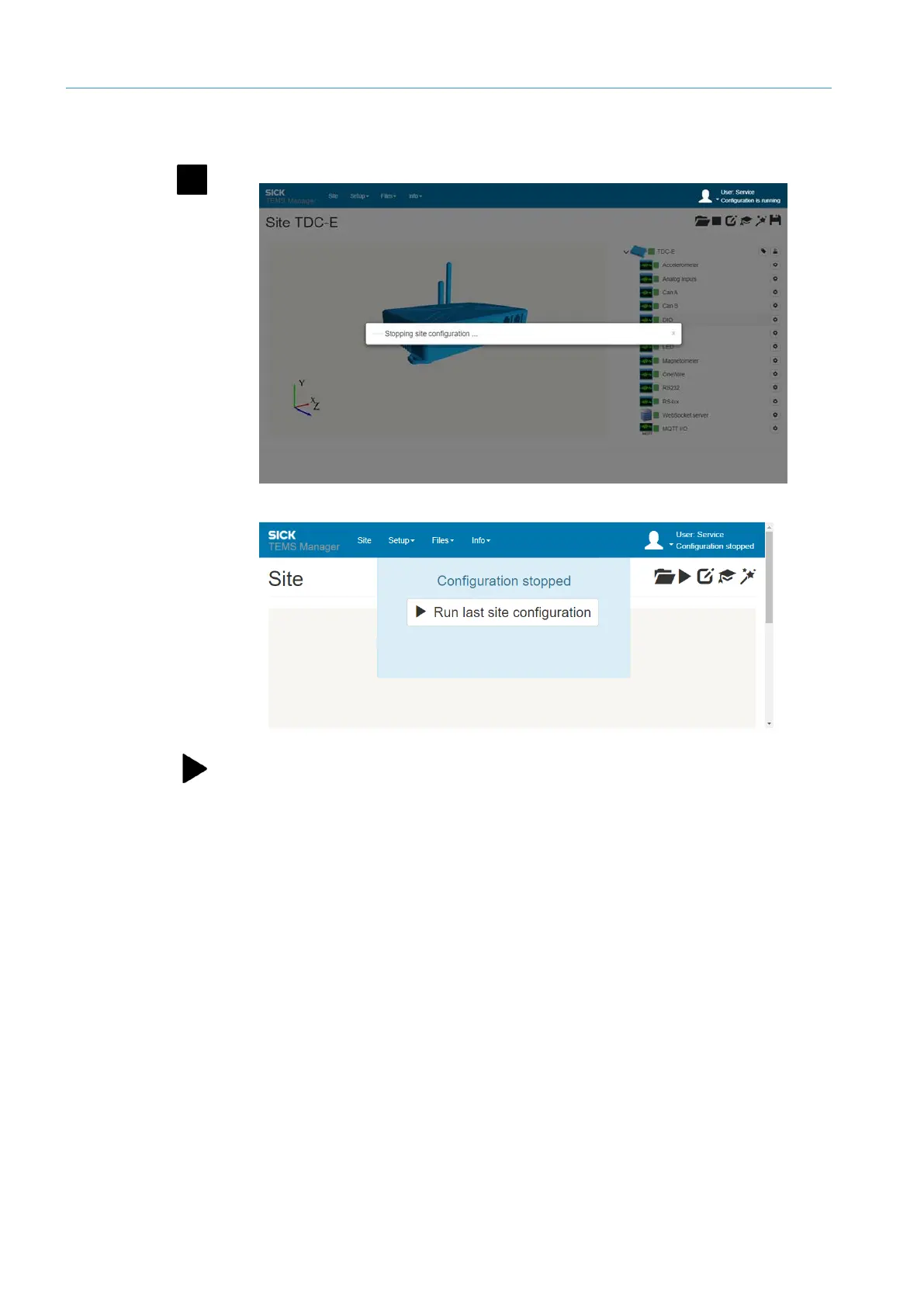
Stopping and restarting the configuration after changing the parameters is recommended.
▸
Click the Stop the current site configuration icon in the menu bar.
• The configuration is unloaded. The navigation tree is no longer displayed.
▸
Then click on the Start current site configuration icon. The start progress bar
visualizes the progress.
Stopping site
configuration



 To Next Page