PFA-100 System – Instruction Manual (US) – Version 1.0.1
123
3 Delivery and installation
2. Install the correct fuse in the holder:
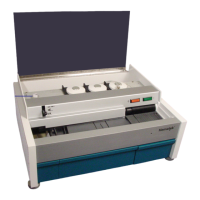
• For 120VAC operation, install the larger single fuse (3106-2422) into the
fuse holder, see Figure 3-16.
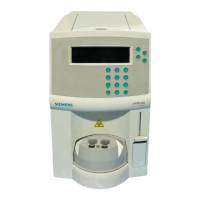
• For 220VAC operation, remove the small Phillips screw (see
Figure 3-17) and invert the fuse clip. Install the two small fuses (3106-
2437) into the fuse holder, see Figure 3-18).
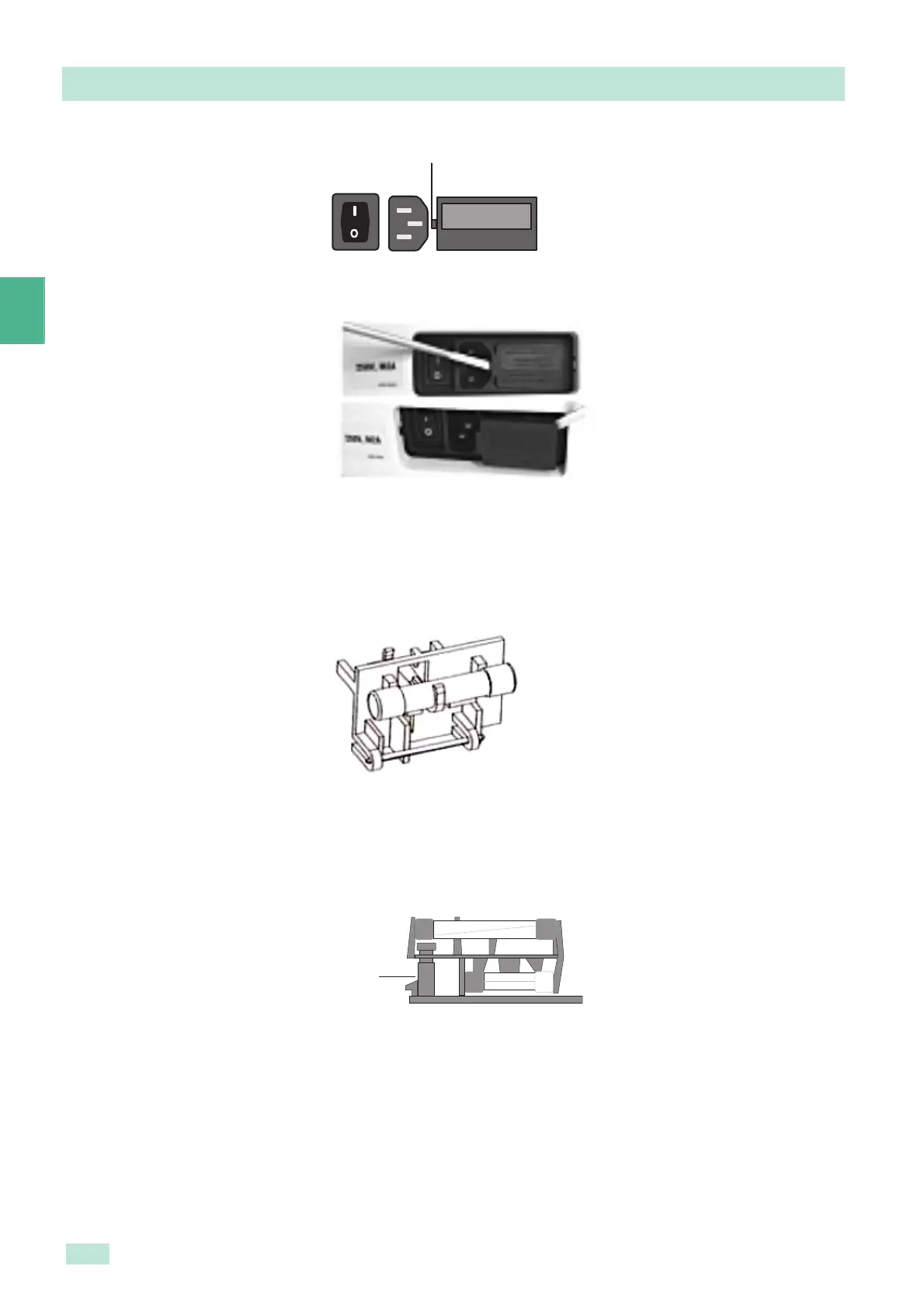
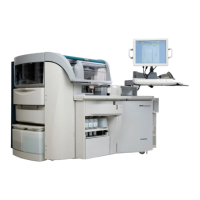
Figure 3-14 Removing fuse holder
Figure 3-15 Removing fuses
Figure 3-16 Fuse holder 120VAC
Figure 3-17 Remove Phillips screw
Pry here to remove fuse holder


 To Next Page