CA42/50/52 Fundamentals & initial start-up Chapter 2
9
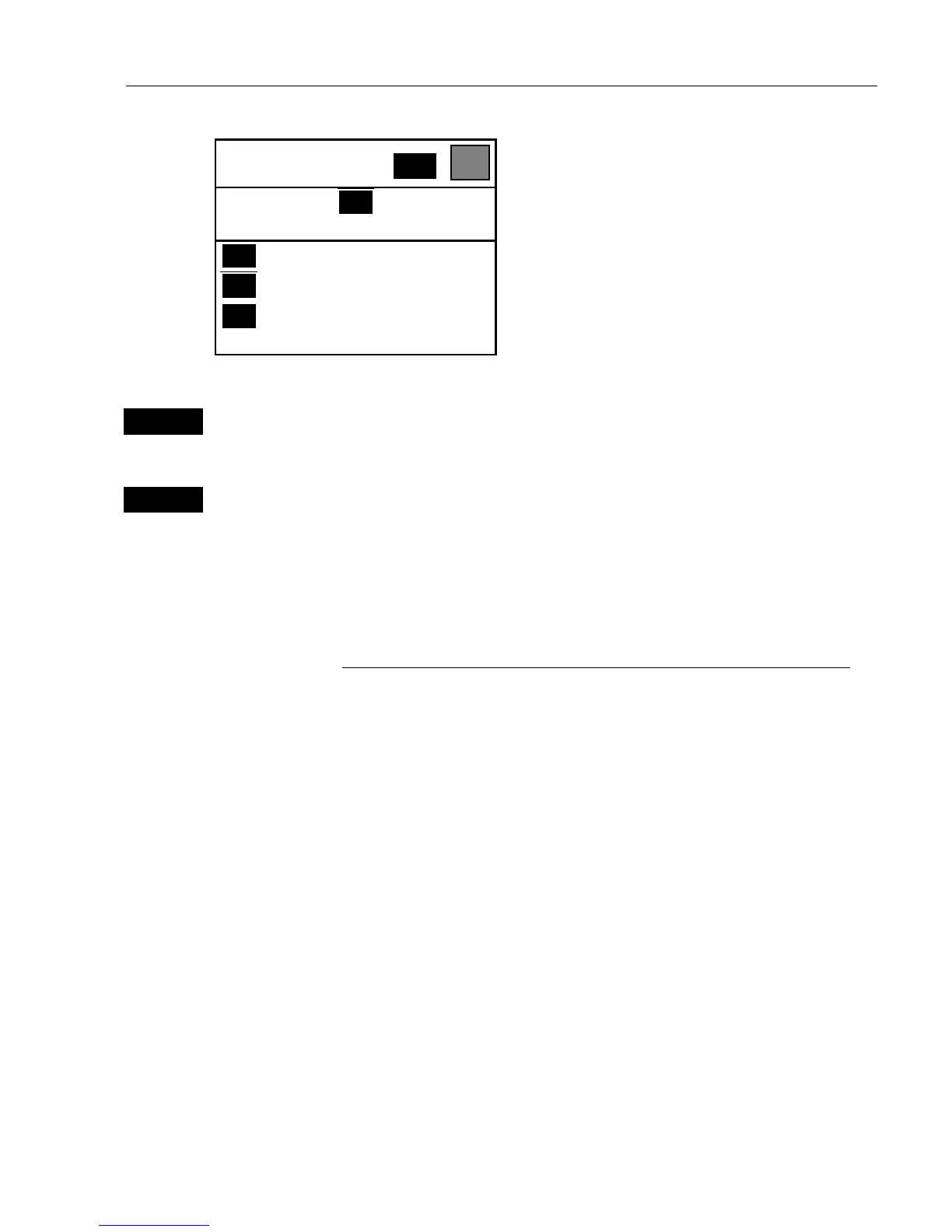
POSITION
WIN
_2_
POS
_1_ Position
_2_ Dual speed
_3_ Speed, course & depth
etc.
What you do now will determine which
WINdow the display you are about to
select will appear in.
Press the
[WIN]
key repeatedly to scroll
through the window system.
WIN
Press the [WIN] key once to select WINdow 1
-which is the left top quarter of the screen.
1
Select the Position display
- you will now have the position display presented in window 1.
The rest of the windows in this page i.e. window 2, 3 and 4 will contain
the displays which were pre-set from the factory. They can all be
exchanged with new displays at your choice.
) However, the same display can not appear twice on the same page,
so in case you are trying to select the same display in a second
window, this is what will happen:
As per above example, you have selected the Position display in
window 1, but it may just happen that the Position display was pre-set
to window 2 – therefore window 2 will now show the legend: “ Select
display via MENU.”
You may select the same display to appear on different pages, but not
on the same page.
) An exception is the radar display, which only can appear in ½
window or full screen, and you can only have the radar display appear
in one page at a time. You can not toggle from page to page and see
different radar displays.


 To Next Page