102
SJ12 E, SJ16 E, SJ20 E
241914ACA
Section 5 – Procedures Hydraulic System
5.4-2 Lift Pressure Adjustment
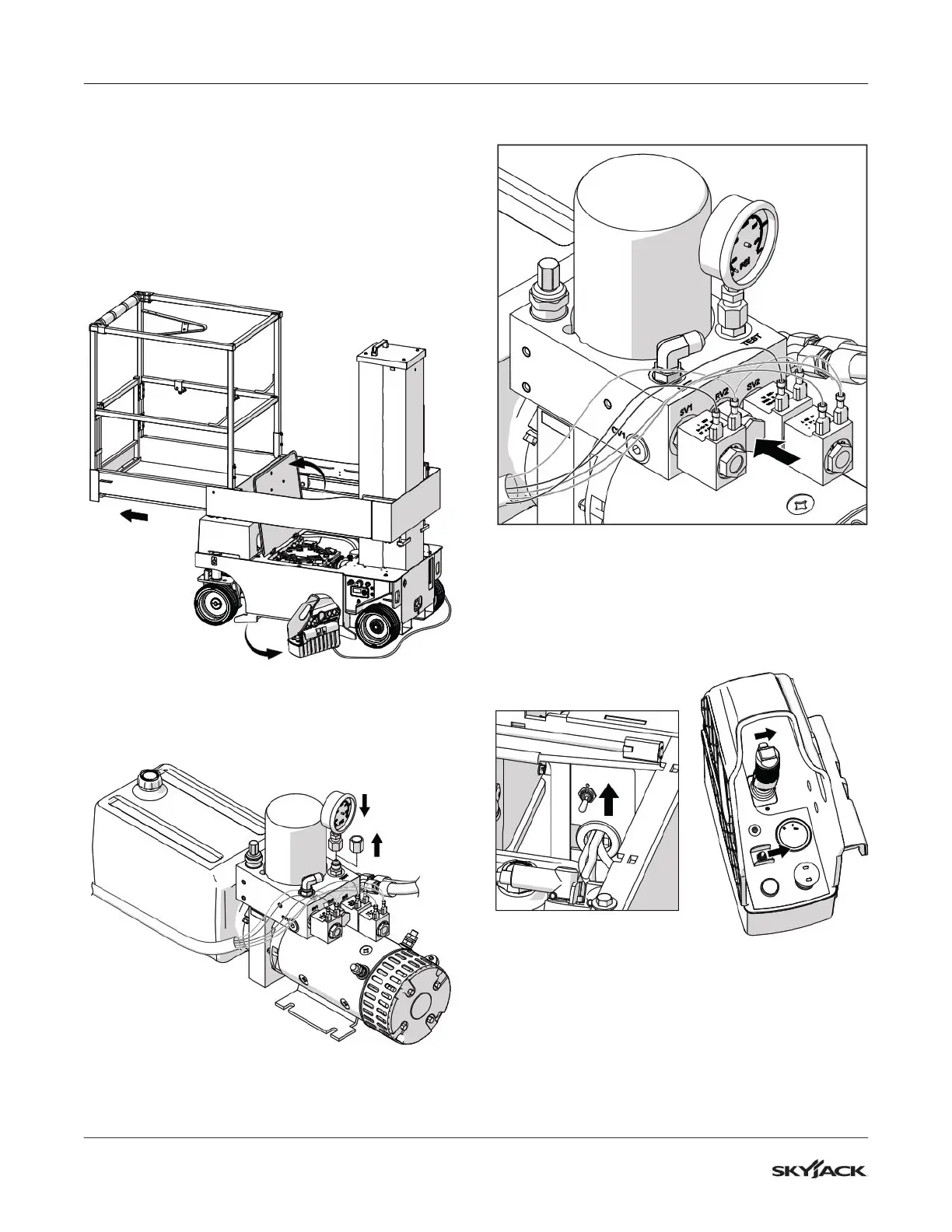
1. Remove the control box from the platform
control box mount and bring it down to the
ground.
2. Pull the deck all the way out into the service
position.
3. Unlatch and open the service access door.
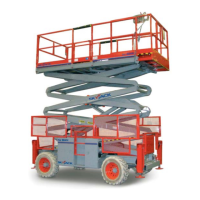
4. Locate the test port on the power pack manifold.
Remove the cap.
5. Connect a 350 bar (5000 psi) pressure gauge to
the test port.
R
V1
14
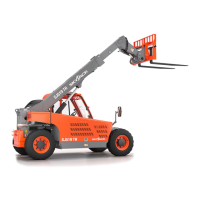
6. Loosen the locknut on system relief valve RV2.
RV1
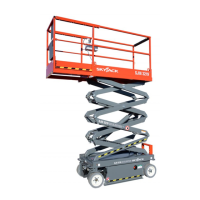
7. Move the Lift/Drive switch on the platform control
box to the drive position.
8. Lift and hold the diagnostic switch in the up
position.
9. Squeeze the enable switch on the joystick then
move the steering rocker right and hold it there.


 To Next Page