141
SJ12 E, SJ16 E, SJ20 E
241914ACA
Display Module Section 5 – Procedures
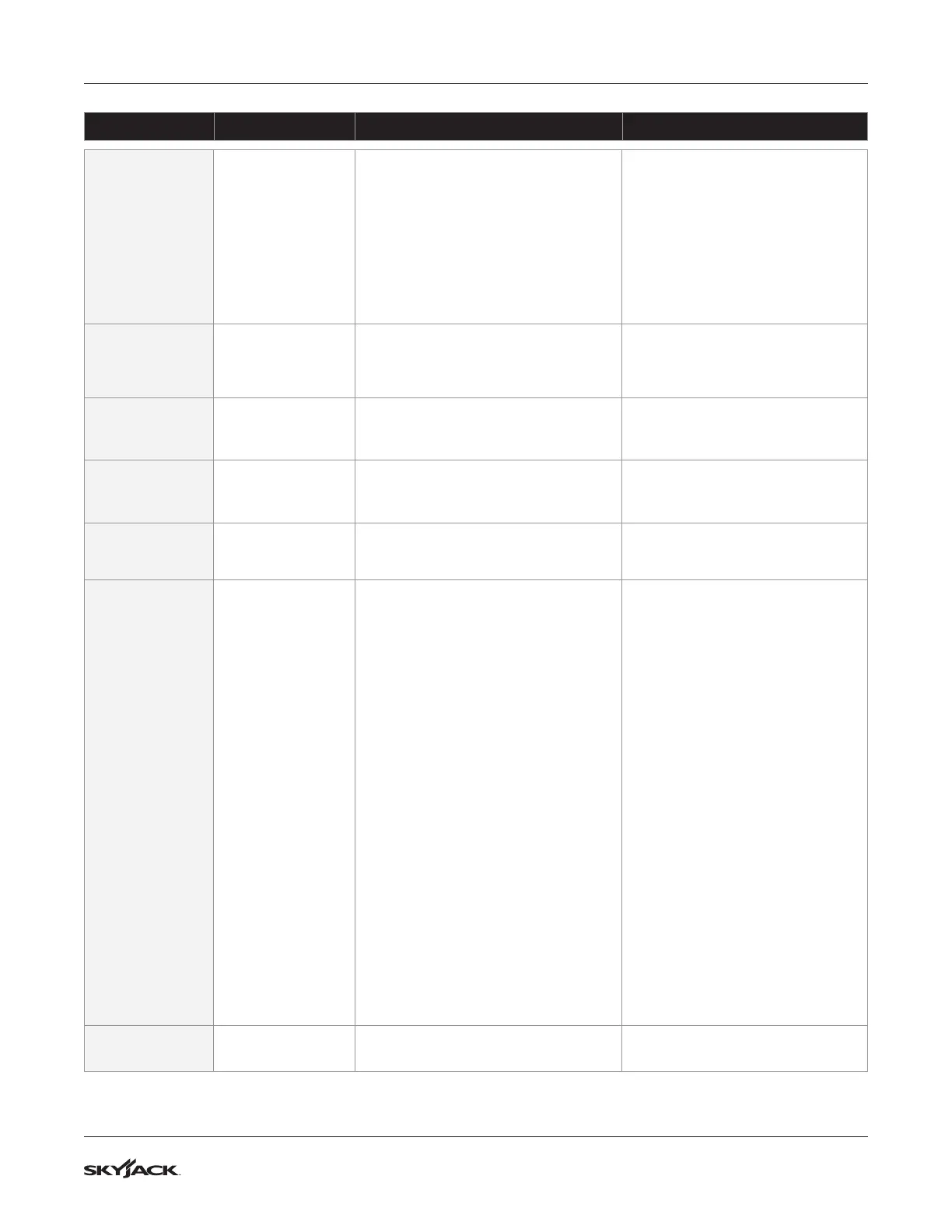
Code Description Cause Troubleshooting
241-COIL ERR
COIL SHOR.
EVAUX
An overload on the digital auxiliary
outputs occurred. If the alarm is from
the master microcontroller, outputs
EV1 through EV4 are involved; if it is
from the slave microcontroller, outputs
EV5 through EV9 are. As soon as the
overload condition disappears, the alarm
is cleared by releasing all the active valve
requests and then enabling again one
valve request.
Check the wiring harness and coils
for short circuit.
242-COIL ERR OPEN COIL EV.
This fault appears when no load is
connected between one or more EV
outputs and the positive terminal PIN
A13.
Check the valves and the wiring.
If no problem can be found, replace
the controller.
244-CHK SLAVE WARNING SLAVE Warning on supervisor microcontroller.
Connect the Console to the
supervisor microcontroller and check
which alarm is present.
245-CTRL ERR IQ MISMATCHED
The error between the estimated Iq
(q-axis current) and the related set point
is out of range.
Ask for assistance to a Zapi
technician in order to do the correct
adjustment of the motor parameters.
246-CTRL ERR EB. DRIV.OPEN
The EB driver is not able to drive the
load. The device itself or its driving circuit
is damaged.
This fault is not related to external
components, replace the controller.
248-CAN ERR NO CAN MSG. XX
CAN bus communication does not work
properly. The hexadecimal value "XX"
identies the faulty node.
▪
03 Missing or an error with the
communication of the Master
Processor, this alarm can appear
on the Slave
▪
04 Missing or an error with the
communication of the Slave
Processor, this alarm can appear
on the Master
▪
20 The joystick exits unexpectedly
from an operational mode
▪
21 The joystick has an internal
fault,
▪
22 The controller does not receive
the Heartbeat Message from the
Joystick within the allowed Time
▪
23 The controller does not receive
the PD01 message from the
Joystick in the allowed time
▪
24 The controller does not receive
the PD02 Messages from the
Joystick in the allowed time
Verify the resistance of the CAN BUS
Network, with the machine OFF,
measure the resistance between
CAN and CAN L, you should have
60 Ohms.
Verify the continuity between the
controller and the device which is
causing the alarm
Replace the device causing the
alarm.
249-CTRL ERR
CHECK UP
NEEDED
This is a warning to point out that it is
time for the programmed mastertenance.
Turn on the CHECK UP DONE option
after that the mastertenance service.


 To Next Page