88
SJ12 E, SJ16 E, SJ20 E
241914ACA
Section 5 – Procedures Platform
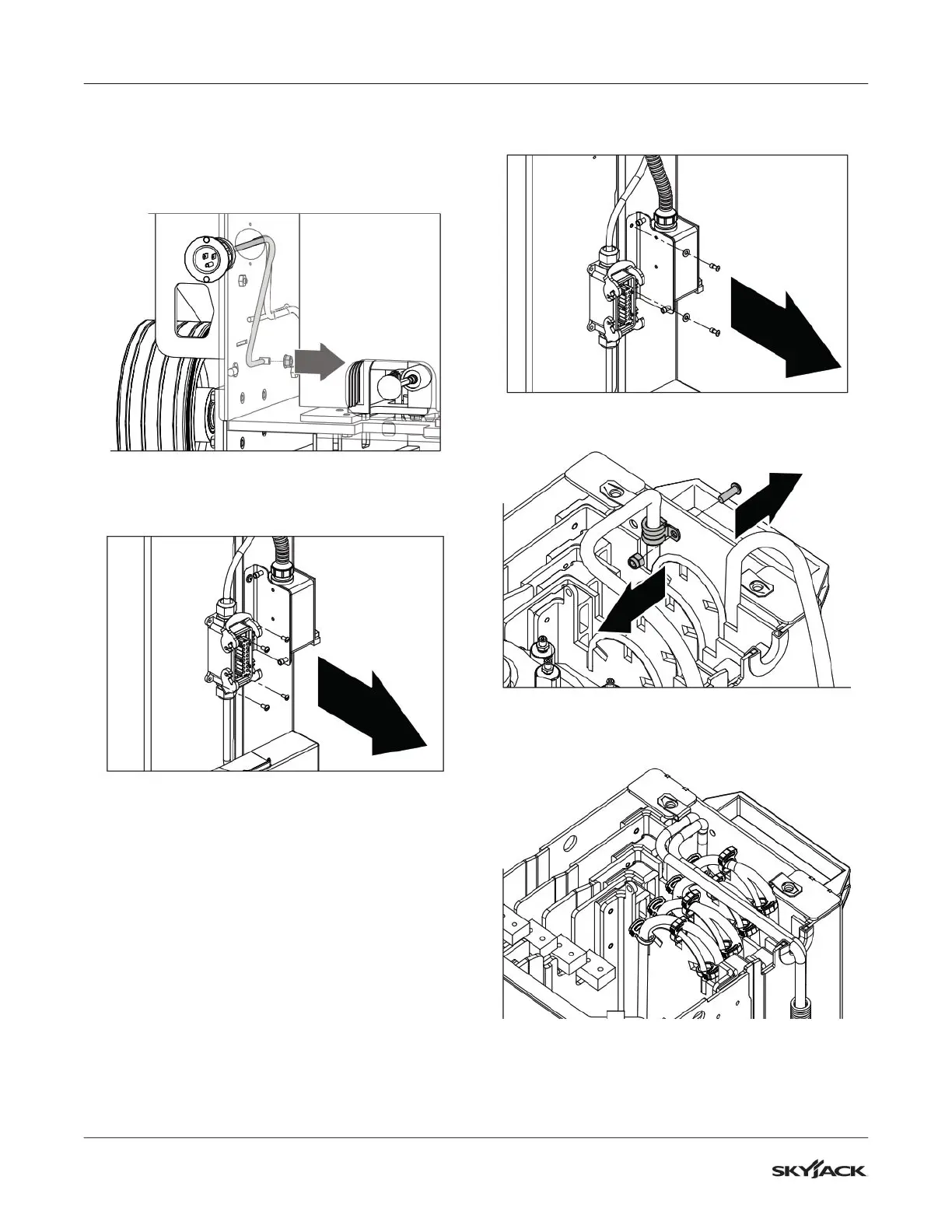
7. Remove and set aside the nut that secures the
ground wire to the chassis. You may need to
remove the chassis cover to access the wire.
8. Cut the tie wraps that secure the AC power cable
to the cable carrier and existing cable bundles.
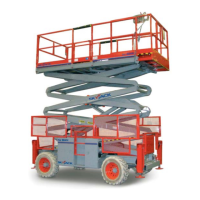
9. Remove and set aside the screws that secure the
mast electrical housing to the mast.
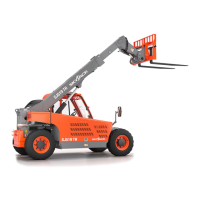
10. Remove the rivets and washers that secure the
AC outlet to the mast. Set aside the washers.
11. Remove and set aside the cable clamp and
hardware.
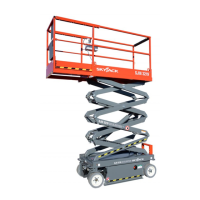
12. Remove and set aside the cable clips from the
mast cable.


 To Next Page