III-154
(1)-5-1 WATER DEPTH VALUE
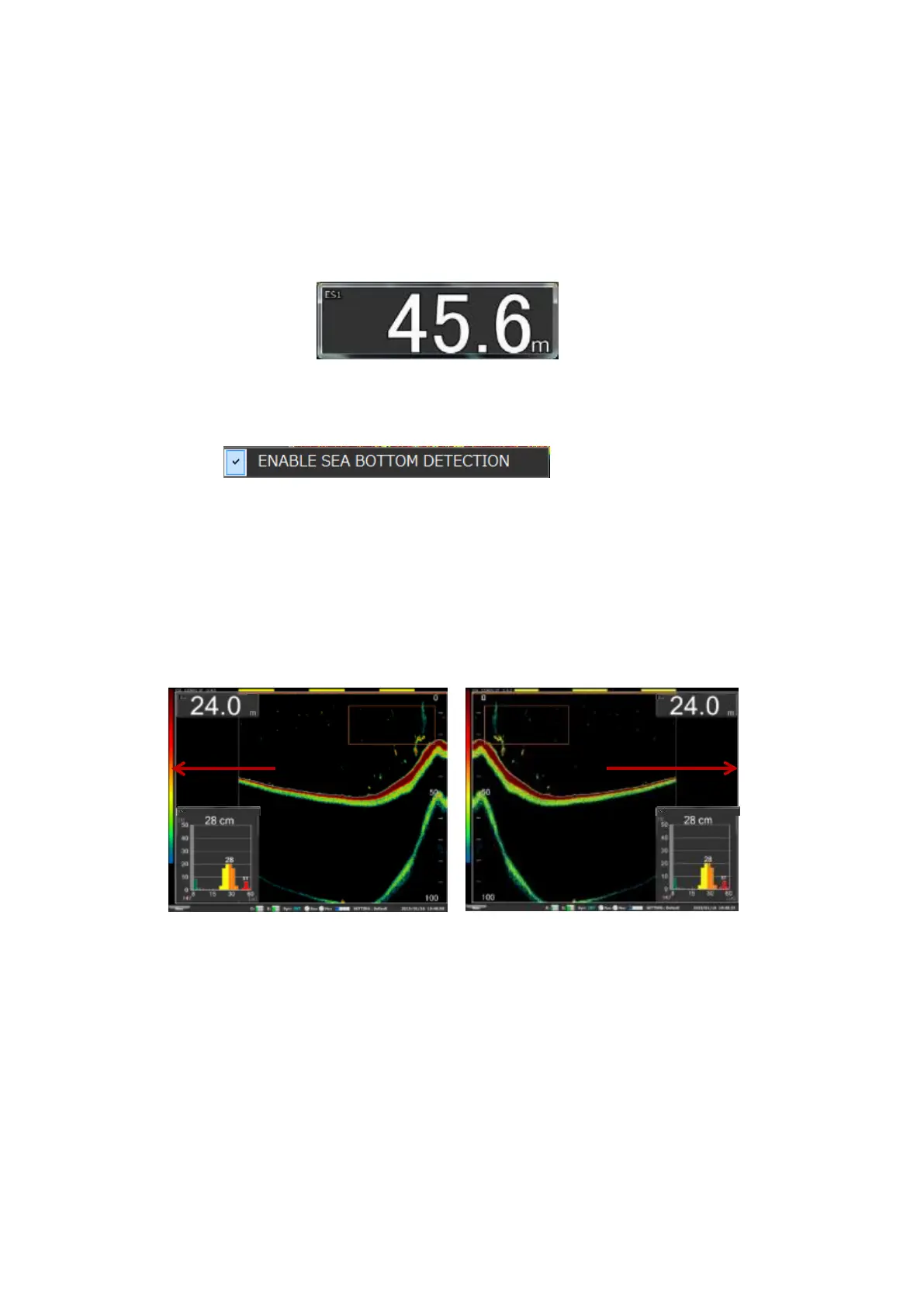
WATER DEPTH VALUE displays the water depth of the current position.
WATER DEPTH VALUE is displayed in a unit of the depth scale as described
in Section 3-1-3.
The size of the depth value display window can be changed to any sizes
required.
Fig. 3-44 WATER DEPTH VALUE display window
* When no measurement is made, the water depth is displayed as***.*m.
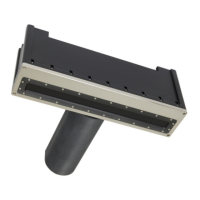
(1)-5-2 ENABLE SEA BOTTOM DETECTION
When this checkbox is checked, the sea bottom can be detected to display
the sea depth value.
(1)-6 NET DEPTH
This is described in Section 3-1-2.
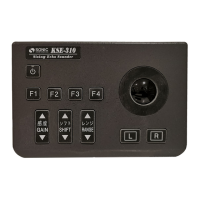
(1)-7 REVERSE
Entering a checkmark in REVERSE can change the screen scroll direction from
the left to the right.
Normal direction of the screen scroll Reversed direction of the screen scroll
Fig. 3-45 Echogram scroll direction
1-(8) FISH LENGTH GRAPH
This is described in Section 2-10.
1-(9) TS GRAPH
This is described in Section 2-10.
1-(10) TRACE GRAPH
This is described in Section 2-11.


 To Next Page