Viewing images recorded on a tape on your computer
(Windows users only)
To use this software in Windows 2000 Professional, you must be authorized as a Power
User or Administrator. For Windows XP, you must be authorized as an Administrator.
Viewing images
Viewing images recorded on a tape
(1) Turn on your computer and allow Windows to load.
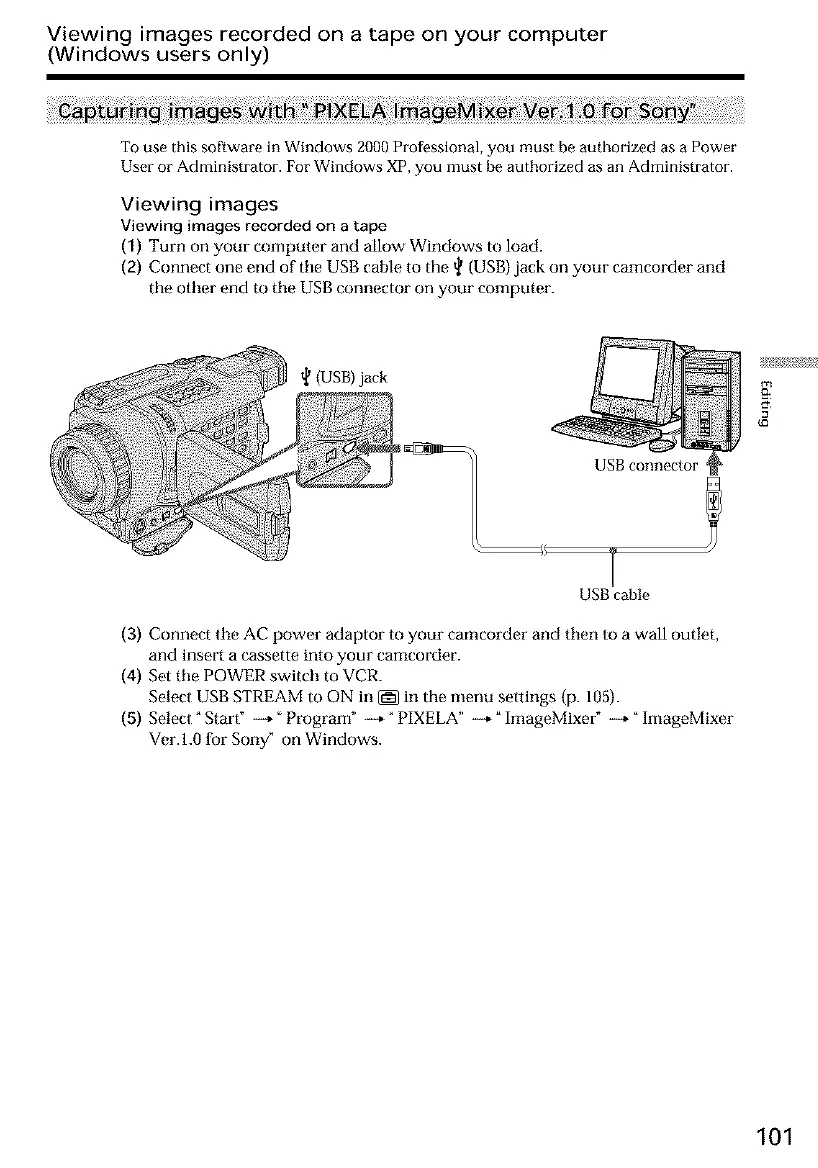
(2) Connect one end of tile USB cable to the _ (USB) jack on your camcorder and
the other end to tile USB connector on your computer.
_{USB)jack
USB cable
(3) Connect tile AC power adaptor to your camcorder and then to a wall outlet,
and insert a cassette into your camcorder.
(4) Set tile POWER switch to VCR.
Select USB STREAM to ON in _ in the menu settings (p. 105).
(5) Select _ Start" --+" Program" _-+ _ PIXELA" --+ _ImageMixeff --+ _ ImageMixer
Ver.l.0 for Soriy" on Windows.
101













 To Next Page