Viewing images recorded on a tape on your computer
(Windows users only)
Install _PIXELA ImageMixer Ver.l.0 tot Sonf on your computer. _PIXELA
ImageMixer Ver.l.0 for Sony" is packaged on the CD-ROM supplied with your
camcorder." PIXELA ImageMixer Ver.l.0 for Sony" allows you to easily view images on
your camcorder on your computer for your enjoyment.
To install and use this software in Windows 2000 Professional, you must be authorized
as a Power User or Administrator. For Windows XP, you must be authorized as an
Administrator.
(1) Turn on your computer and allow Windows to load.
If you are using your computer, close all running applications.
(2) Insert the supplied CD-ROM into tile CD-ROM drive of your computer.
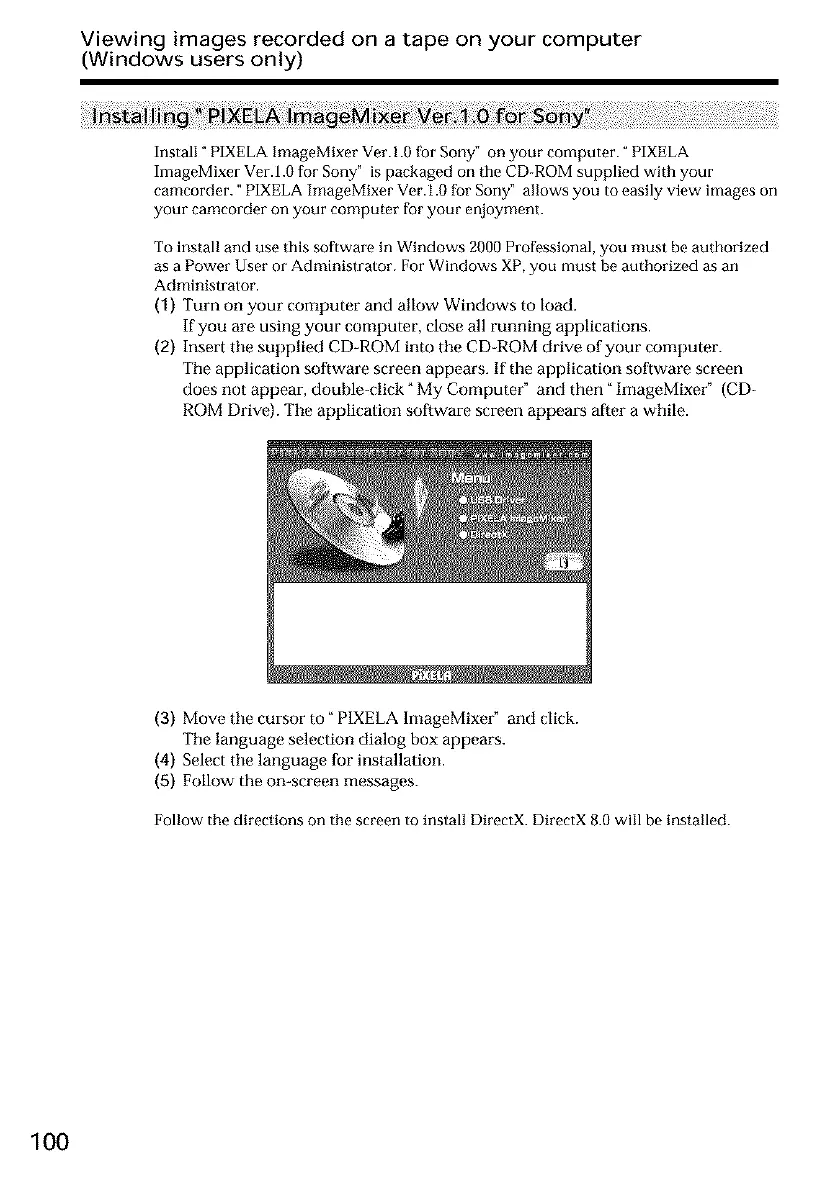
The application software screen appears. If the application software screen
does not appear, double-click _My Computer" and then "ImageMixer" (CD-
ROM Drive). The application software screen appears after a while.
(3) Move the cursor to" P1XELAlmageMixer" and click.
The language selection dialog box appears.
(4) Select the language for installation.
(5) Follow the on-screen messages.
Follow the directions on the screen to install DirectX. DirectX 8.0 will be installed.
100













 To Next Page