Using this manual
Lens and LCD screen/finder
• The LCD screen and the finder are manufactured using extremely high-precision
technology so over 99.99% of the pixels are operational for effective use.
However, there may be some tiny black points and/or bright points (white, red,
blue or green in color) that constantly appear on the LCD screen and the finder.
These points are normal in the manufacturing process and do not affect the
recording in any way.
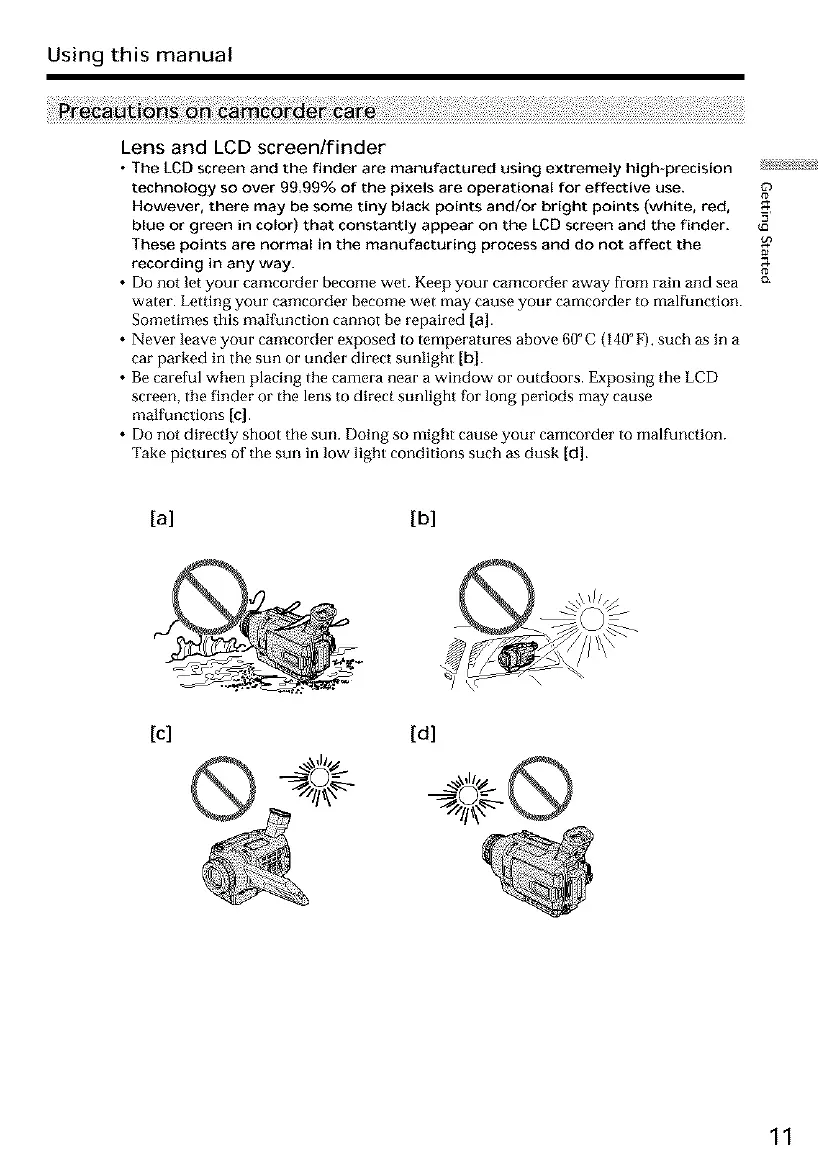
• Do not let your camcorder become wet. Keep your camcorder away from rain and sea
water. Letting your camcorder become wet may cause your camcorder to malfunction.
Sometimes this malfunction cannot be repaired [a].
• Never leave your camcorder exposed to temperatures above 60°C (140 ° F), such as in a
car parked in the sun or under direct sunlight [b].
• Be careful when placing the camera near a window or outdoors. Exposing the LCD
screen, the finder or the lens to direct sunlight Iur long periods may cause
malfunctions [c].
• Do not directly shoot the sun. Doing so might cause your camcorder to malfunction.
Take pictures of the sun in low light conditions such as dusk [d].
E
{o
a
12.
[a] [b]
[c] [d]
11













 To Next Page