Recording still images on "Memory Stick" s
- Memory Photo recording
You can record still images continuously. Select one of the three modes described below
before recording.
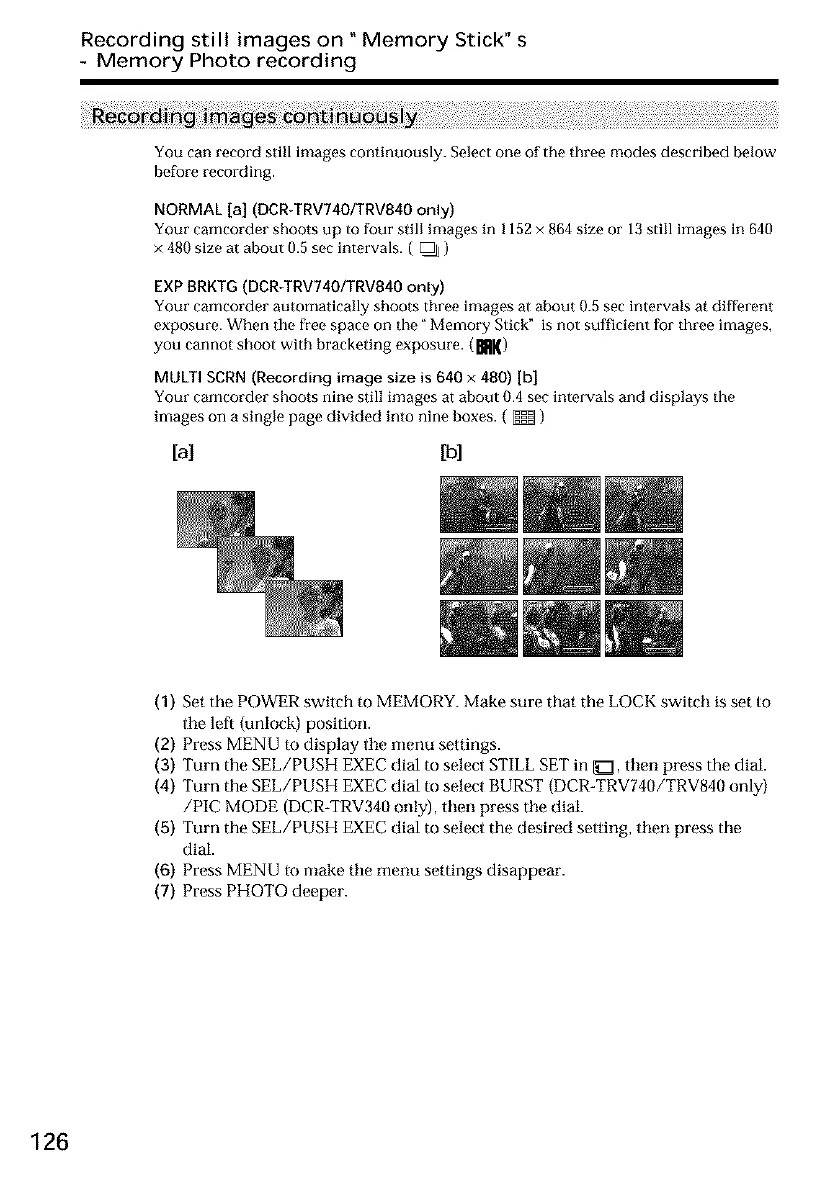
NORMAL [a] (DCR-TRV740/TRV840 only)
Your cameorder shoots up to foul' still images in 1152 × 864 size or 13 still images in 640
× 480 size at about 0.5 sec intervals. ( _ )
EXP BRKTG(DCR-TRV74O/TRV840only)
Your camcorder automatically shoots three images at about 0.5 sec intervals at different
exposure. When the free space on the" Memo_T Stick" is not sufficient for three images,
you cannot shoot with bracketing exposure. (mK)
MULTI SCRN (Recording image size is 640 x 480) [b]
Your camcorder shoots nine still images at about 0.4 sec intervals and displays the
images on a single page divided into nine boxes. ( _ )
[a] [b]
(1) Set the POWER switch to MEMORY. Make sure that the LOCK switch is set to
tile left (unlock) position.
(2) Press MENU to display tile menu settings.
(3) Turn the SEE/PUSH EXEC dial to select STILL SET in _1, then press the dial,
(4) Turn the SEE/PUSH EXEC dial to select BURST (DCR-TRV740/TRV840 only)
/PIC MODE (DCR-TRV340 only), then press tile dial.
(5) Turn the SEE/PUSH EXEC dial to select the desired setting, then press the
dial.
(6) Press MENU to make tile menu settings disappear.
(7) Press PHOTO deeper.
126













 To Next Page