Viewing images recorded on " Memory Stick" s on your computer
Recommended Macintosh environment
Mac OS 8.5. I/8.6/9.0/9.1/9.2 or Mac OS X (vlO.O/vlO.1) standard installation is
required.
However, note that the update to Mac OS 9.0/9.1 should be used lot the following
models.
• iMac with the Mac OS 8.6 standard installation and a slot loading type CD-ROM drive
• iBook or Power Mac G4 with the Mac OS 8.6 standard installation
The USB connector must be provided as standard.
Installing the USB driver
Before connecting your camcorder to your computer, install the USB driver on the
computer. The USB driver is packaged together with application software for viewing
images on the CD-ROM supplied with your camcorder. Do not connect the USB cable to
your computer before installation of the USB driver is completed.
For Mac OS 9,1/9.2/Mac OS X (v10.O/v10.1)
The USB driver need not be installed. Your Mac is automatically recognized as a driver
just by connecting your Mac using the USB cable.
For Mac OS 8,5.1/8,6/9.0 users
(1) Turn on your computer and allow the Mac OS to load.
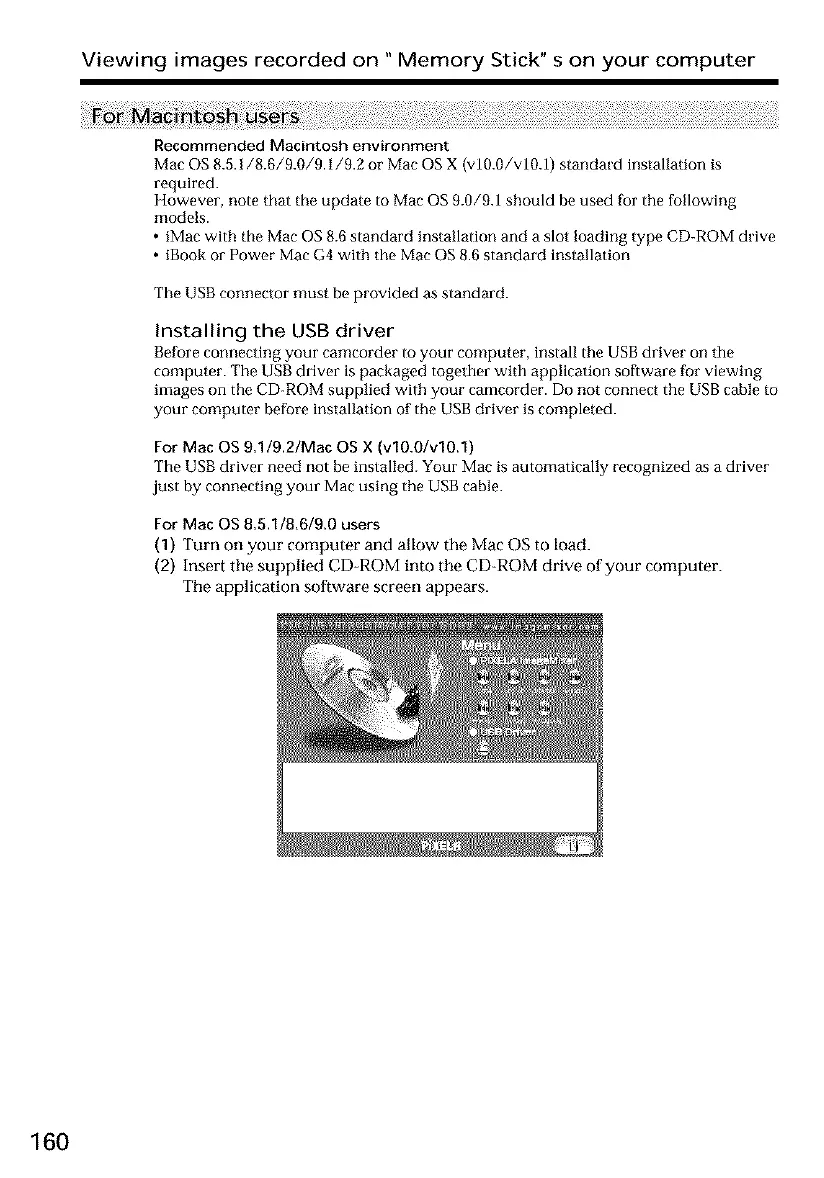
(2) Insert the supplied CD-ROM into tile CD-ROM drive of your computer.
The application software screen appears.
160













 To Next Page