Viewing images recorded on" Memory Stick" s on your computer
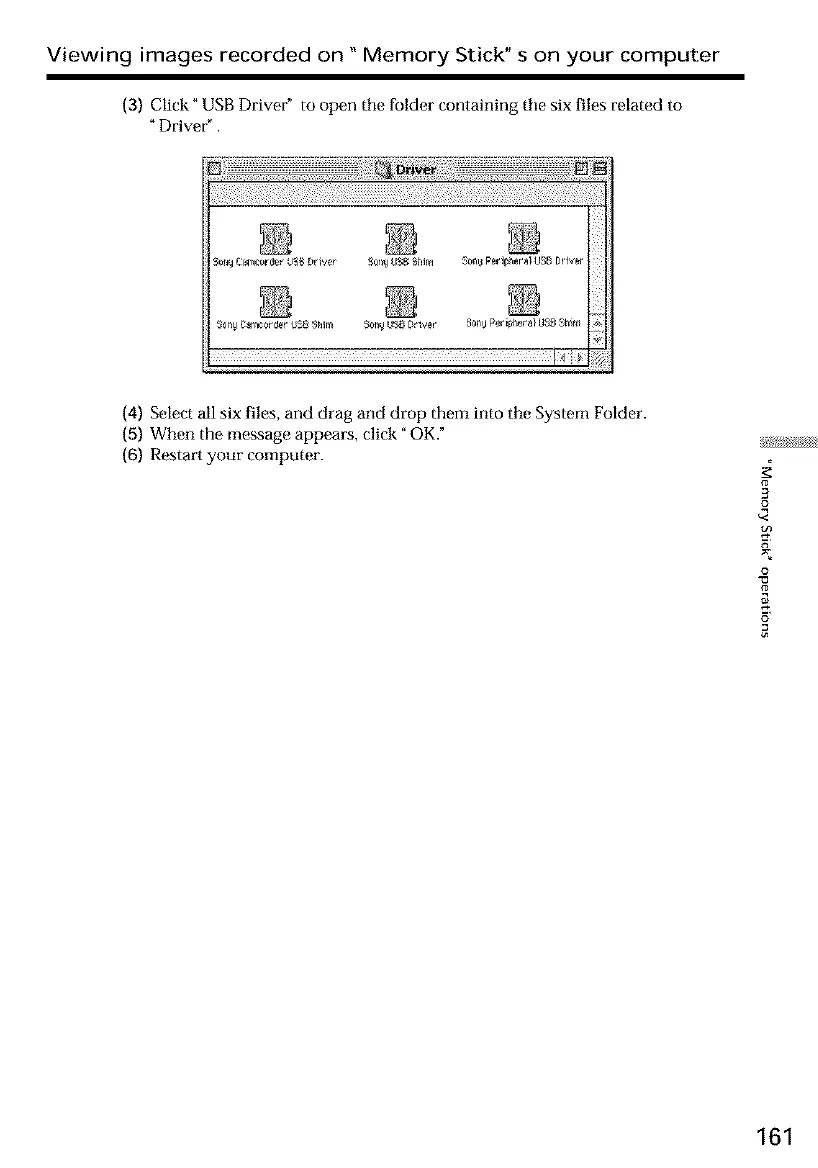
(3) Click" USB Driver" to open tile folder containing tile six files related to
- Driver - .
Soll_ Canlce_#r LimbI)river SelN tlSg Niim _0nBPerll_l_eral US8Driw_
SqnyCarp2orderUSBSNr_ SonyLtNgDt4er 8en_Peripheral118BShin
(4) Select all six files, and drag and drop them into tile System Folder.
(5) When the message appears, click" OK."
(6) Restart your computer.
3
£
o
161













 To Next Page