104
5 Web Operation
5.1 General Introduction
The NVR can also be accessed through a web browser, allowing for live view, playback, system setup, and
PTZ controls.
5.1.1 Log in
Before accessing the device on a web browser, make sure that the device is connected to the network and
that it has a valid IP address.
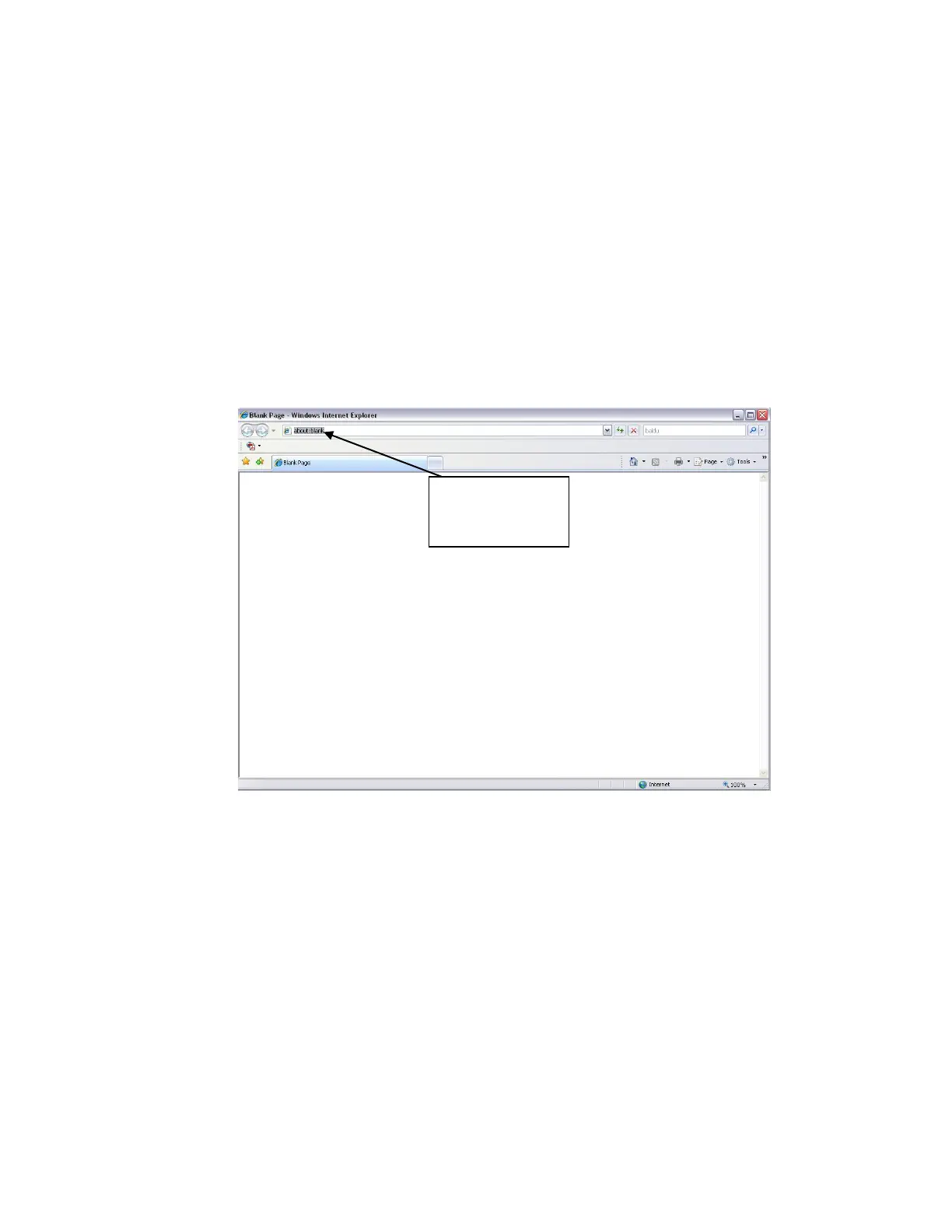
Open Internet Explorer and enter the NVR IP address in the address column.
See Figure 5-1.
Figure 5-1
There will be a prompt to install the web plug-in. Accept to install the plug-in.
If it fails to install the plug-in, please modify the browser settings as follows. See Figure 5-2. ActiveX controls
must be enabled.



 To Next Page