19
4.2 Change/Reset Password
4.2.1 Change Password
Listed below is the default login ID:
Username: admin (administrator, local and remote)
Note:
For security purposes, it is required to create the administrator password on the initial login.
5 incorrect login attempts within 30 minutes will result in a lock on the account. Once the unit is locked,
please wait for 30 minutes before attempting to log in again.
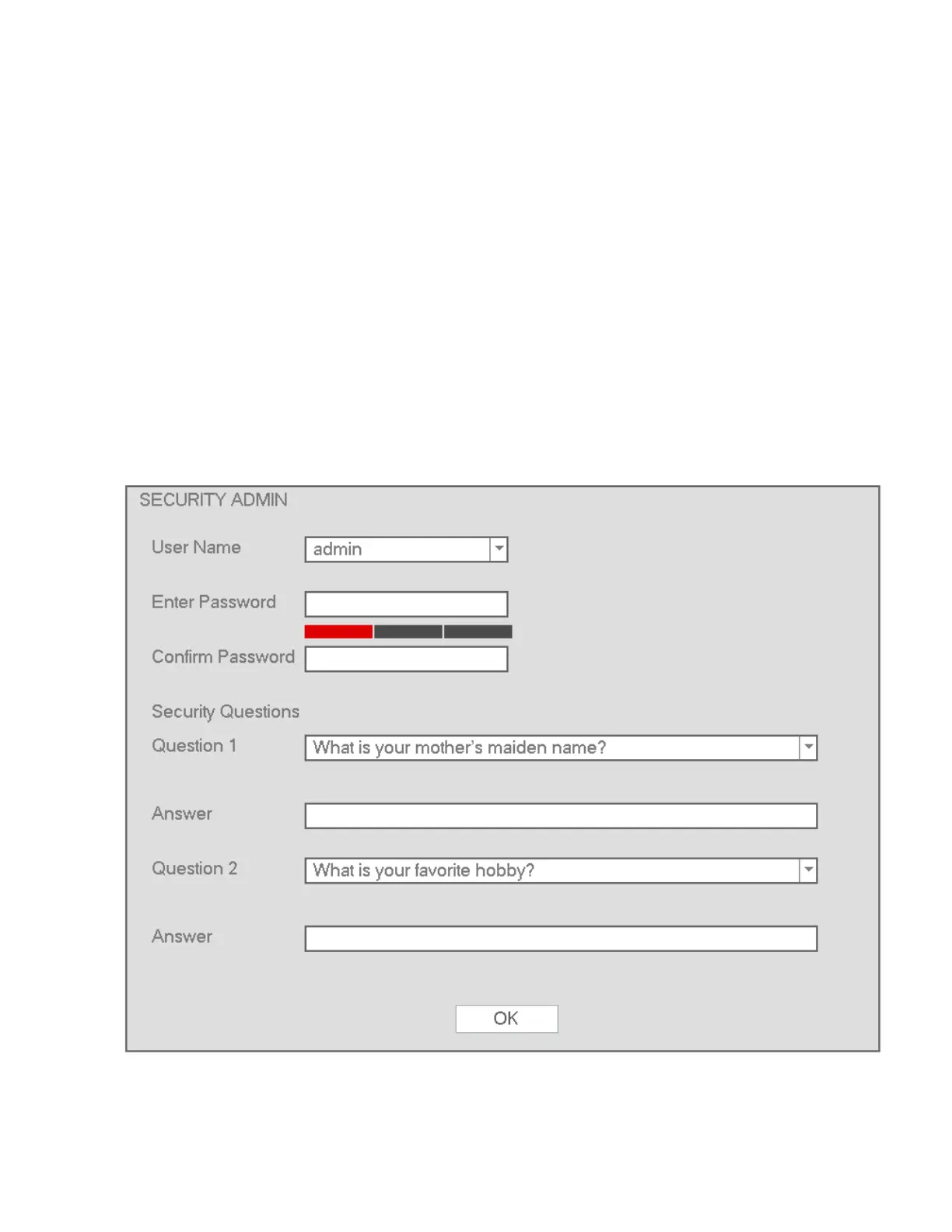
See Figure 4-1 for the password change screen.
Security questions can be set here to reset the password in case you forgot. The NVR supports
customized setup. Please note two security questions must be set. These questions must be answered
correctly when resetting the password.
For more information, please refer to section 4.2.2.
Figure 4-1



 To Next Page