83
4.11.3 Advanced
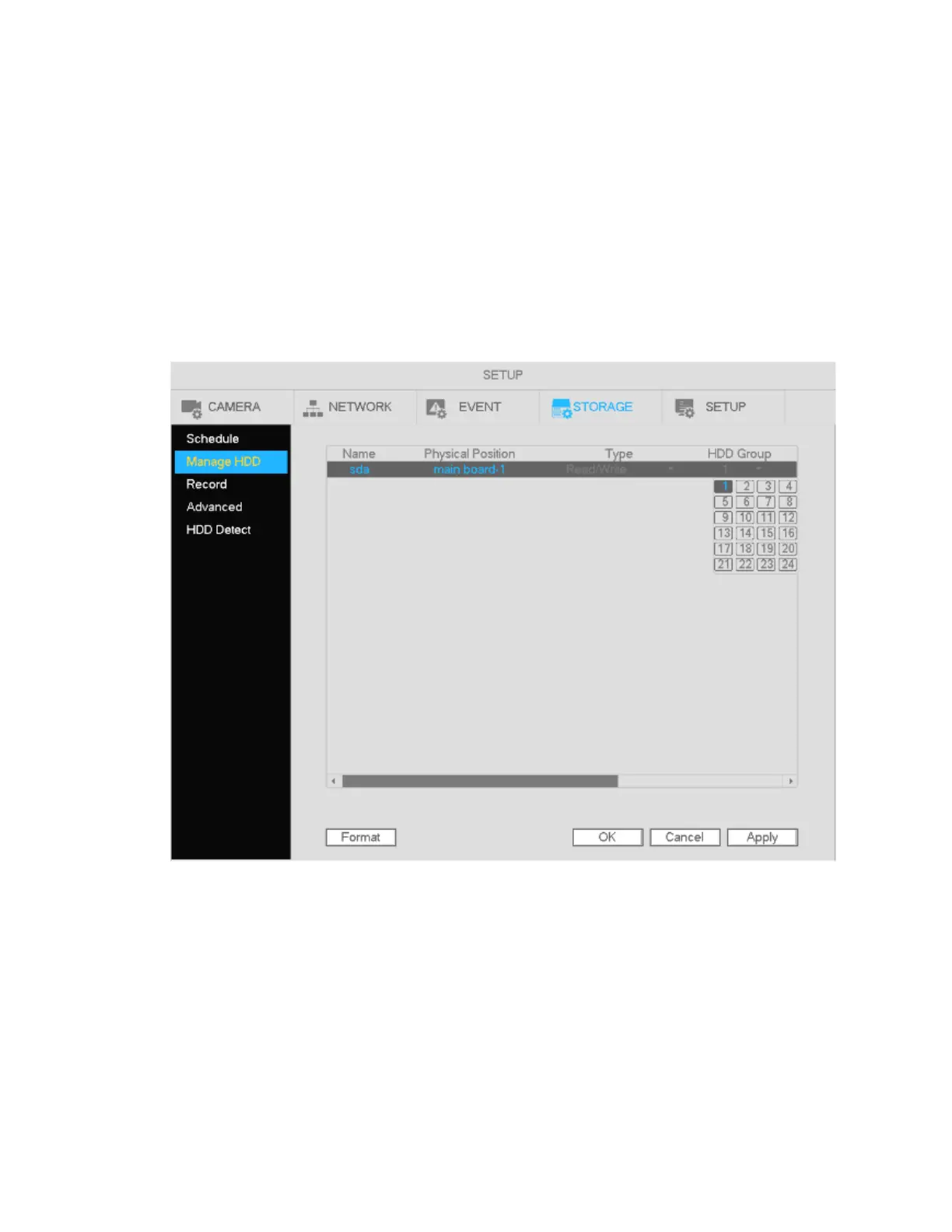
If multiple hard drives are installed in the unit, each hard drive can be assigned to a “group”. Then individual
channels can be configured to record to a specific hard drive group.
Note
The unit must restart after setup is completed.
See Figure 4-79.
HDD: Displays the number of hard drives that are supported.
Group: Lists the group numbers of the installed hard drives.
Figure 4-79
Select a desired group from the dropdown list and then click Apply.
Set the appropriate HDD group for each channel. See Figure 4-80 through Error! Reference source not
found..



 To Next Page