106
5.2 LAN Mode
For the LAN mode, after logging in, the main window will show. See Figure 5-9.
This main window can be divided into the following sections.
Section 1: there are six function tabs at the top: Live View, Playback, Setup, Sensor, Setup,System Info,
and Logout.
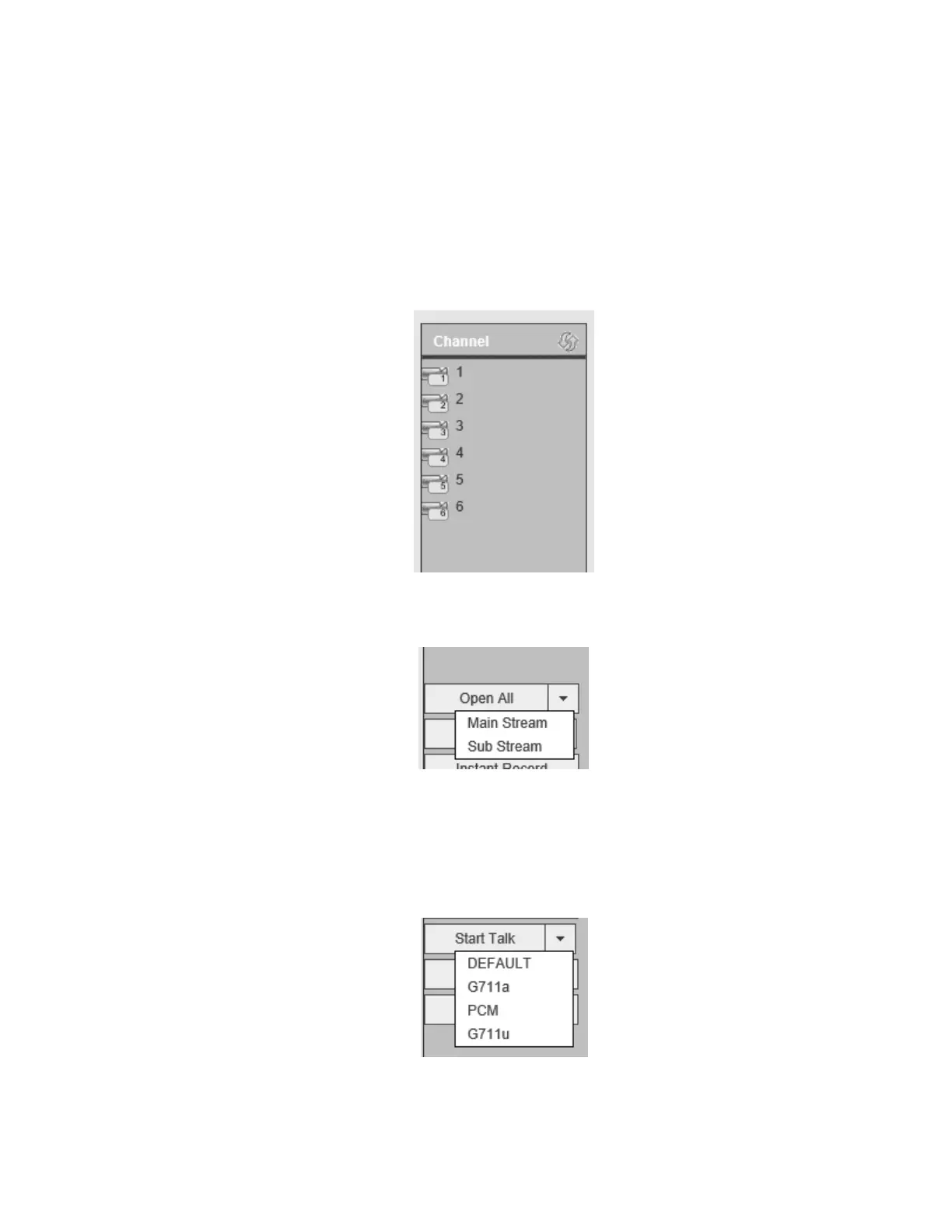
Section 2: The left menu pane shows all channels that are connected in the NVR currently. For each
channel, main stream or sub stream can be chosen for viewing. Refer to Figure 5-4. To select the stream,
hover the mouse over the channel and click on the pulldown arrow.
Figure 5-4
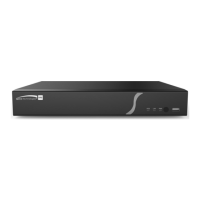
Section 3: The Open All button enables/disables live view for all channels. Selection can be made for
main stream or sub stream. See Figure 5-5.
Figure 5-5
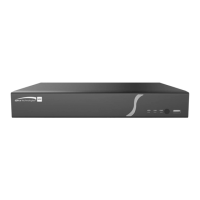
Section 4: Start Talk button.
Enable two-way audio. Click the pulldown arrow to select the mode. There are four options: DEFAULT,
G711a, G711u, and PCM. See Figure 5-6.
Figure 5-6



 To Next Page