137
5.7.5.7 Upgrade
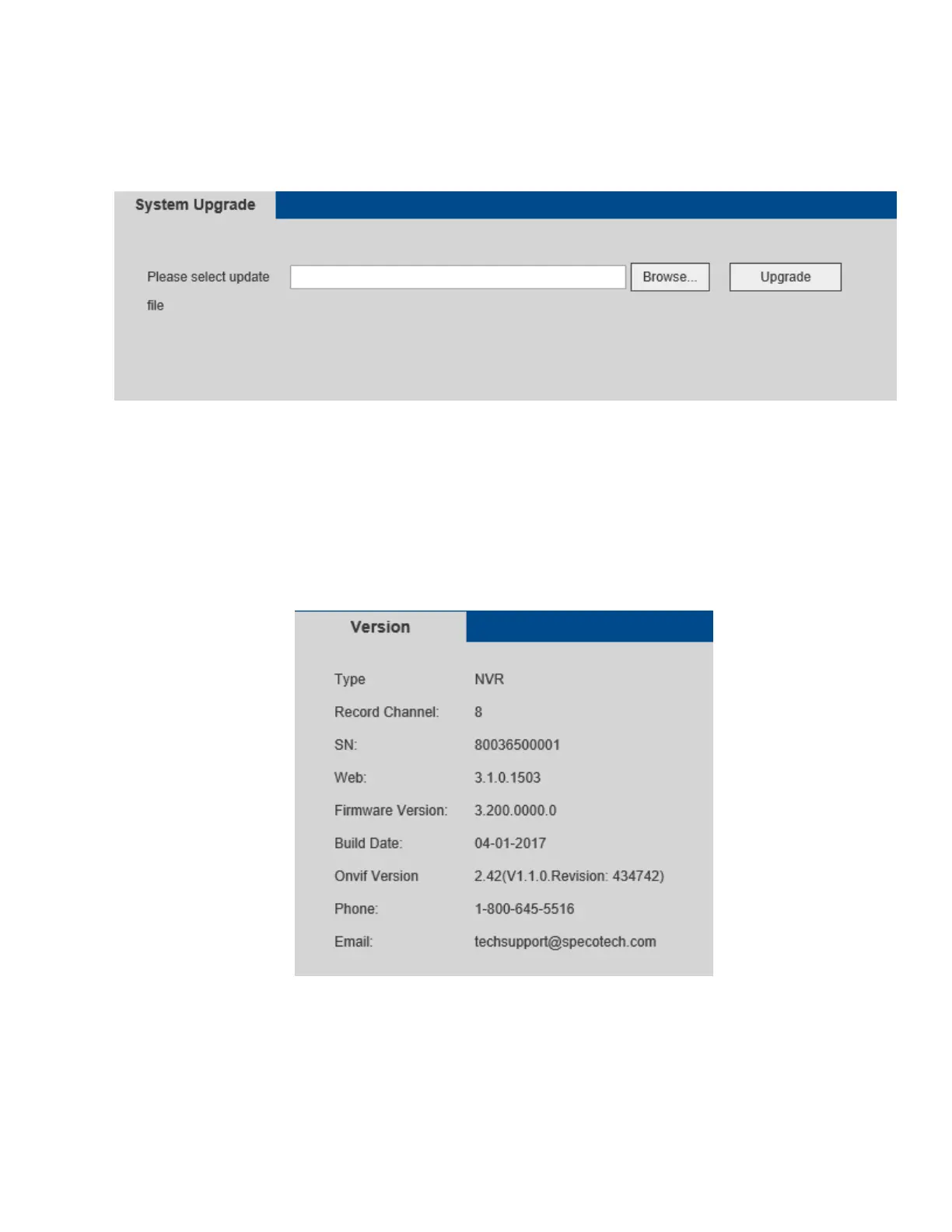
The firmware upgrade interface is shown in Figure 5-60.
Select the firmware file and then click the upgrade button to begin the update. During the upgrade process,
do not unplug the power cable, network cable, or shut down the device.
Figure 5-60
5.8 System Information
5.8.1 Version
The version interface is shown in Figure 5-61. Click on the System Info tab at the top of the page and then
click on System->Version.
Figure 5-61



 To Next Page