58
Playback Mark
In single-channel mode, click the Pin Event List button to go to the list interface. Double click on a file
to begin playback.
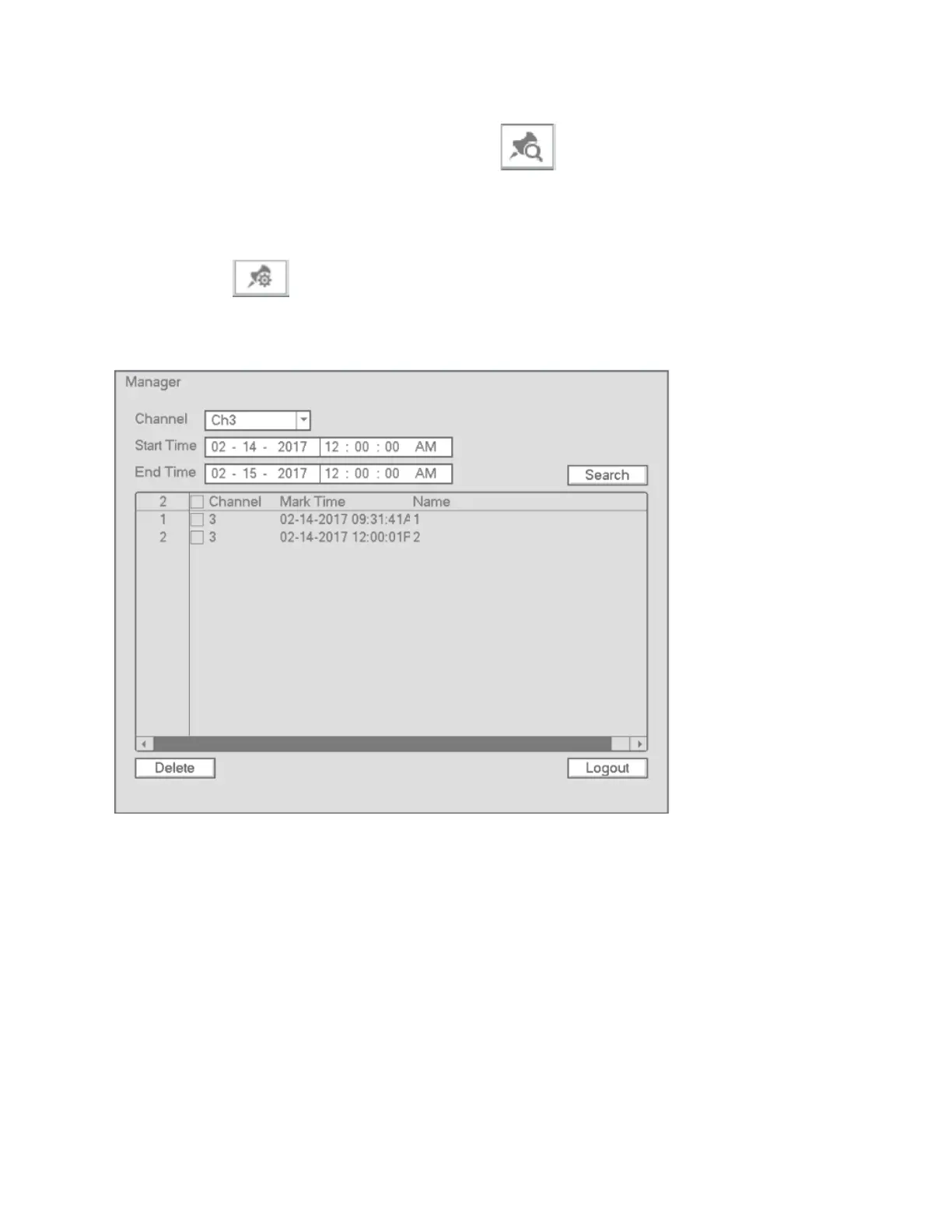
Bookmark Pin Manager
Click the button on the Search interface to go to the Manager interface. See Figure 4-48.
Figure 4-48
Modify
Double click on an item, which will bring up a dialogue box to modify the pin name.
Delete
To remove a pin, check the box of a pin and then press Delete.
4.7.3 Snapshot Playback
a) To view recorded snapshots, in the search interface, select Snapshot in the top right section and the
interval



 To Next Page