30
4.5.3 Channel Name
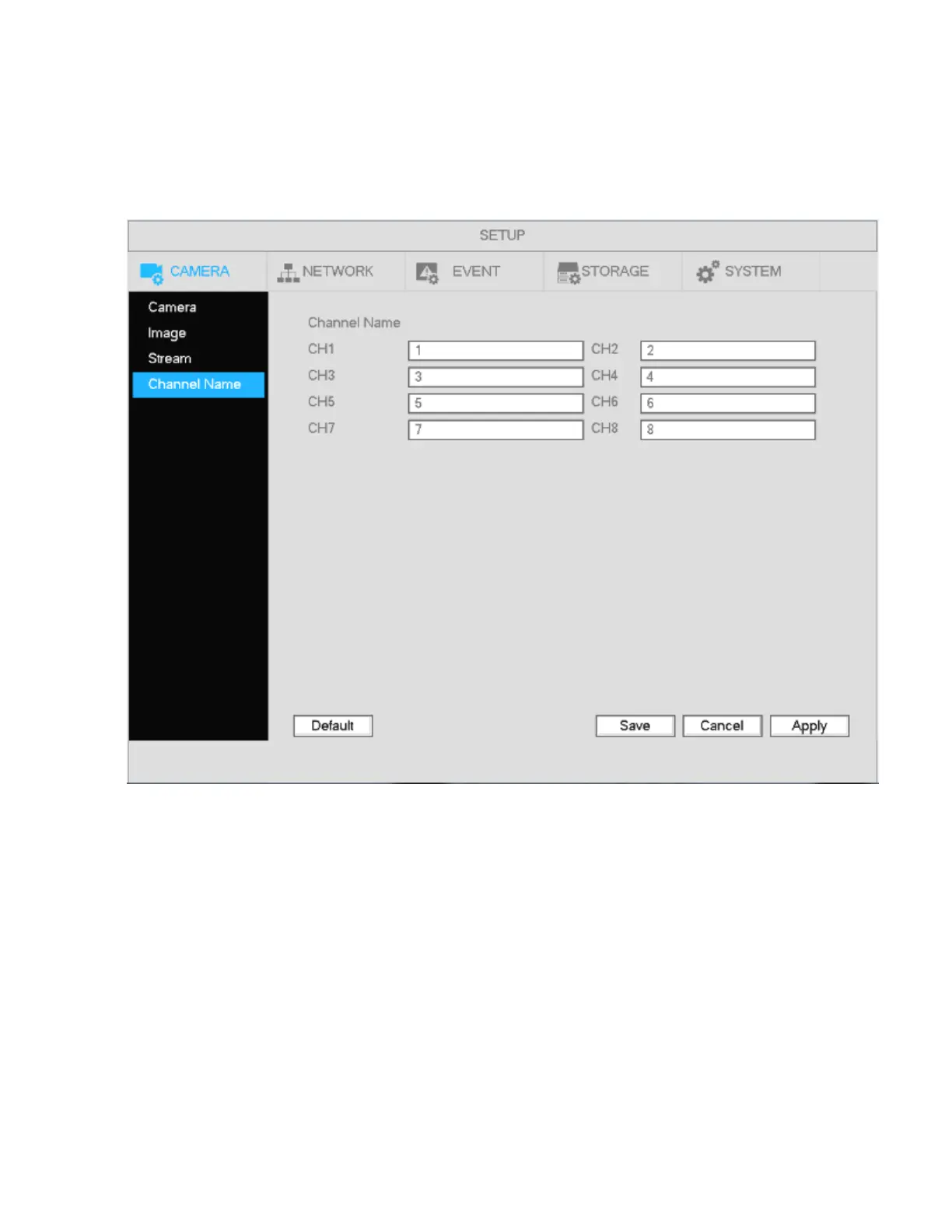
Go to Main Menu->Setup->Camera->Channel name. The interface is shown in Figure 4-13.
This is for setting the name of the local channel name on the NVR. This does not affect the nickname of the
camera itself. Maximum of 31 letters are supported.
Figure 4-13
4.5.4 Camera Upgrade
Note
Supported IP camera models can have firmware be updated through the NVR, both locally through USB or
remotely through a web browser.
To update:
Go to Main Menu->Setup->Camera->Upgrade. The interface is shown below in Figure 4-14.
Click Browse button and then select the upgrade file. Then select a channel (or you can select device type
filter to select several devices at the same time.)
Click Start Upgrade. You can see the corresponding dialogue once the upgrade is finished.



 To Next Page