77
4.10.1.8 FTP
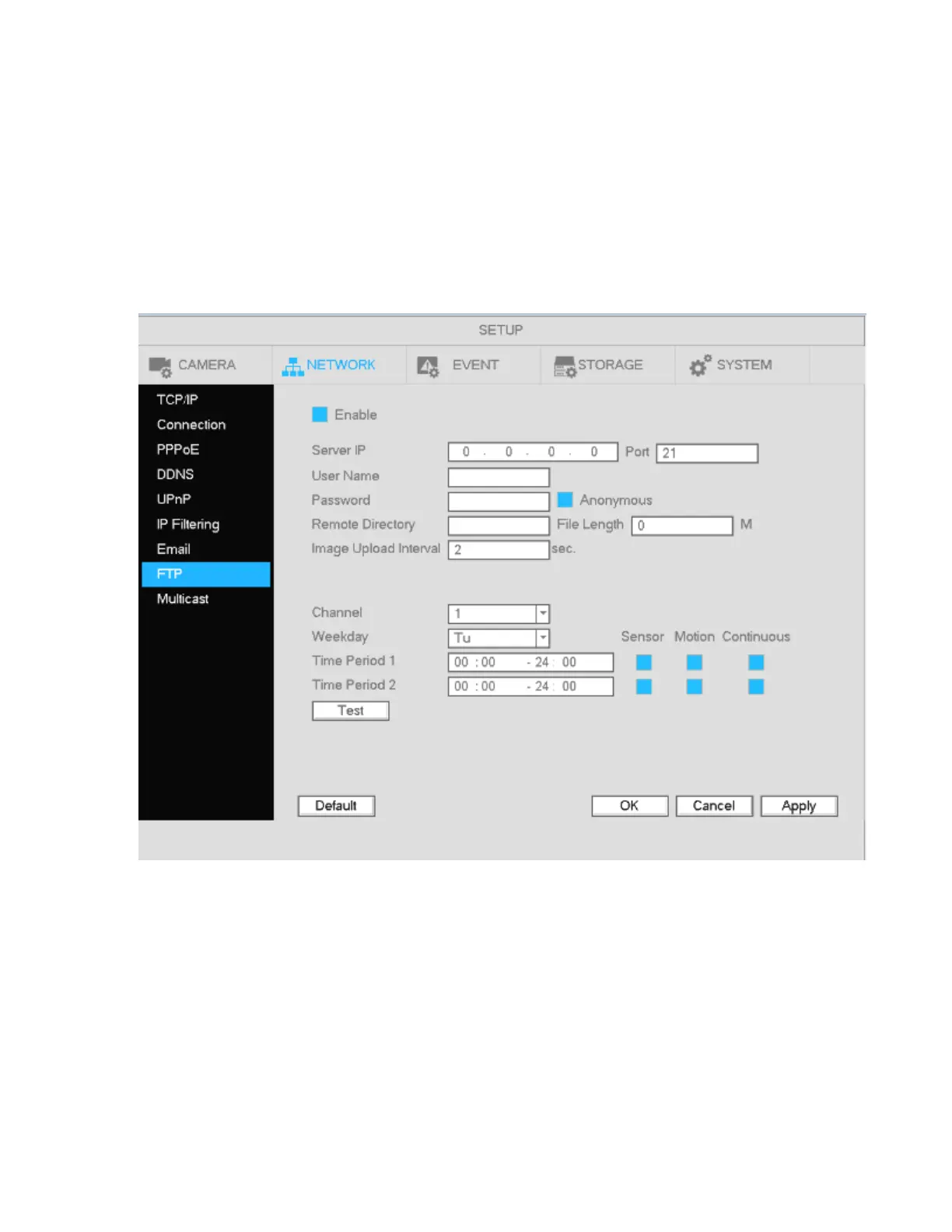
The FTP interface is shown in Figure 4-72.
Use this section to enter the FTP server address, port, and remote directory. If a remote directory is not
specified, the system will automatically create folders according to the IP, time, and channel.
File length is the upload file size. If the specified value is larger than the actual file size, the system will
upload the entire file. When the value is 0, the system will upload all corresponding files.
After specifiying the channel and weekday, two periods can be set for each channel according to the desired
event type (sensor, motion, or continuous).
Click the Test button to test the FTP connection.
Figure 4-72



 To Next Page