141
5.9.3 Playback
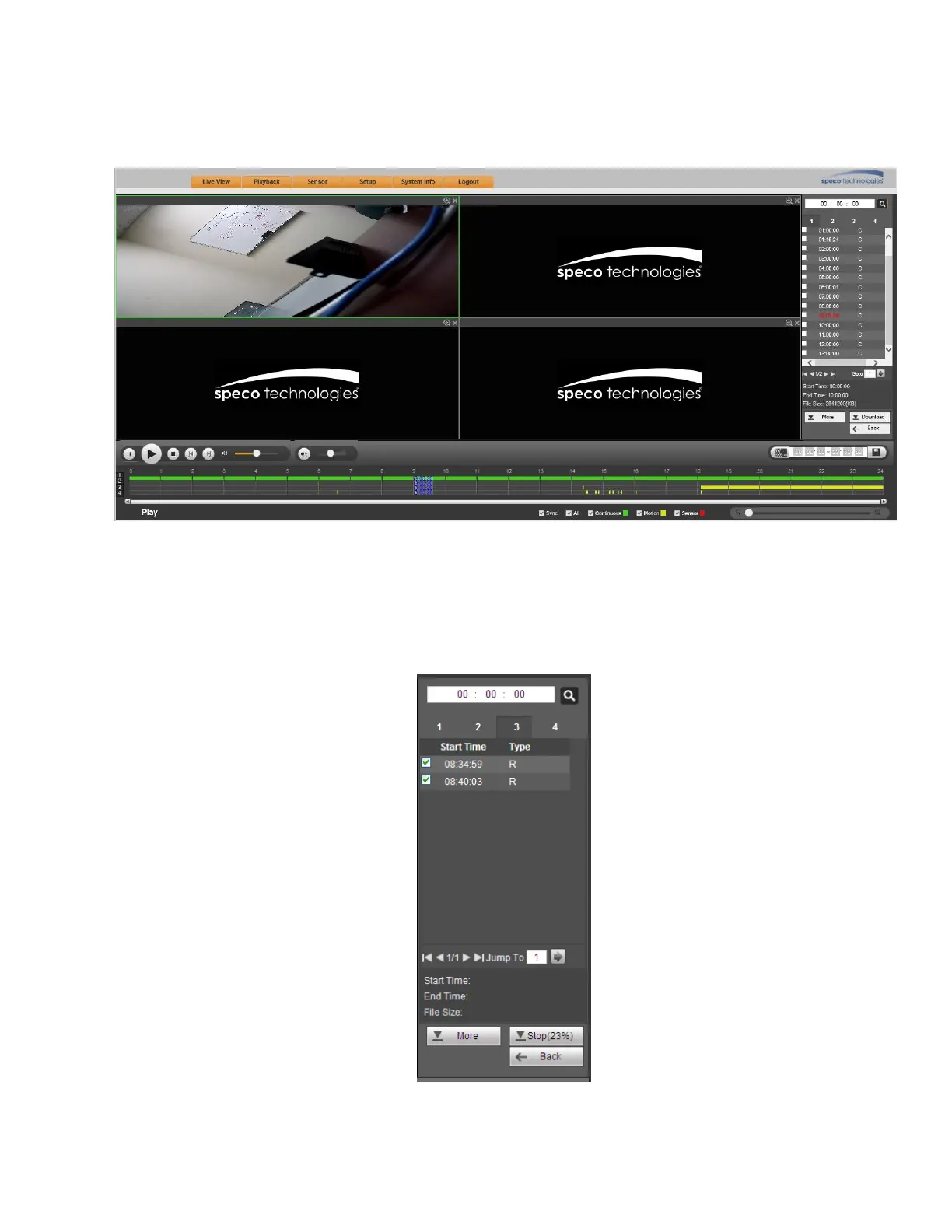
Select a file and click the Play button to begin playback or simply double click on a file. Note that for one
channel, the system can not perform playback and download at the same time. See Figure 5-68.
Figure 5-68
5.9.4 Download
Select the file(s) to download and then click the download button on the right side to bring up the interface
shown in Figure 5-69. The Download button will change to Stop and will show a progress bar. Go to the
saved file path to view the files.
Figure 5-69



 To Next Page