50
4.6.5 Manual Recording/Snapshot
4.6.5.1 Manual Recording
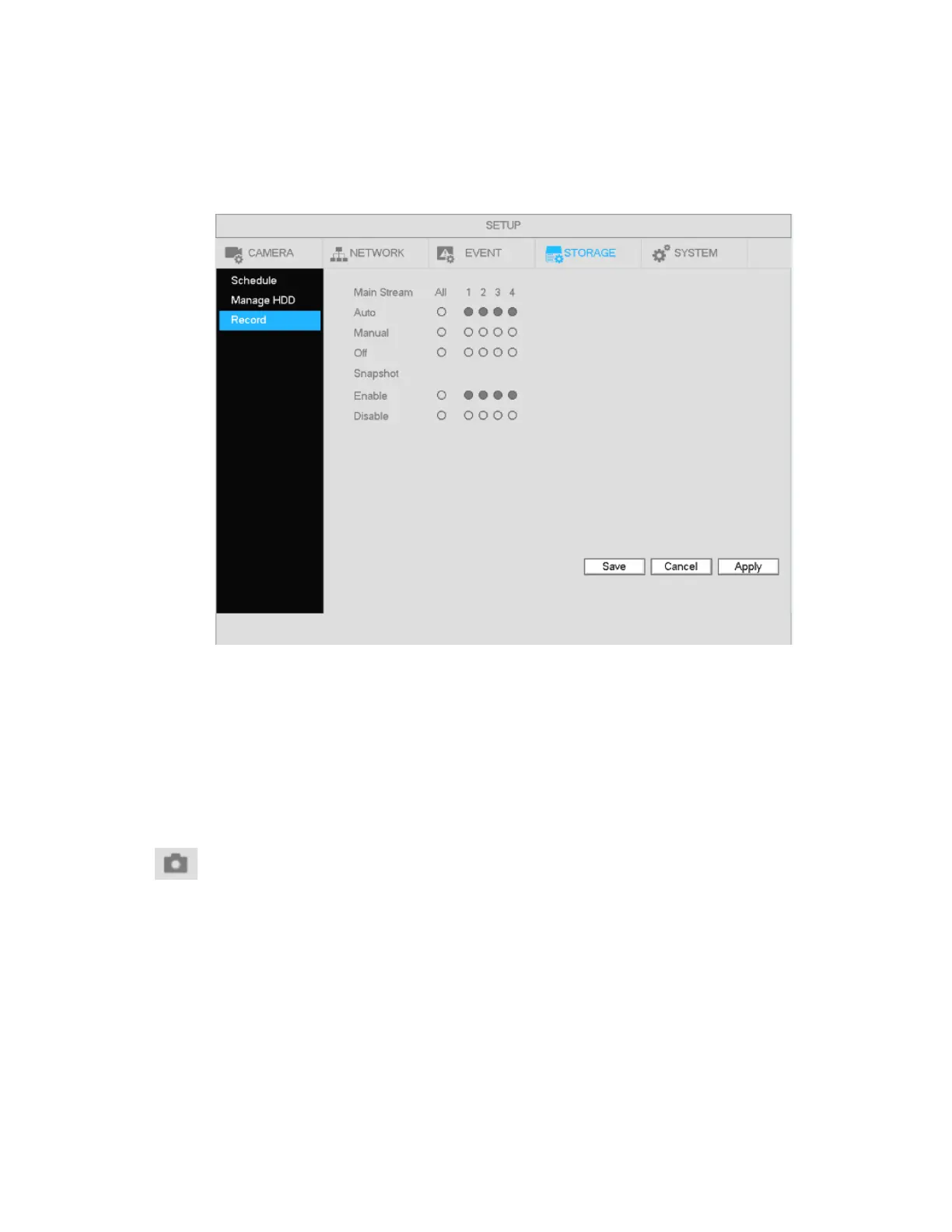
a) To enable manual recording, right click mouse and select manual record or in the main menu,
from Setup->Storage->Record. See Figure 4-41.
Figure 4-41
b) Check the boxes to select the channels for manual recording.
Manual: The NVR will record the selected channels, regardless of the schedule.
Auto: The NVR will record the selected channels based on the schedule setup.
Stop: The NVR will not record the selected channels, regardless of the schedule.
4.6.5.2 Manual Snapshot
Click on the control bar in live view to manually take snapshots. The number of snapshots that are
generated depends on the setting in Main Menu->Setup->Camera->Stream->Snapshot.



 To Next Page