122
5.7.2.10 HTTPS
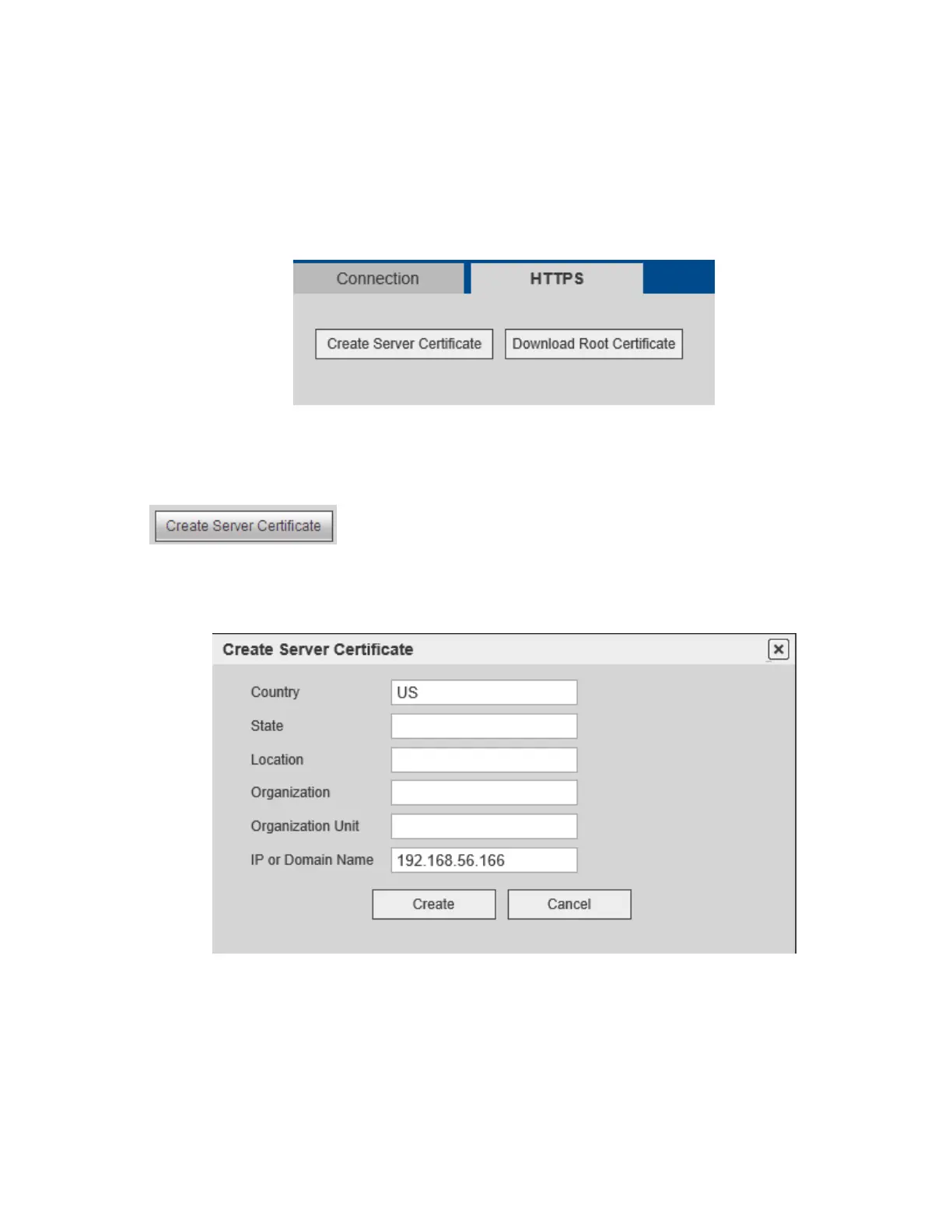
The HTTPS interface is shown in Figure 5-33.
Note
HTTPS must be enabled first. Go to the Connection section to do this. The unit will reboot after
enabling HTTPS.
If the device IP address changed, the server certificate must be implemented again.
If HTTPS is being used for the first time on a PC, the root certificate must be downloaded.
Figure 5-33
5.7.2.10.1 Create Server Certificate
Click and enter the necessary information. Click Create. See Figure 5-34.
Note
Please make sure the IP or domain information is the same as the device IP or domain name.
Figure 5-34



 To Next Page