112
5.7 Setup
Note
Functions included in the web viewer are available locally in the unit. All changes made are saved locally at
the unit. Screenshots are provided below for reference. For more detailed information on specific features,
please refer to chapter 4.
5.7.1 Camera
5.7.1.1 Camera Setup
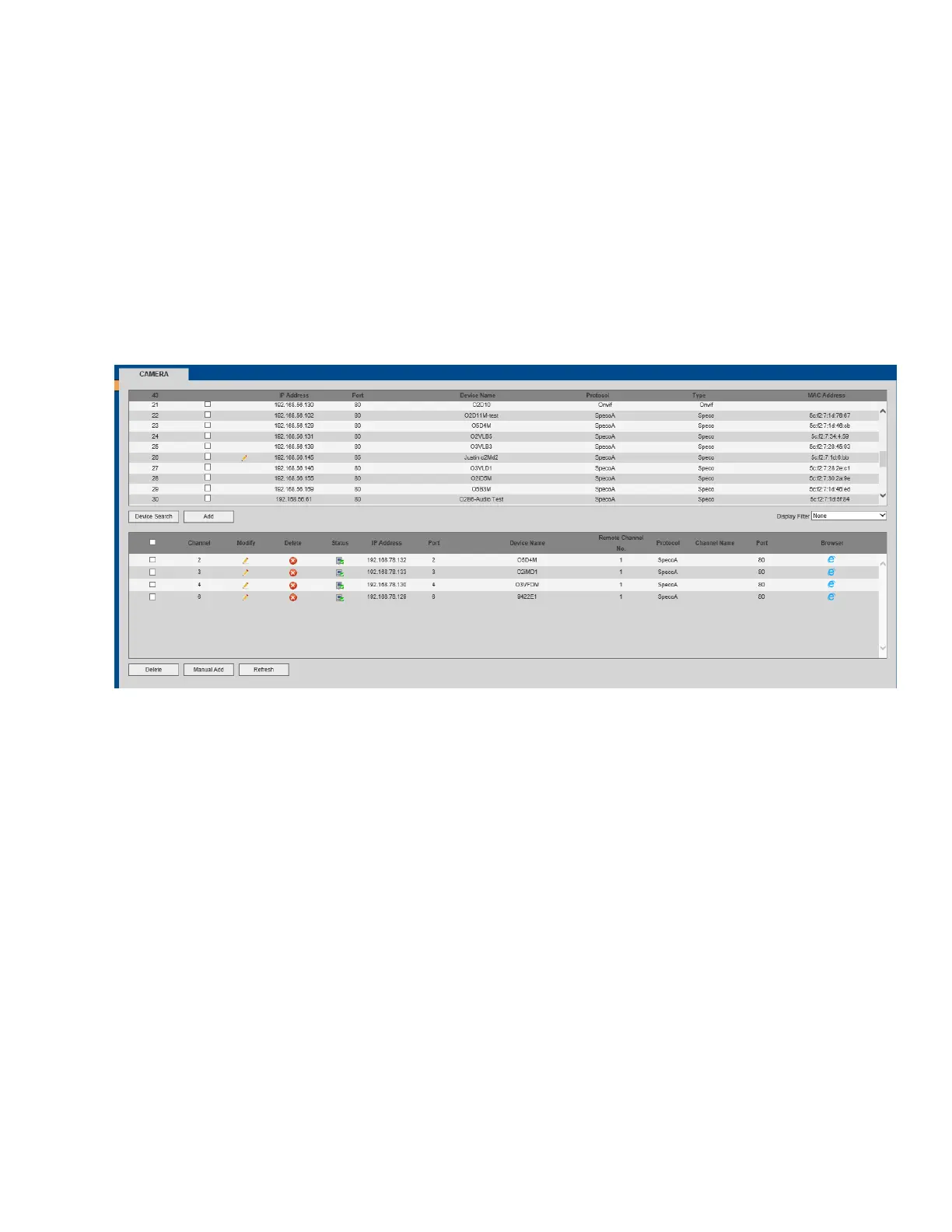
Go to Setup->Camera->Camera to set up cameras on the device. See Figure 5-16. Click on Manual Add to
manually add a camera. See Figure 5-17.
Figure 5-16



 To Next Page