111
Please refer to the following for differences between LAN and WAN login.
1) In the WAN mode, system opens the main stream view of the first channel by default. The open/close
button on the left pane is disabled.
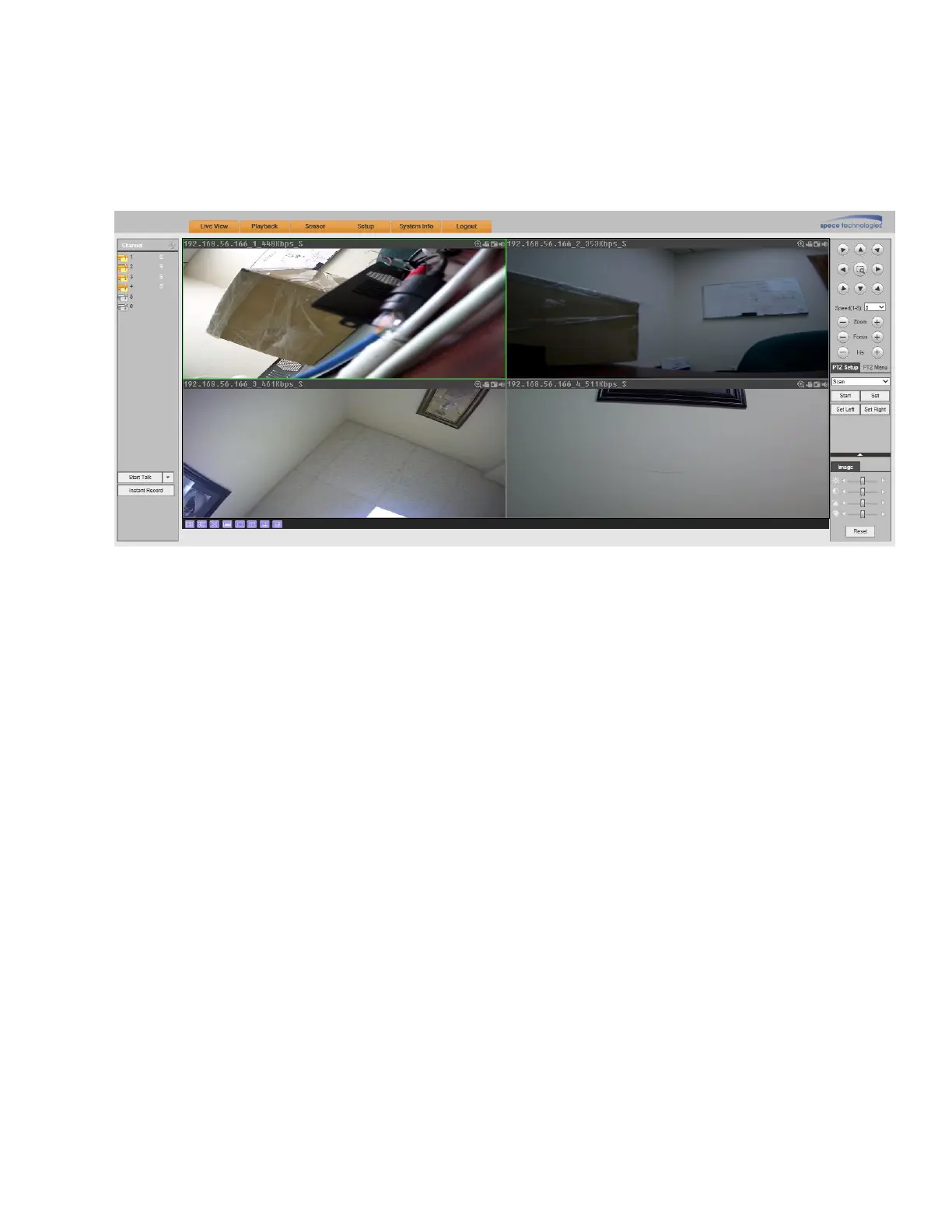
2) You can select different channels and different viewing modes at the bottom of the interface. See Figure
5-15.
Figure 5-15
3) In a multiple-channel view, the system uses the sub stream by default. Double click on a channel to switch
to a single channel view. The system will use the main stream for single channel view. On the left menu pane,
M stands for main stream and S stands for sub stream.
4) If logged in via the WAN mode, the system does not support alarm activation to open the video function in
the Alarm setup interface.



 To Next Page