72
4.10.1.3 PPPoE
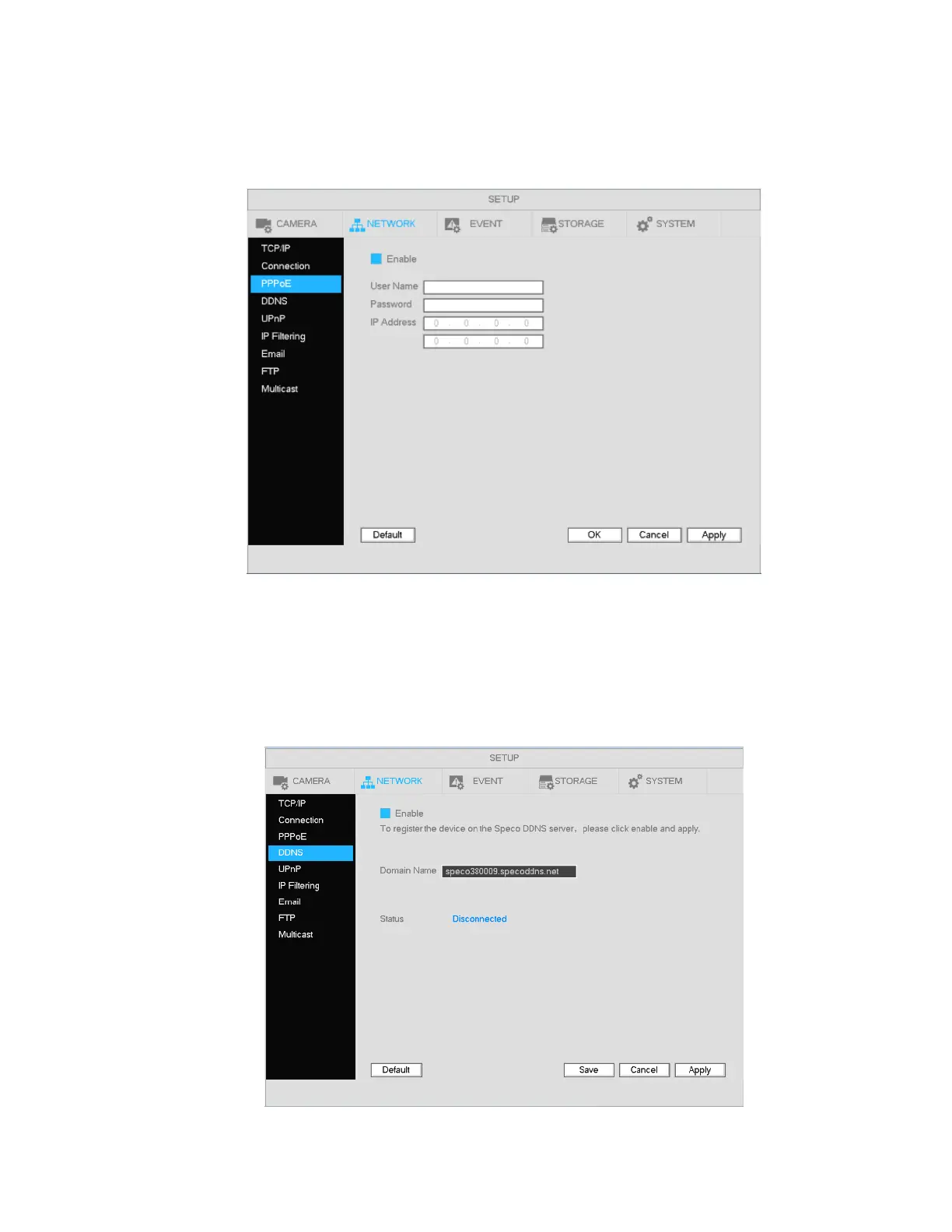
PPPoE interface is shown in Figure 4-65.
Input “PPPoE name” and “PPPoE password” you get from your ISP (Internet service provider).
Save and reboot to activate the configuration.
Figure 4-65
4.10.1.4 DDNS
DDNS setup interface is shown in Figure 4-66.
Check the Enable box and click on Apply. The DDNS address will be “specoXXXXXX.specoddns.net” with
“XXXXXX” being the last 6 digits of the unit’s MAC address. When connected, the status field will show
“connected”.
Figure 4-66



 To Next Page